
Participant
October 16, 2024
Answered

After Update illustrator pen tool not working properlly

  • October 16, 2024
  • 2 replies
  • 1507 views

Hi everyone, 
After the latest Illustrator update, ver 29.0 the pen tool simply stopped working properlly. 
The paths are no longer closing even when I go back to the first node, and even on the lowest smoothing seeting it is changing the shape so much is impossible to get the original shapes i am attempting to create, it was NOT doing this two days ago before I updated. 
Is there any new hidden setting that i dont know about? Does anyone have any suggestions on what to do ?
This tool is one of the most important ones for my work and without it working it will impact the results so much. 

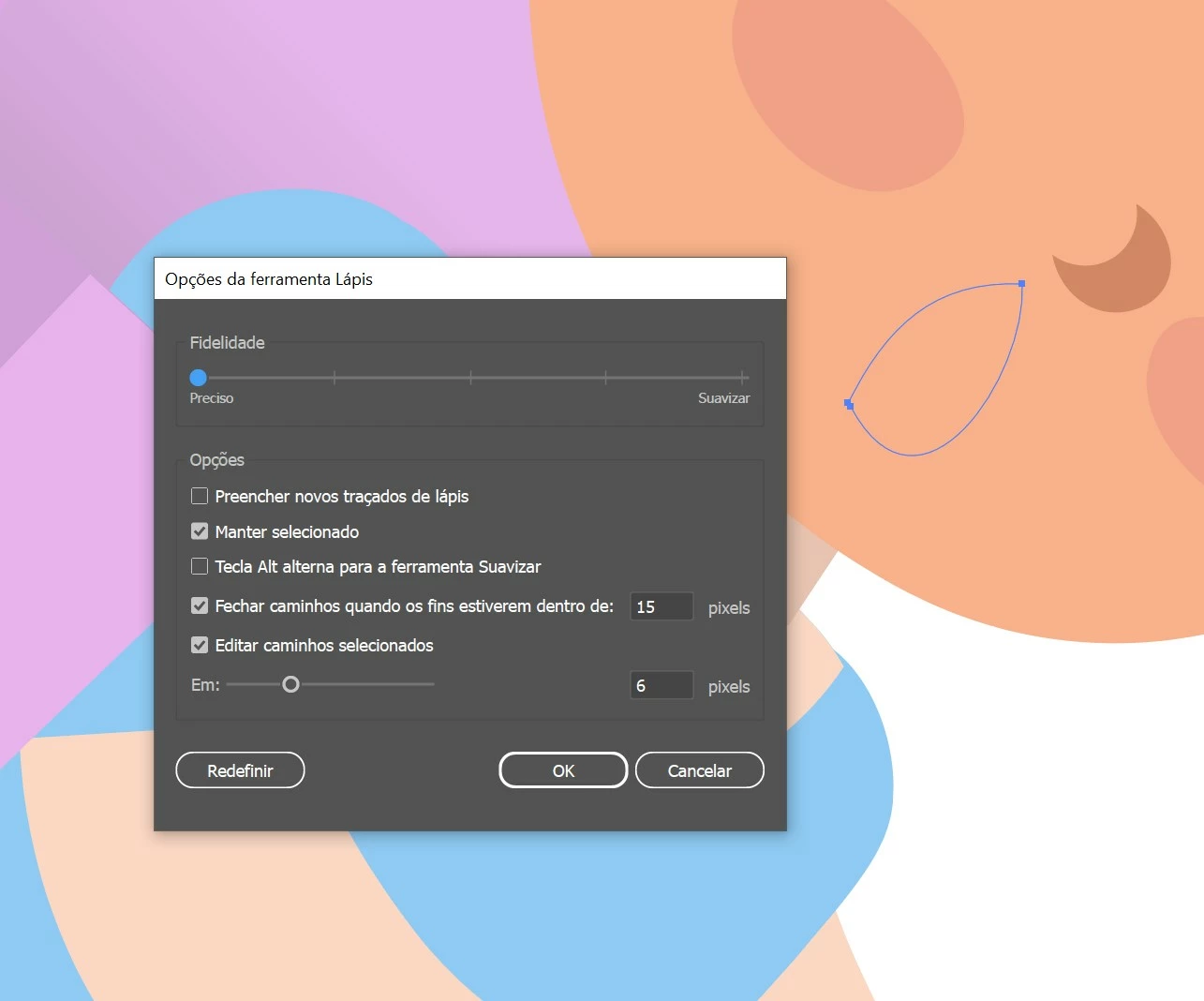
(heres how its looking after i reset the tool config. and tried making a shape, but it interfered so much its not the same shape i was attempting to make at all)
Correct answer Monika Gause

The engineers do not read this forum. If you want to express your urgency, please upvote the bug report in uservoice. https://illustrator.uservoice.com/forums/601447-illustrator-desktop-bugs/suggestions/48973289-ai2025-the-pencil-tool-has-become-unusable-again 

2 replies

Participant
October 23, 2024

same issue here


Terese Bast
Participant
October 23, 2024

Extremely frustrating - please fix ASAP!

Monika Gause
Community Expert
Monika GauseCommunity ExpertCorrect answer
Community Expert
October 23, 2024

The engineers do not read this forum. If you want to express your urgency, please upvote the bug report in uservoice. https://illustrator.uservoice.com/forums/601447-illustrator-desktop-bugs/suggestions/48973289-ai2025-the-pencil-tool-has-become-unusable-again 

Monika Gause
Community Expert
Community Expert
October 16, 2024

That is the pencil tool.

Did you already reboot the computer?

Or reset the preferences (this will delete your settings)

Participant
October 16, 2024

yes i got the two mixed up, 
and yes i yes, i have both reboot the computer and reset the preferences, yet the problem persists. 

Anshul_Saini
Community Manager
Community Manager
October 17, 2024

Hello @Anubhav M , thank you for taking the time to take a look at this, heres the video of the problem, unfortunatly it didnt record me opening the menu fo the tool were i reset the config twice and tried changing to a higher and lower fidelity to see diferent results. 
Before the latest update I was able to in the lowest fidellity setting create shapes without much trouble, but now it is not working as it was. 


Hi @Carolina artes,


Thank you for sharing the recording. We’ve shared your concerns with the product team, and they are actively investigating the issue.


If there are any updates or further improvements, we’ll make sure to keep you informed.


Best,

Anshul Saini