Inspiring
October 12, 2020
Answered

Ai 2020: Placing an image results in diagonal blue lines

  • October 12, 2020
  • 2 replies
  • 3489 views

Hi folks.


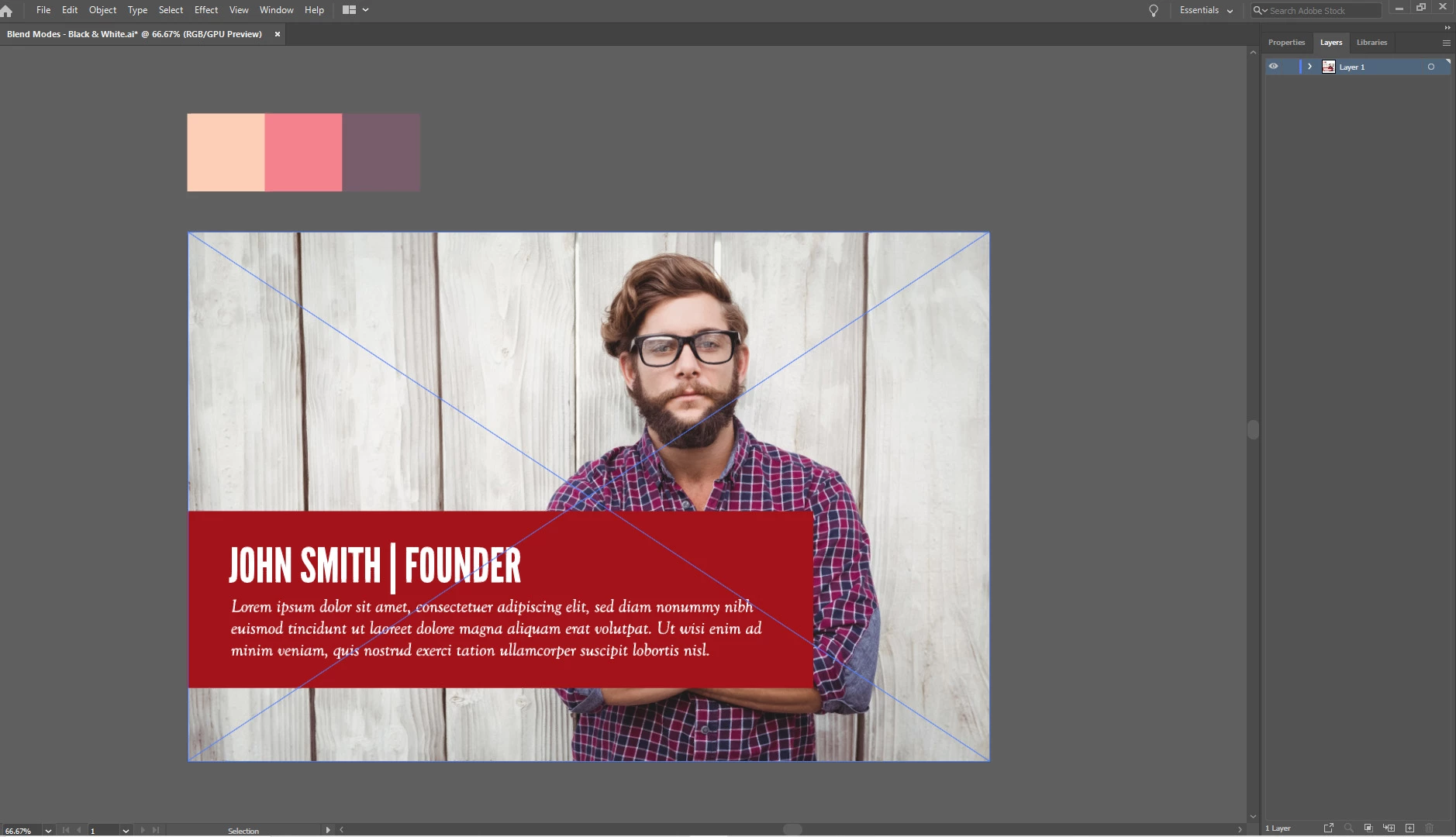
So I opened up an Ai file, then I choose 'file -> place', and place a JPG. But there are diagonal blue lines on the image, and this means a lot of the menu options are greyed out. Why is this?


Thanks in advance.
 

This topic has been closed for replies.
Correct answer Doug A Roberts


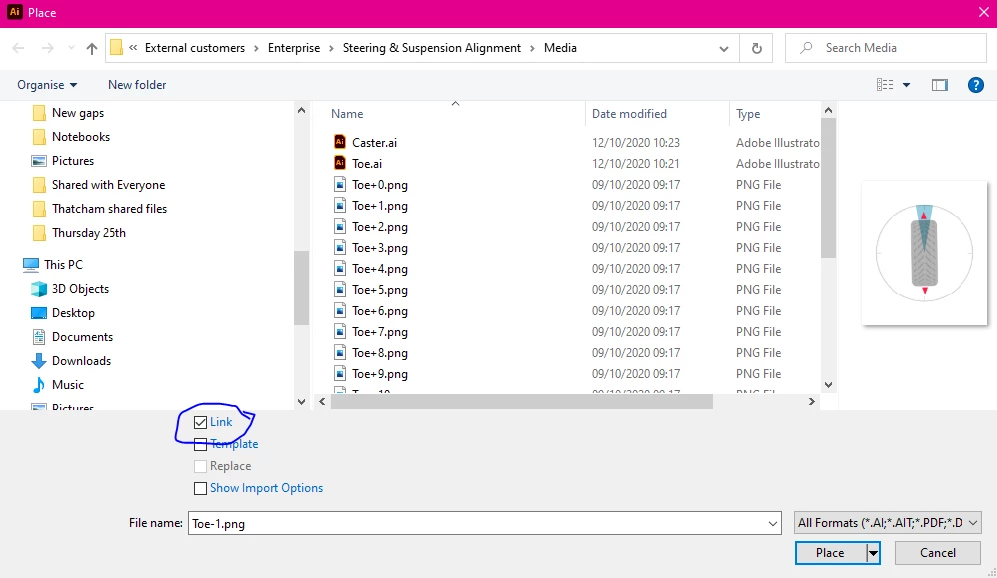
Embed the image first. If this box is unchecked, placed images will automatically embed.

2 replies

Srishti Bali
Community Manager
Community Manager
October 12, 2020

Hi there,


This is an expected behavior when you place a raster image in Illustrator. 


Color of this frame depends on the color of Layer on which the objects are placed. To hide these click anywhere on the pasteboard or View > Hide Edges.


Regards,

Srishti

Doug A Roberts
Community Expert
Community Expert
October 12, 2020

The diagonal lines are how Illustrator denotes a placed image.

What do you want to do with the image?

Inspiring
October 12, 2020

I want to turn the image to greyscale, but the menu option to convert to greyscale is greyed out.