
Answered
AI 2023 cannot open SDK plugins in macOS Sonoma
Mac mini with macOS Sonoma 14.5
Adobe Illustrator 27.0
Xcode 15.4
Adobe Illustrator 2023 SDK - v1 Oct 2022
----
Compiled the example plugins SnippetRunner successfully.
Copied the plugin to <Adobe Illustrator>/Plug-ins/
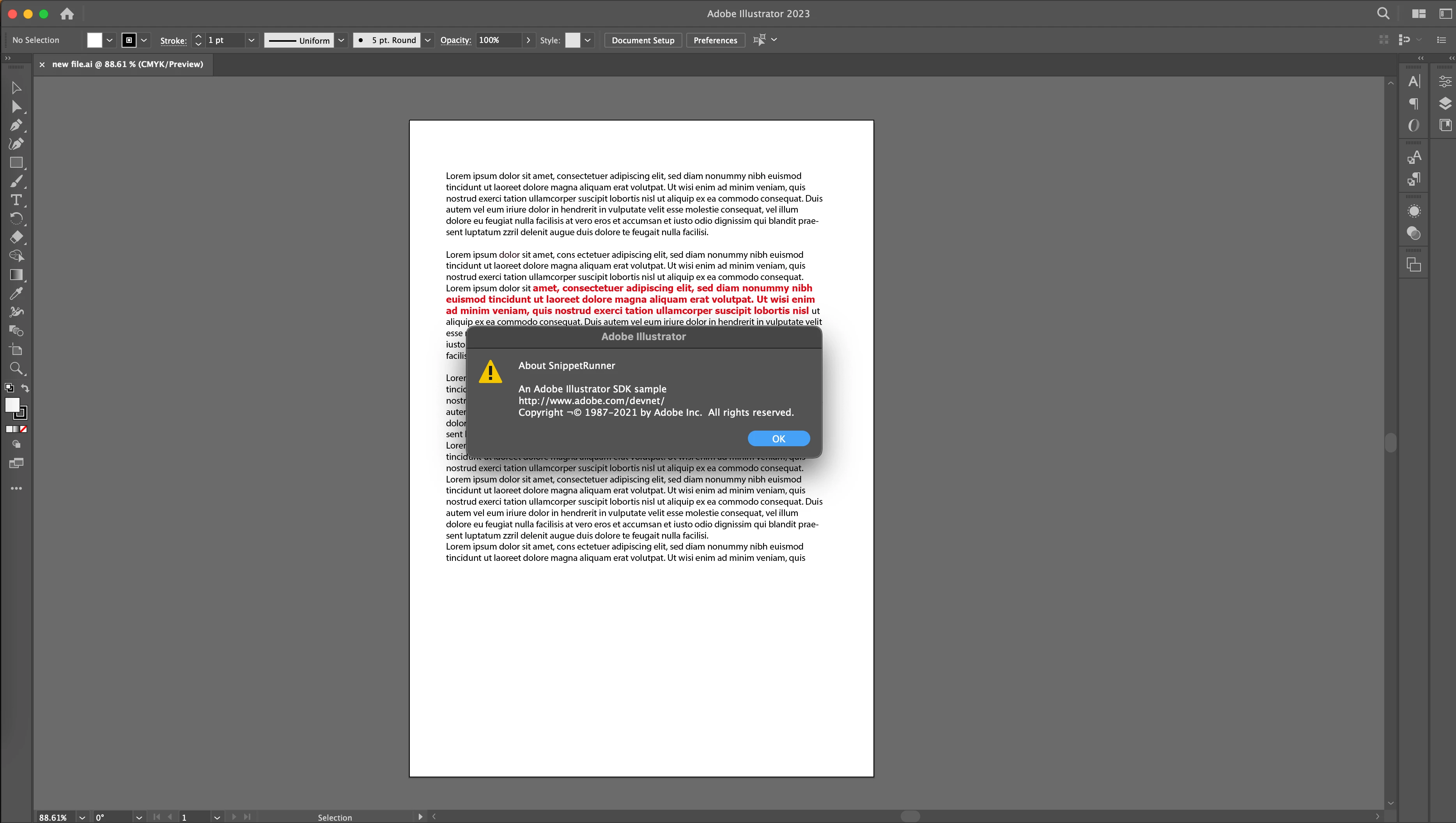
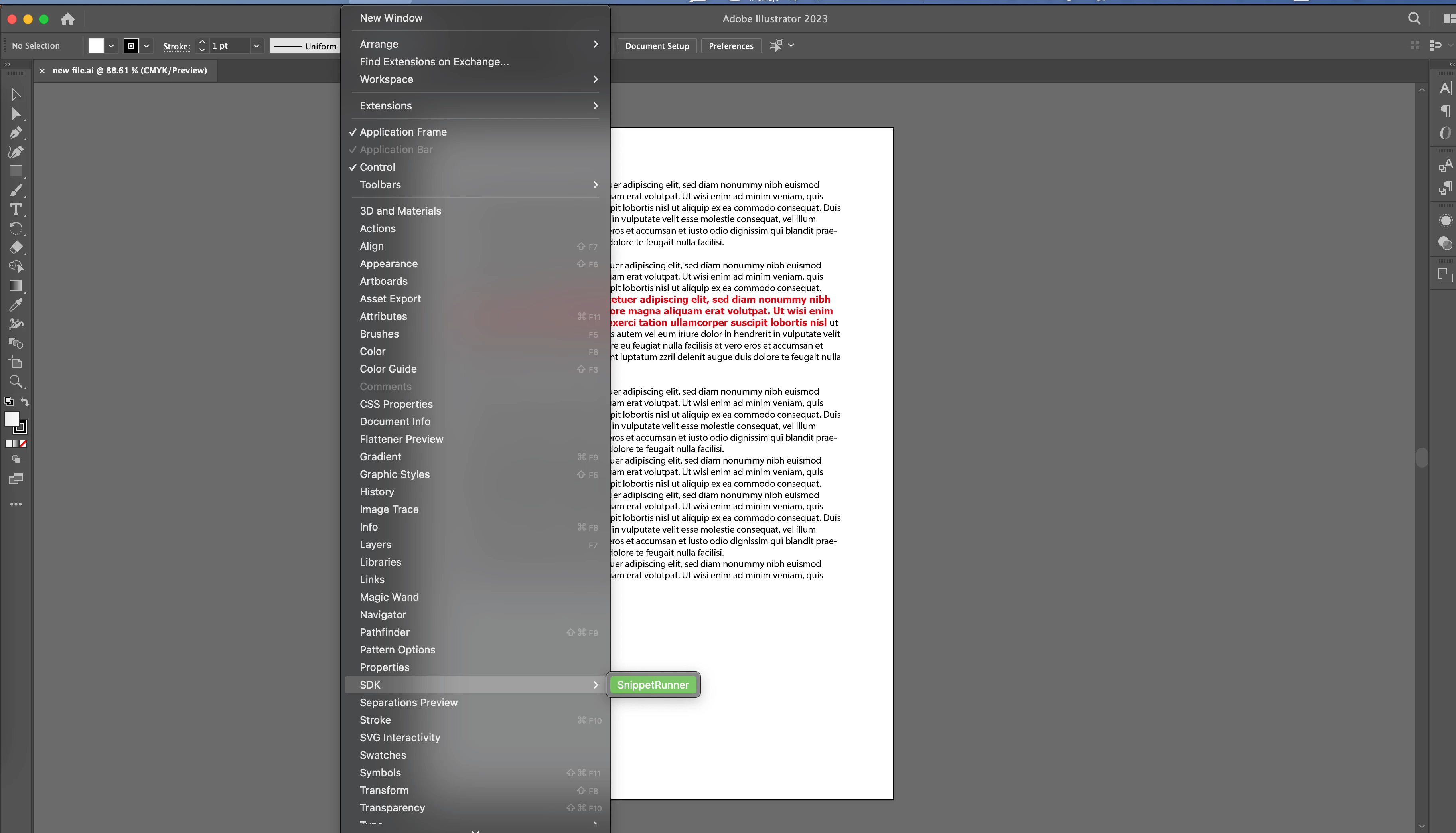
Strat Adobe Illustrator, SnippetRunner shows in menu, its about works well, but when try to open the panel via [Window->SDK->SnippetRunner], nothing happen after clicking the menu.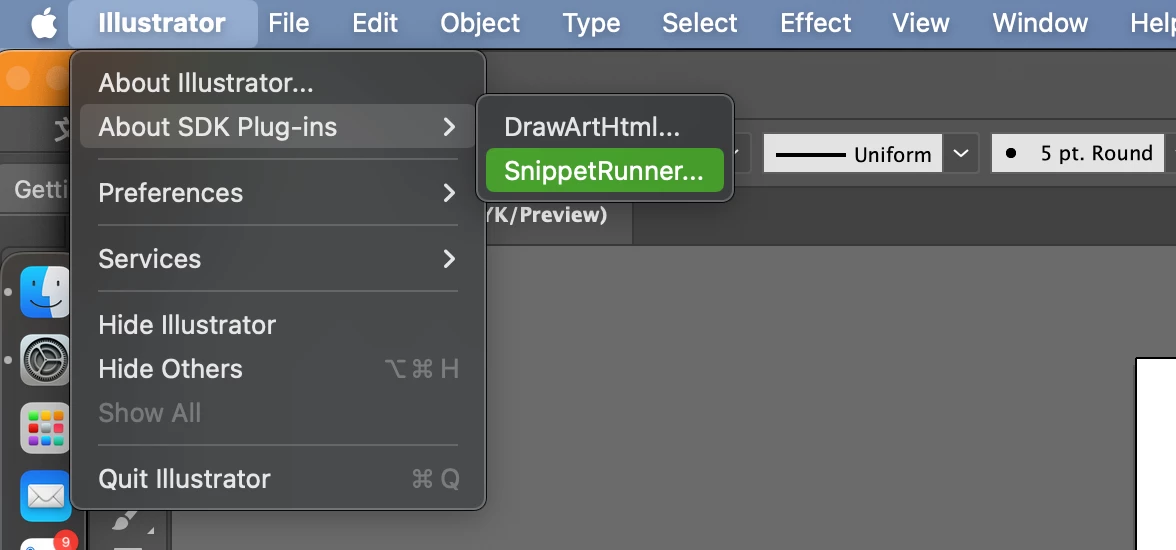
- Tried both release build and debug build of the plugin.
- Executed command in Terminal
defaults write com.adobe.CSXS.9 PlayerDebugMode 1
defaults write com.adobe.CSXS.10 PlayerDebugMode 1
defaults write com.adobe.CSXS.11 PlayerDebugMode 1
defaults write com.adobe.CSXS.12 PlayerDebugMode 1 - Example plugins Annotator and DrawArt work well
It looks like AI cannot open those plugins that have UI (dialog or panel).
Any comments would be appreciated. Thanks.


 AdChoices