kasumi_7
Participant
August 22, 2025
Question

AI doesnt work

  • August 22, 2025
  • 1 reply
  • 320 views

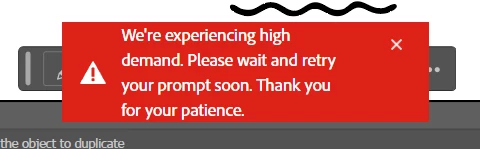
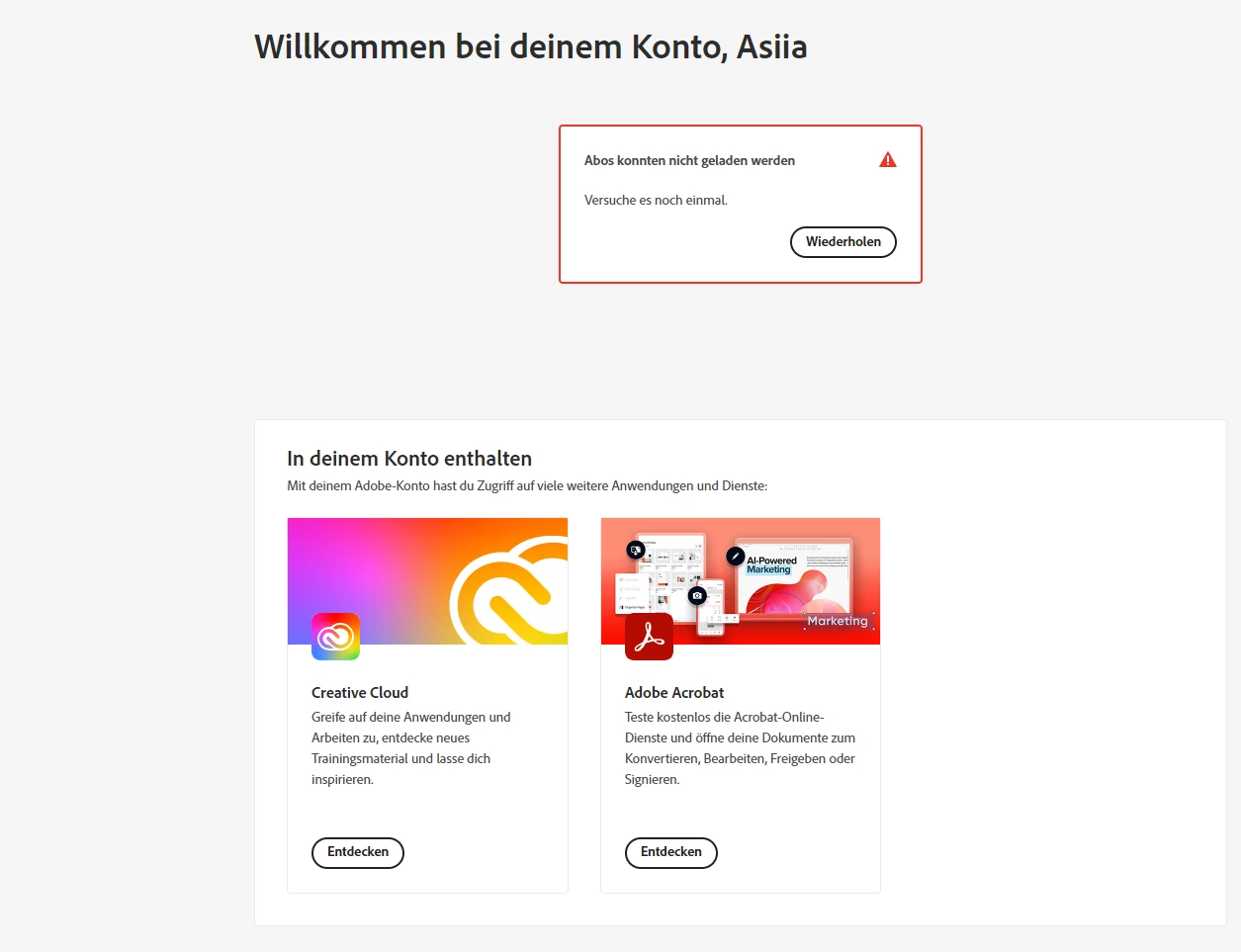
I tried to use Photoshop generative Fill and Illustrator Generative Fill recently and after showing the load bar it says that there is a high demand and I have to try later. I had no such a problem before, it worked correctly, but not now. Also, when I enter my account center, it shows the error in showing my plan, while Im on my student plan and Im not under aged (as I said, it was ok about a month ago). Also, I get an error in Adobe Express online.


1 reply

creative explorer
Community Expert
Community Expert
August 22, 2025

@kasumi_7 The "high demand" message is not a bug on your end. It's a server-side issue. Adobe's generative AI features, like Generative Fill in Photoshop and Illustrator, run on their cloud servers. This error message means the servers are overwhelmed with too many requests. It's a common problem, especially after new feature releases or during times of high user traffic. You cna check the status here: https://status.adobe.com

As of now: maintenance is in progress:


The only solution is to wait a bit and try again later.

---

You also mentioned Student Plan and express, and I don't have access to your accounts, but if your account isn't correctly recognizing your student plan, it will prevent you from using these features. You get a limited number of "generative credits" each month. Once you've used up your credits for the month, you can no longer use these features until your credits are renewed. The best solution is to clear your cache, cookies and history and sign back in. 


m
kasumi_7
kasumi_7Author
Participant
August 28, 2025

Thank you for your answer. I havent used my generative credits this month at all, cuz it still gives the same error, while I checked the status by that link and it says everything is available to use. 


Is it any tech support email maybe, so I can ask about it?

Anubhav M
Community Manager
Community Manager
August 28, 2025

Hello @Asya38645672ao1d,

I'm sorry to hear you're still having trouble with this. Would you mind closing all Adobe apps, signing out of the Creative Cloud Desktop app, signing back in with your credentials, and then trying to use the Generative AI features to see if it helps?

Also, try disabling any VPN/Antivirus running on your computer temporarily and share your observations.

Looking forward to hearing from you.

Anubhav