
Participant
December 18, 2018
Question

Ai file not clear

  • December 18, 2018
  • 2 replies
  • 478 views

I did a vector illustration in Ai and then I export as *.EMF file to later upload it in a word document. I have seen that EMF file has better quality when I save the word file as PDF or when I print it; that's why I have used that format so far.
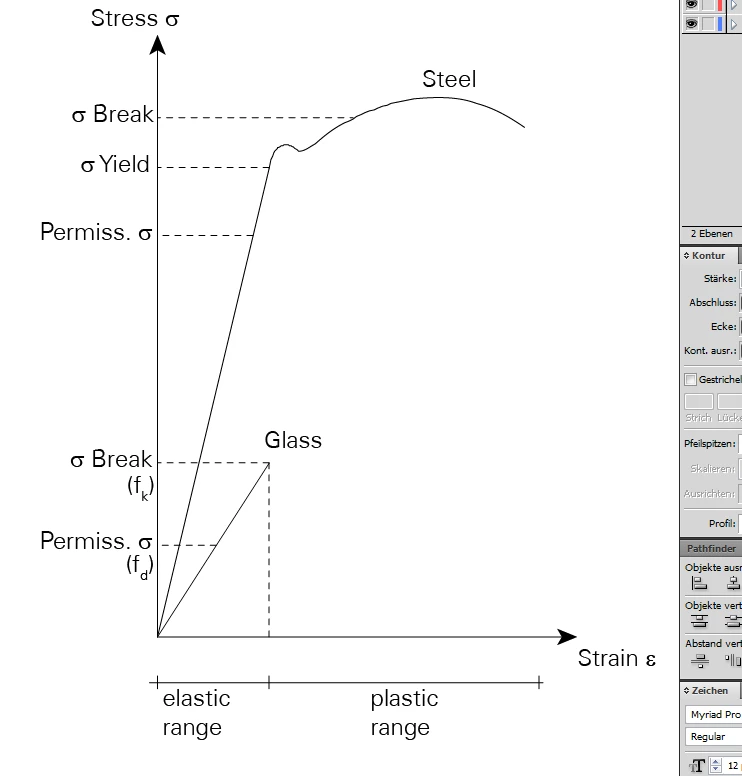
However, for this picture (others worked fine), the pdf format in not clear and it looks like it got pixelated. If I zoom, it is not clear anymore.

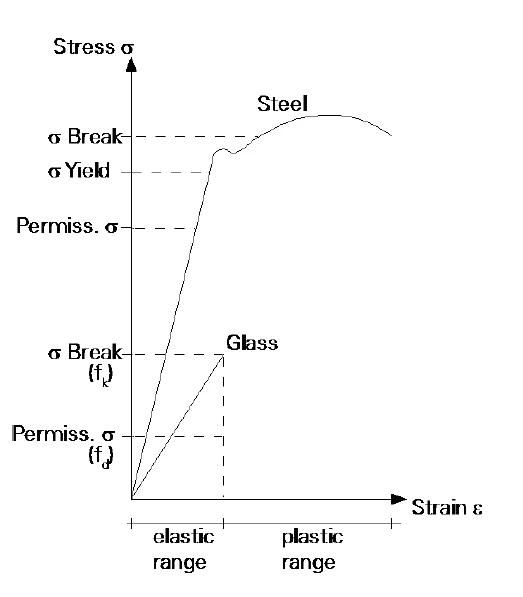
Another strange thing I observed: I have 2 layers: one for the lines and the other for the text. If I hide one of these layers and export as EMF and do the same steps, the picture is clear if zoomed in. But a combination of both creates a non-clear image as below.
I am using CS5

Regards,

This topic has been closed for replies.

2 replies

Inspiring
December 18, 2018

It looks like a Preview problem.  Also, the font does not appear to be embedded in whatever we are looking at.  Typically, Layers will have no affect on file appearance.  As an option, you could Flatten Layers on a copy of the file and see if that helps.  And, you could Outline Fonts and see if that helps ( again, on a copy of the original artwork ).  If Outline Fonts is grayed out in the menu, then you have incomplete font suitcase that impedes outlines.

jondobeAuthor
Participant
December 20, 2018

With the Outline Fonts, the image is more clear now. However, if zoomed a lot, the text is not as fine as it should be (only the text, the other part is good)

Monika Gause
Community Expert
Community Expert
December 20, 2018

Current Word versions can handle PDF. Have you ever tried to save as a PDF from Illustrator and then place in your Word document?

Monika Gause
Community Expert
Community Expert
December 18, 2018

What happens if you put all on the same layer before exporting?

Also: you clipped the most important part in the screenshot. We need to see the complete layers panel

jondobeAuthor
Participant
December 20, 2018

It gives the same problem even when they are in the same layer.

Here are the layers: