hardikm44770879
Participant
May 23, 2024
Answered

Align Object on Path

  • May 23, 2024
  • 2 replies
  • 3535 views


Hello!
How to use "Objects on Path" new feature in Align tab in Illustrator Beta?


Thanks & regards,

Hardik

This topic has been closed for replies.
Correct answer Kevin Stohlmeyer

All - this is working in Illustrator (public) Beta.

@hardikm44770879 heres how to use.

1. Select your objects you wish to align to path.

2. Click the Objects on Path button. They will highlight pink.
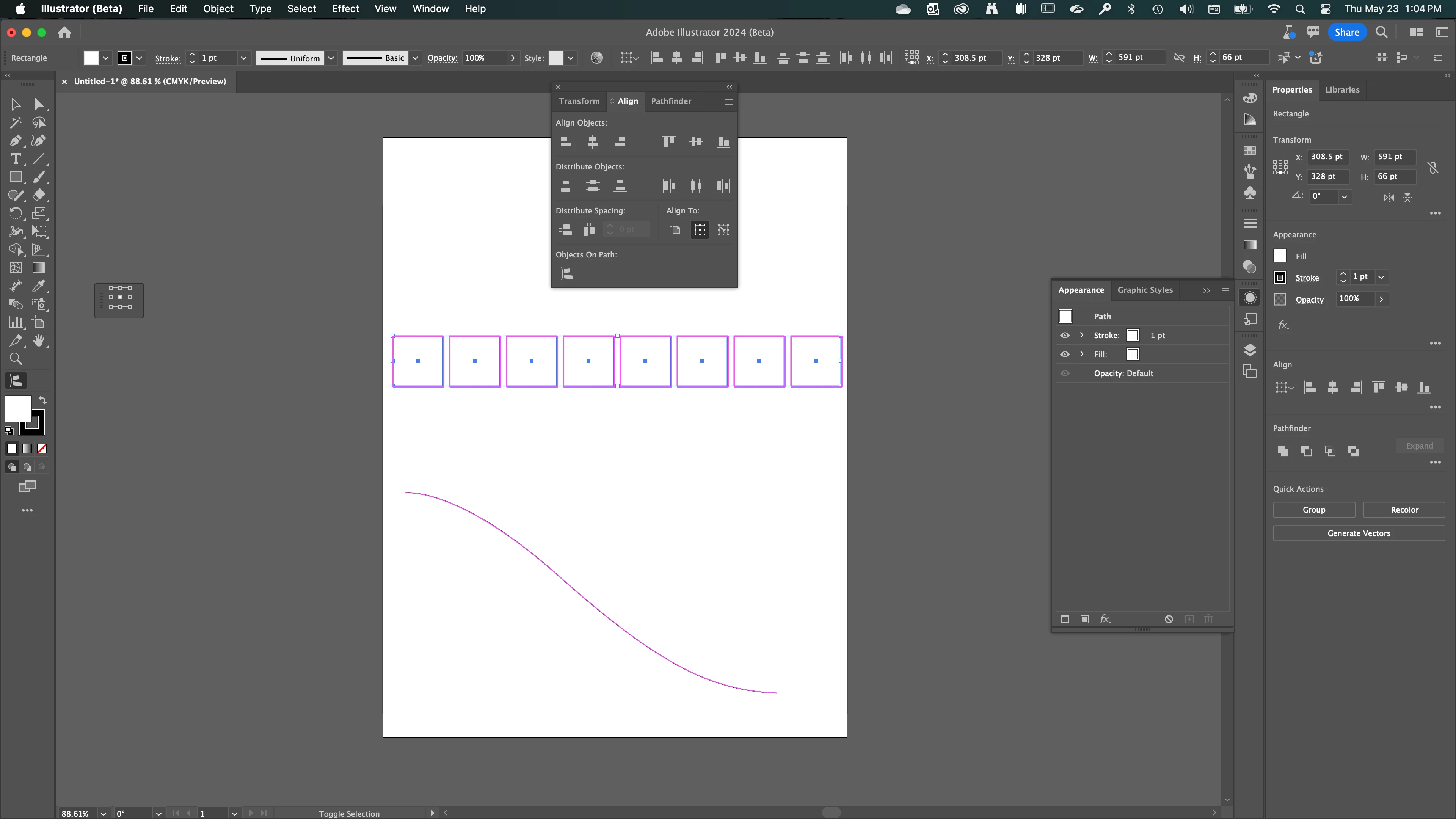
3. Select the path you want to align to.
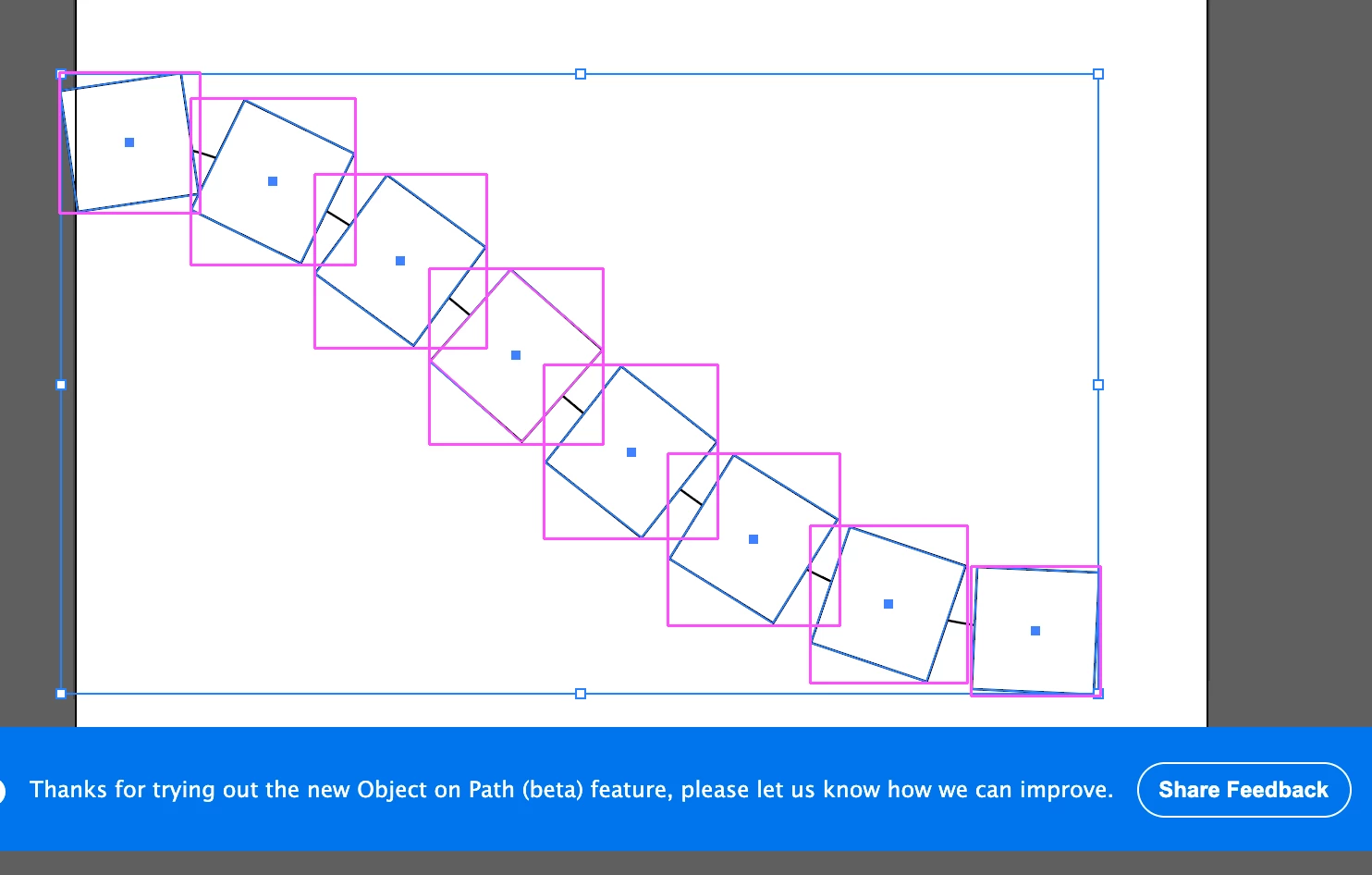
2 replies

Kevin Stohlmeyer
Community Expert
Kevin StohlmeyerCommunity ExpertCorrect answer
Community Expert
May 23, 2024

All - this is working in Illustrator (public) Beta.

@hardikm44770879 heres how to use.

1. Select your objects you wish to align to path.

2. Click the Objects on Path button. They will highlight pink.

3. Select the path you want to align to.

pixxxelschubser
Community Expert
Community Expert
May 23, 2024

Kevin Thank you very much. Good to know and it looks good. (Unfortunately I couldn't test it myself because I didn't have this beta installed).

Monika Gause
Community Expert
Community Expert
May 23, 2024

That is not working yet.

Community Expert
May 23, 2024

I saw that new option in the Align palette, but didn't try messing around with it. The alignment feature I want most is aligning and distributing text objects to other objects via their baselines. I can't tell if any progress has been made with incorporating that feature.

pixxxelschubser
Community Expert
Community Expert
May 23, 2024

Hi @Bobby Henderson 

A few years ago I published a script here in the forum that aligns the baseline of texts. I believe there is also one that distributes the baseline.
