S_ A
Inspiring
September 22, 2023
Answered

Align stroke to inside option greyed out for stroke

  • September 22, 2023
  • 4 replies
  • 1807 views

Hello,


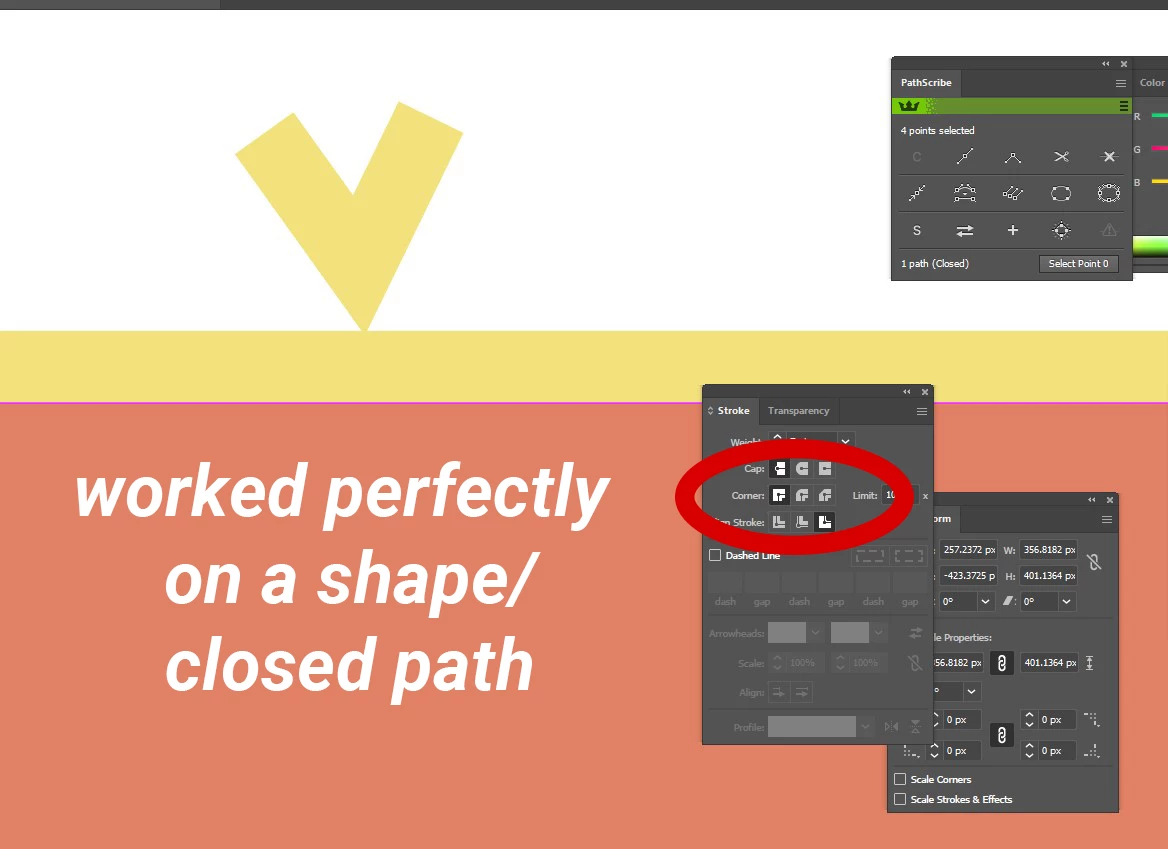
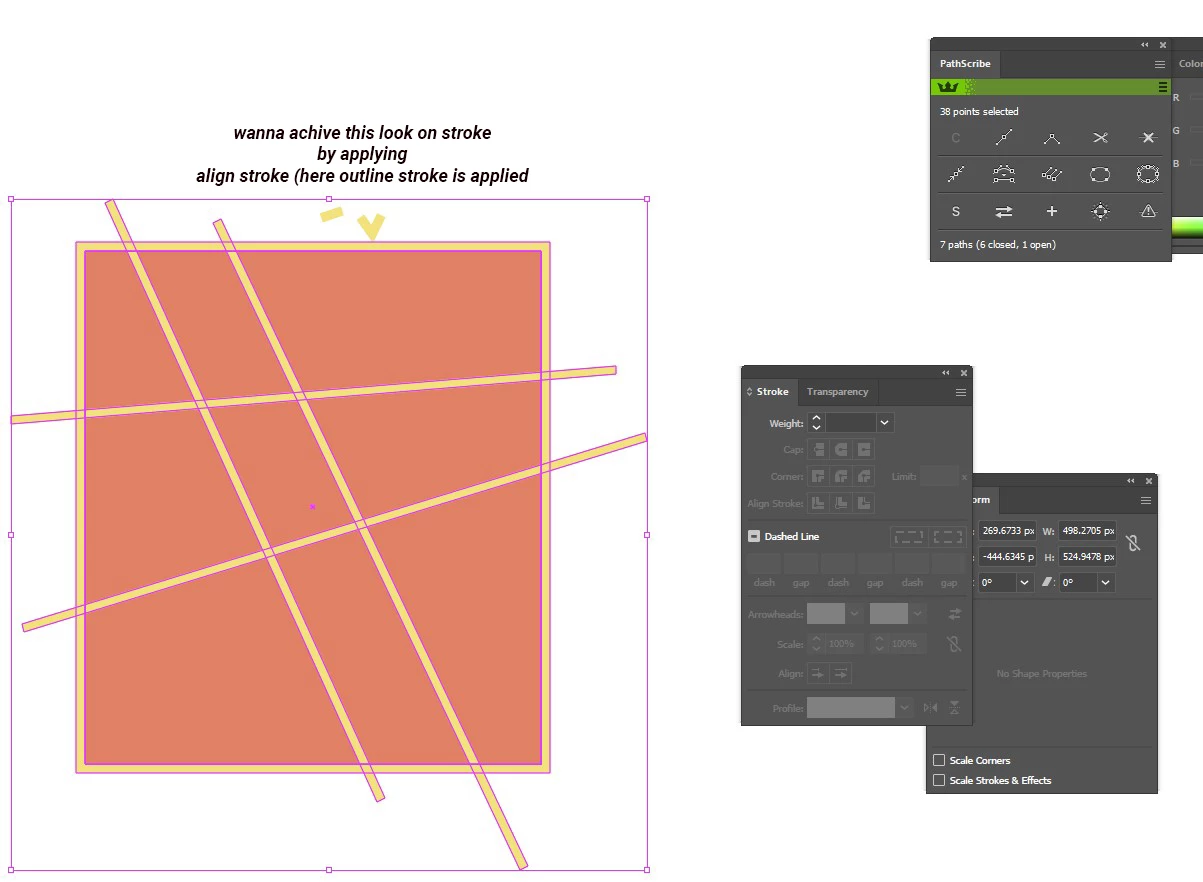
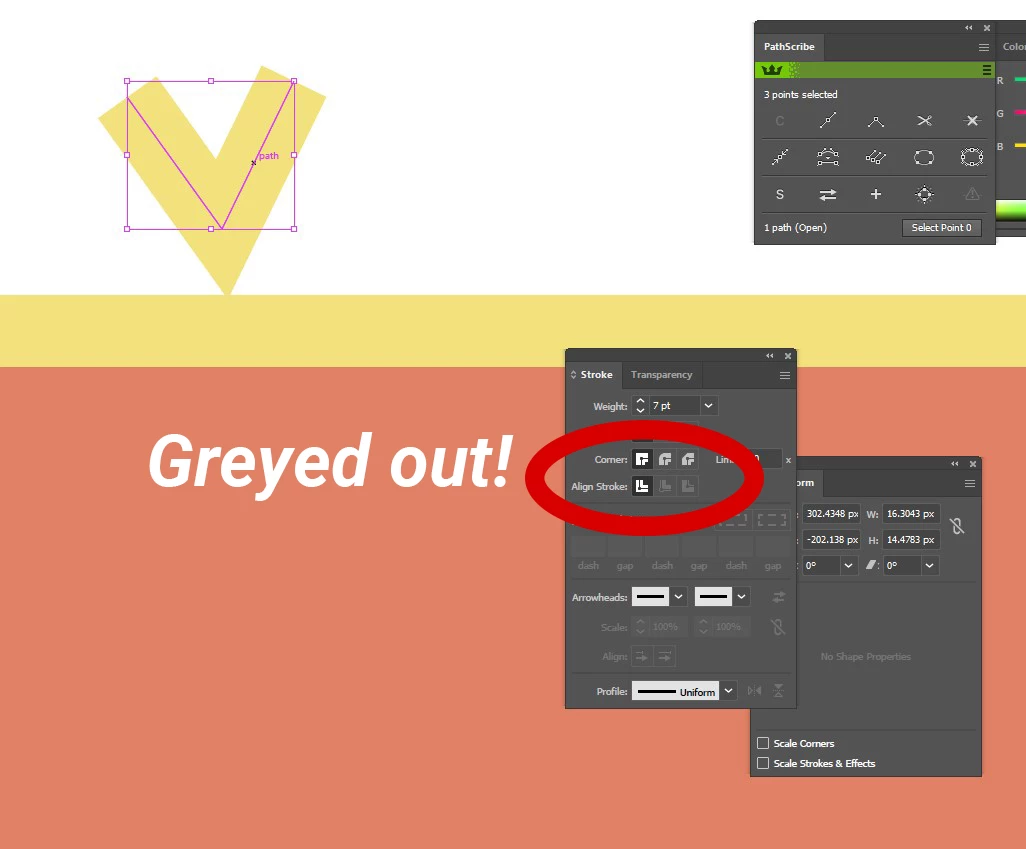
I cant apply Align stroke to inside option on a stroke. it has no effect appiled on it. How can I do that?


Thank you.
 

This topic has been closed for replies.
Correct answer Kurt Gold

Using width profiles on open paths is a good technique in many cases, but pretty often some funny things may occur, depending on the nature of the paths.


Therefore, I'd recommend to also use custom art brushes as an alternative. Usually, they are a bit more robust.


Here you can download an Illustrator file that shows the difference.


With Profile and Art Brush


4 replies

Kurt Gold
Community Expert
Community Expert
September 23, 2023

I grubbed a bit in my archive and found a rather strange workaround I once created (probably by accident) to repair the crippled width profiles with a graphic style.


In case you want to have a look at it, here is a sample Illustrator file:


Nagelvijl


S_ A
S_ AAuthor
Inspiring
September 24, 2023

Hi, I cant Thank you enought for taking the time to demonstrate it to me. I bookmarked this questiomn. I learned so much from you. Thank you so much.

Kurt Gold
Community Expert
Kurt GoldCommunity ExpertCorrect answer
Community Expert
September 23, 2023

Using width profiles on open paths is a good technique in many cases, but pretty often some funny things may occur, depending on the nature of the paths.


Therefore, I'd recommend to also use custom art brushes as an alternative. Usually, they are a bit more robust.


Here you can download an Illustrator file that shows the difference.


With Profile and Art Brush


S_ A
S_ AAuthor
Inspiring
September 23, 2023

Excellent. Thank you so much. Though I didnt face any problem like that yet, but good to know. Your demonstrations are very helpful. 🙂

Ares Hovhannesyan
Community Expert
Community Expert
September 22, 2023

The reason is that you have open shape. These feature need closed object. Otherwise it can't catch what is outside or inside.

S_ A
S_ AAuthor
Inspiring
September 23, 2023

Thank you so much.

kphotopage
Legend
September 22, 2023

Suraiya, Hi.

First create a custom Stroke Variable Width profile.

It’s basically an offset on one side for open paths.


Draw a line with a large stroke weight.

Switch to the Variable Width Tool.

One end Side 0, The other side to whatever.

Do the same for the other end.

Save the profile.


On your V, Apply that custom Variable Width.


K

S_ A
S_ AAuthor
Inspiring
September 23, 2023

😮 😮 😮 woooooow!!!


THANK YOU SO MUCH.

kphotopage
Legend
September 23, 2023

Suraiya, Glad you found this helpful.

Yep, it’s a handy dandy trick on open paths when your only option is to stroke on the middle.


BTW, you can also Flip that same profile to be on the other side if you wish.


K