Copy link to clipboard
Copied
Hi All
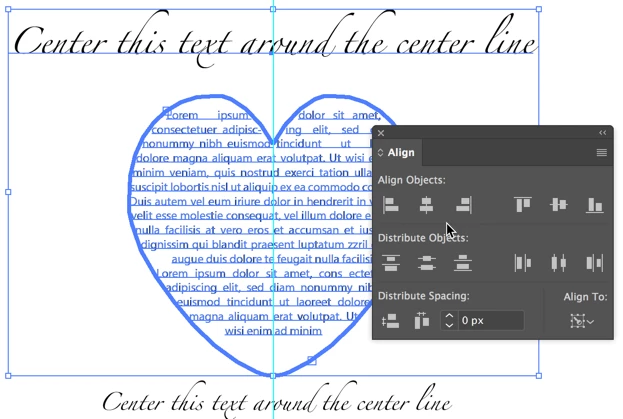
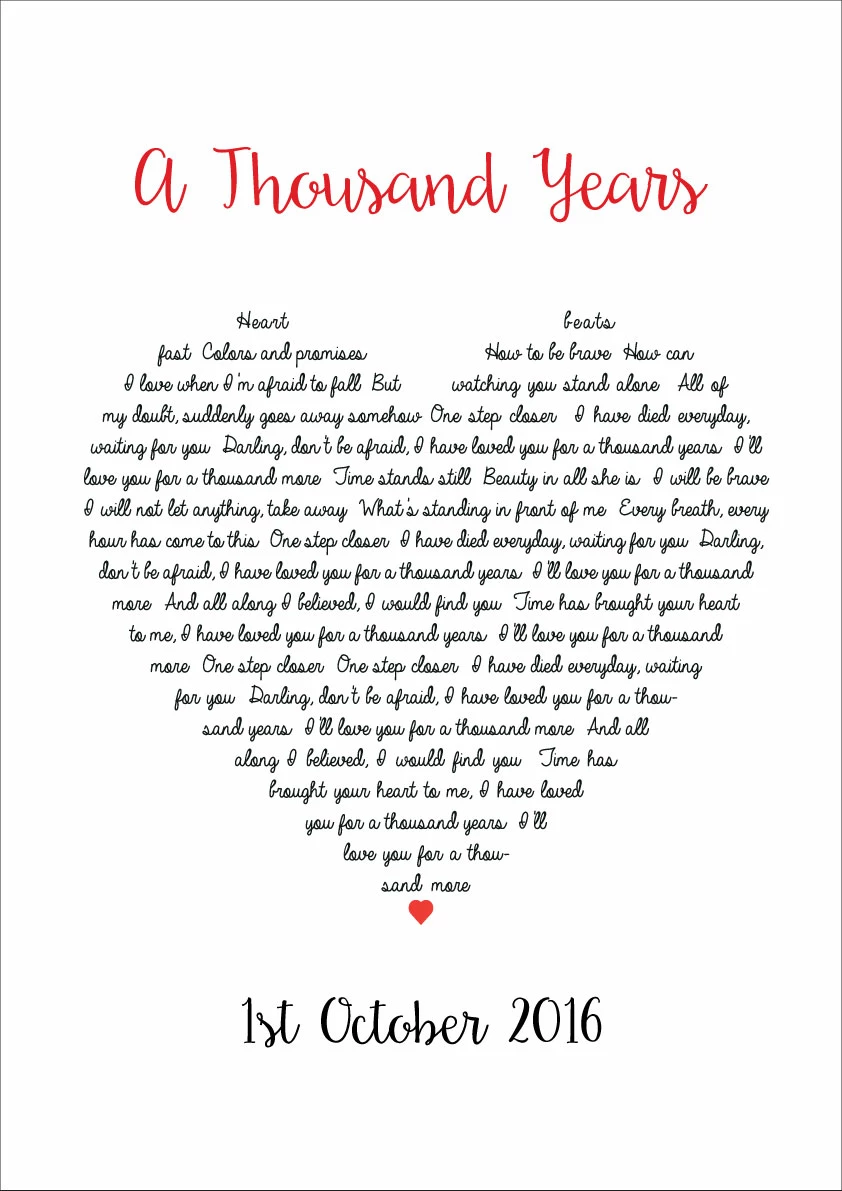
Just wondered if anyone could help with this issue that is driving me crazy recently. I have a heart shape which I paste various text into. Until recently aligning was no issue once grouped however I now am unable to align correctly unless I create outlines. I am unsure why this has just happened.
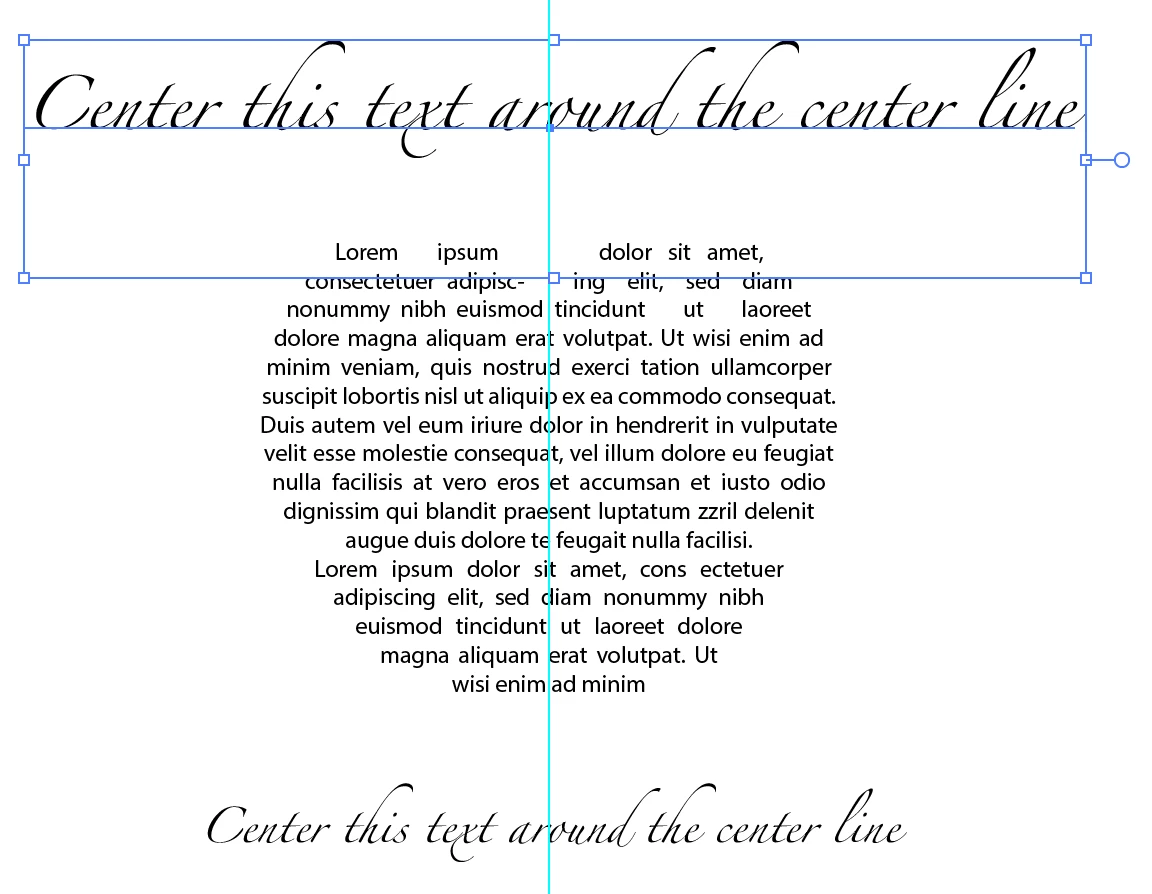
I have added this image to show the issue the top and bottom text is fine but the heart is always off to the right but is corrected when create outlines is used. I can do this but then am unable to edit the text again.
If im not explaining this very well please let me know.
Thank you in advance
.
What are you grouping when aligning, also why are you grouping? And what Align To option are you using?
I've tried to replicate the issue (without doing any grouping), and actually discovered something I wasn't aware of that Illustrator CC (2017) does, so I'm wondering if you are seeing a similar behaviour - which in that case would likely be intended:
Copy link to clipboard
Copied
Can you figure out what happened "recently"?
Can you try and View > Preview on CPU to check if it fixes your issue?
Copy link to clipboard
Copied
What are you grouping when aligning, also why are you grouping? And what Align To option are you using?
I've tried to replicate the issue (without doing any grouping), and actually discovered something I wasn't aware of that Illustrator CC (2017) does, so I'm wondering if you are seeing a similar behaviour - which in that case would likely be intended:

When I select the top text and heart and use Align to Selection, the top line moves to the left a little and the heart to the right. Which kind of makes sense as that gives a better visual alignment.

You can change the align behaviour by using Align to Key Object:

In this case the I selected the heart shape and the top text just moved to the left a bit.
Get ready! An upgraded Adobe Community experience is coming in January.
Learn more