

Answered
All Shapes set to shear
I am using Illustrator CC 2017. My ellipse tool has always allowed me to create a perfect circle by holding shift, clicking and pulling from the upper left and releasing in the lower right hand corner. Now, for some reason, my ellipse tool has an extra little icon next to it with a left arrow (see attachment) I am only able to pull shapes at an angle and the only way I can create a perfect circle is by reversing from upper right to lower left. I checked under preferences and the 'constrain to angle' option is set at zero, and I can't find any other way to find presets for the shape tool. I can not pull a 90 degree angle on a rectangle or square, everything is automatically sheared. help 😞 ?????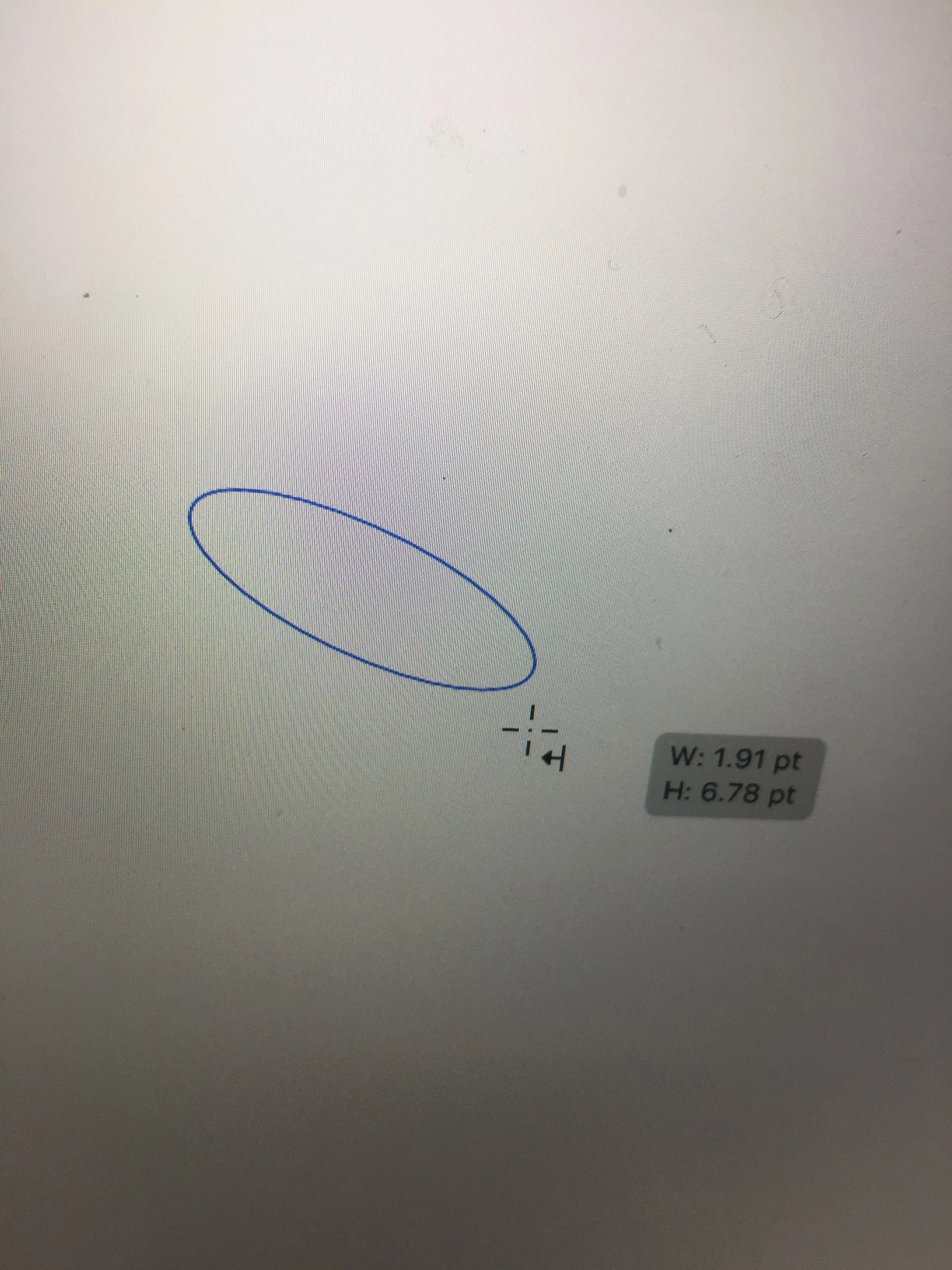
 AdChoices