

Answered
Apply stroke on a shape after using the area type tool in the same shape
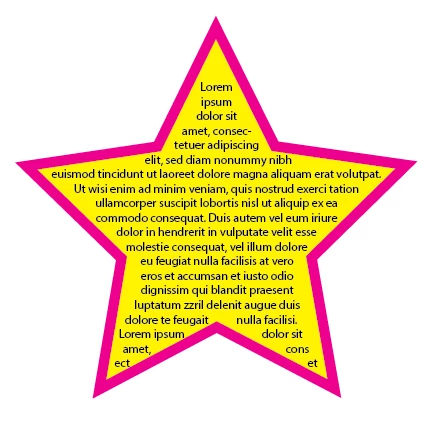
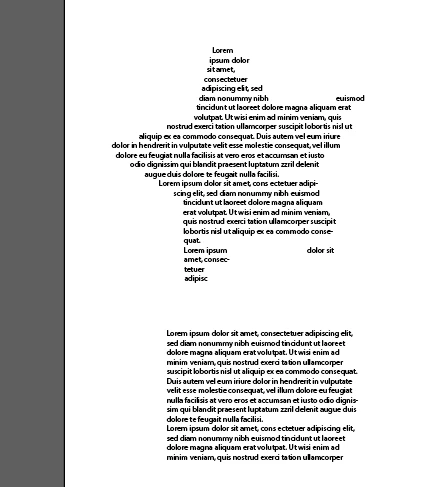 When I take a shape, suppose a star shape/rectangle, I can apply stroke and easily customize stroke weight. However, when I apply the Area Type Tool and get text into the shape I cannot apply stroke on the shape. Any stroke I set is applied on the text. Although I select the shape, not the text, but the text gets stroke, not the shape! Please help.
 AdChoices