Inspiring
March 23, 2017
Question

Applying gradient to multiple objects

  • March 23, 2017
  • 2 replies
  • 4867 views

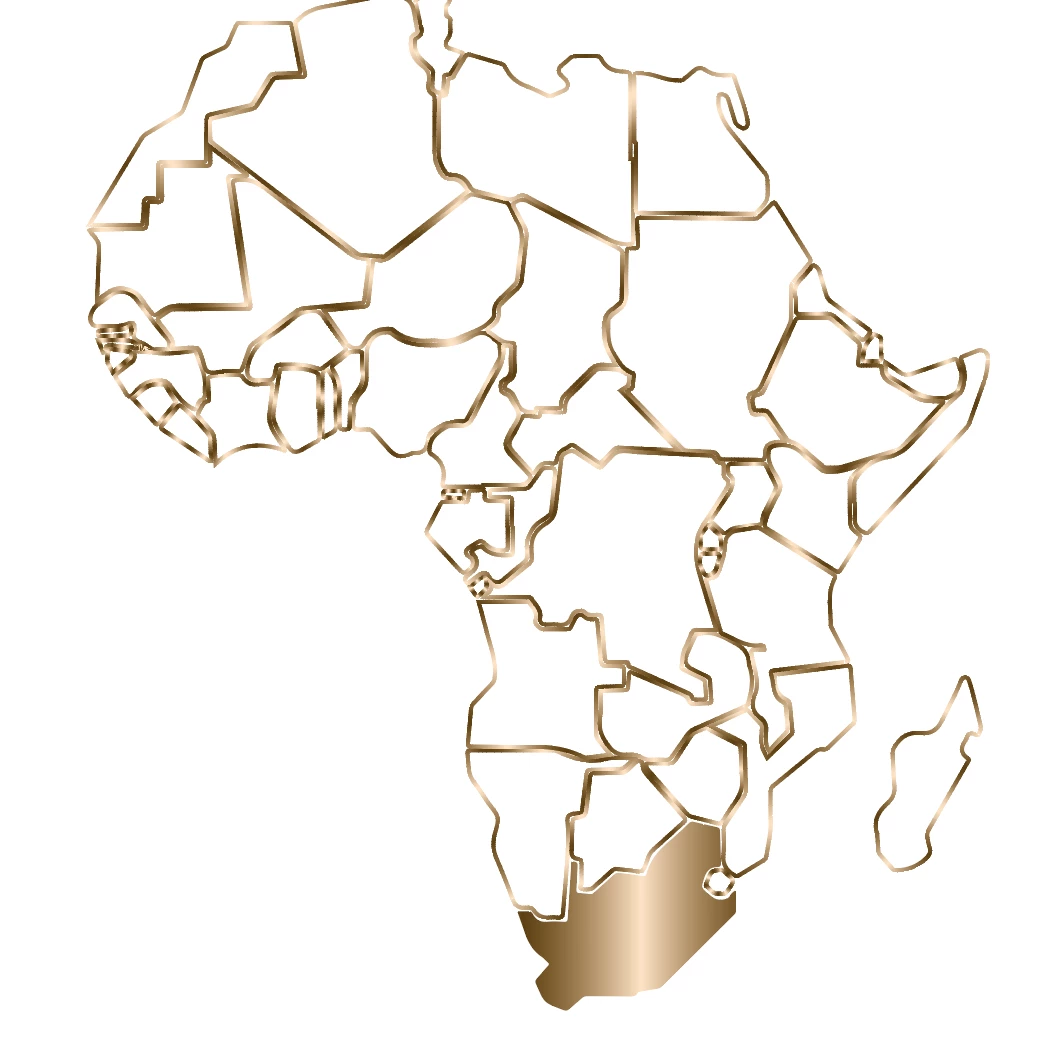
I am trying to apply one smooth solid gradient on the outlined countries, and it will not allow me. Has anyone had the same issue and solved it. Thank you.

    This topic has been closed for replies.

    2 replies

    Eternal Warrior
    Inspiring
    March 23, 2017

    Also how did you get the gradient stroke as in the first image? have you tried simply swapping the fill and stroke around with all the relevant paths selected?

    jane-e
    Community Expert
    Community Expert
    March 23, 2017

    https://forums.adobe.com/people/Eternal+Warrior  wrote

    Also how did you get the gradient stroke as in the first image? have you tried simply swapping the fill and stroke around with all the relevant paths selected?

    Eternal Warrior​, I could be wrong, but it looks to me like the image is made up of fills that look like strokes. We still haven't seen the Layers panel with an object selected.

    jane-e
    Community Expert
    Community Expert
    March 23, 2017


    Elise,

    Spin open Layer 1 so we can see what the objects actually are, please.

    Did you do anything to the image? Image trace from a jpeg, for instance? Or did it come to you like this?

    jane-e
    Community Expert
    Community Expert
    March 23, 2017

    Select the multiple objects. Or group them. Confirm that you are putting the gradient on the fill.

    Use the gradient tool "G" and drag across the objects.

    SmallBearAuthor
    Inspiring
    March 23, 2017

    It its weird. I can not change the fill color to the gradient swatch. It will only be black.

    Eternal Warrior
    Inspiring
    March 23, 2017

    You need the gradient selected or active... Also try switching the selection to gradient this way: