
Architectural Vector Drawing Converted for Vinyl Plotter
Hi All,
This is an unusual one. I am bringing in either PDFs or DWG/DXF files from sketchup of an architectural model into illustrator with the end goal of having a vector I can use for vinyl plotting. This is where it gets tricky. I want the vector lines to be read as having thickness by the plotter and therefor converting all of these thousands of vectors into an expanded simpler geometry that the plotter can read. The main issue here is the enormous size of the files and heavy geometry I am using. The final output is a canvas size of 72" H x 93" W. I have set my canvas size to this in illustrator.
Here are my current workflow attempts and issues:
Place > PDF (File Weight 5.9 MB)> Target Content > Stroke Weight Increase > Expand > Merge (using pathfinder) Freezes using merge tool - even if I try partials
Place > DXF (File Weight 25 MB) > Stroke Weight Increase > Expand > Merge (using pathfinder) Freezes using merge tool
I have gotten this process to work with simpler versions, but with the more complex images I'm using it seems to always crash.
My questions to Forum or Staff:
Can I work to a smaller scale by changing canvas size to a proportionately smaller size? Will this lower file weight etc. and make freezing not an issue? If so when I scale up how do I maintain detail and the correct line weight I want for the final output for the vinyl plotter?
Is PDF or DWG/DXF superior for achieving what I want to achieve?
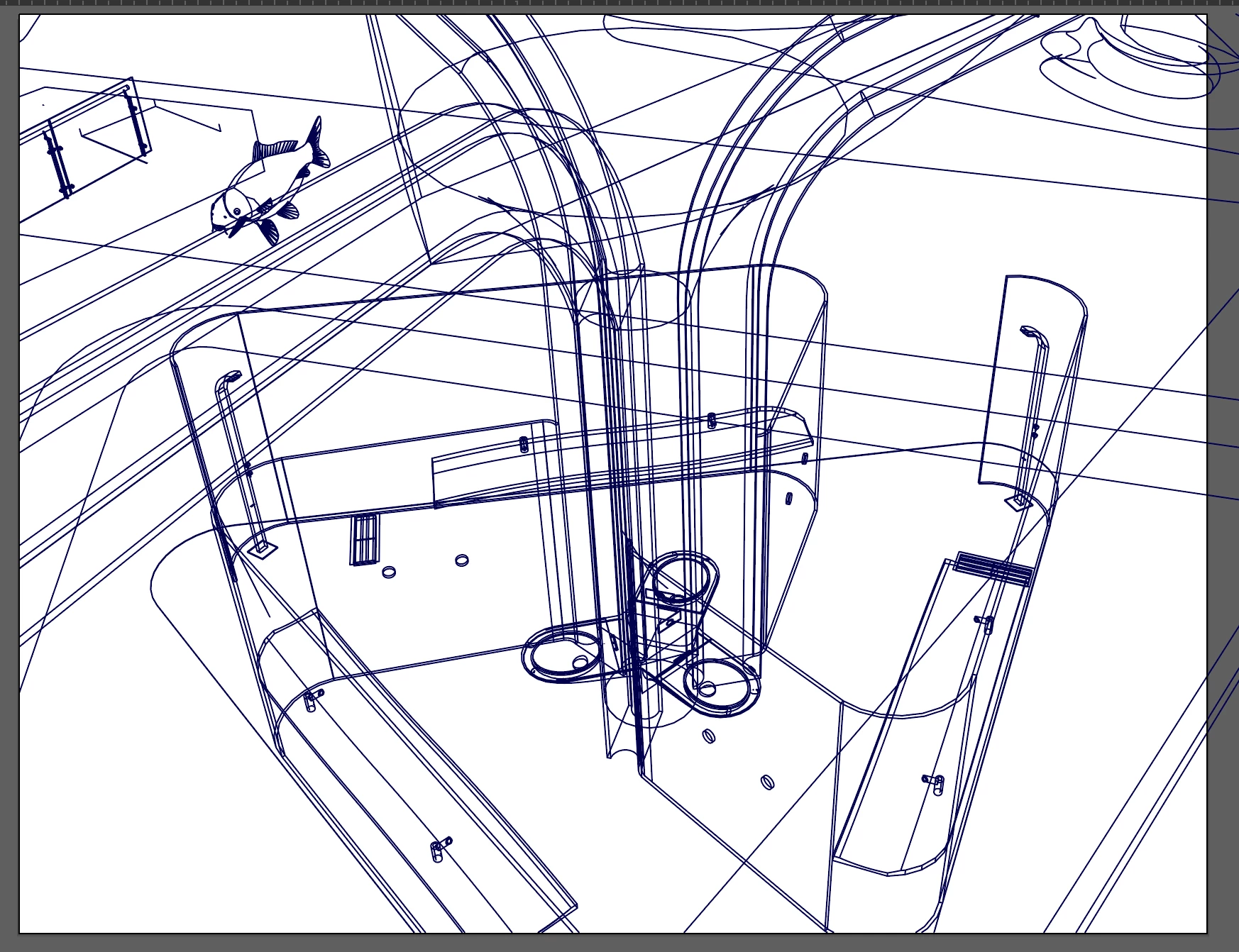
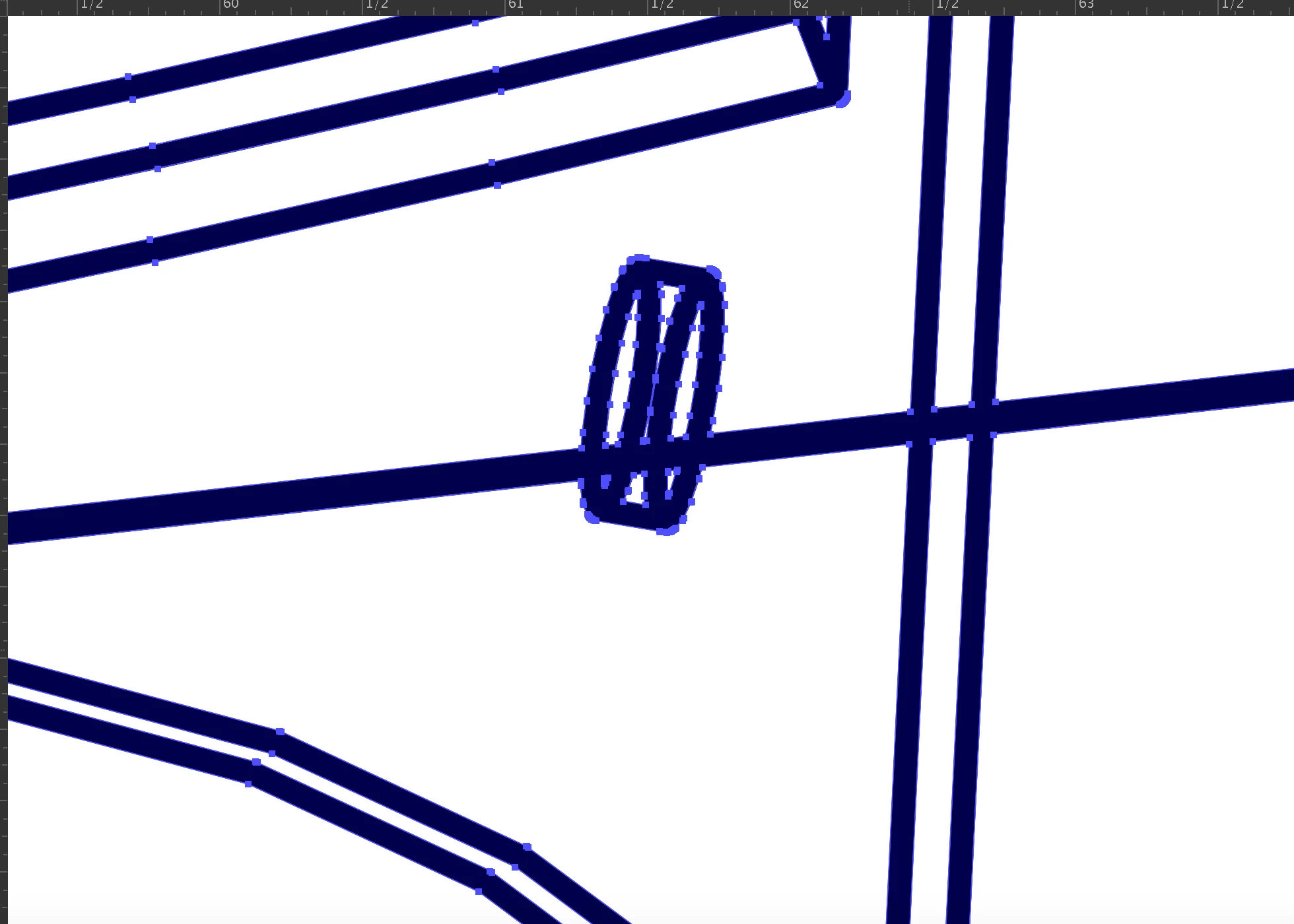
Below are photos of the simplest version I was able to successfully achieve:
 AdChoices