
Question
Artboard constraints 'disappear' and become one giant field...please help a newbie!
I've been searching google but I don't know the right term to use to find the answer to this...probably would have solved it already if I did!
One of my documents somehow has a different view style, where instead of having separate artboards, they are all one giant canvas unless I enter artboard editing mode. " Show Artboards" in the view menu just displays a border around the boards within the field as below...I'd greatly appreciate knowing how to change this: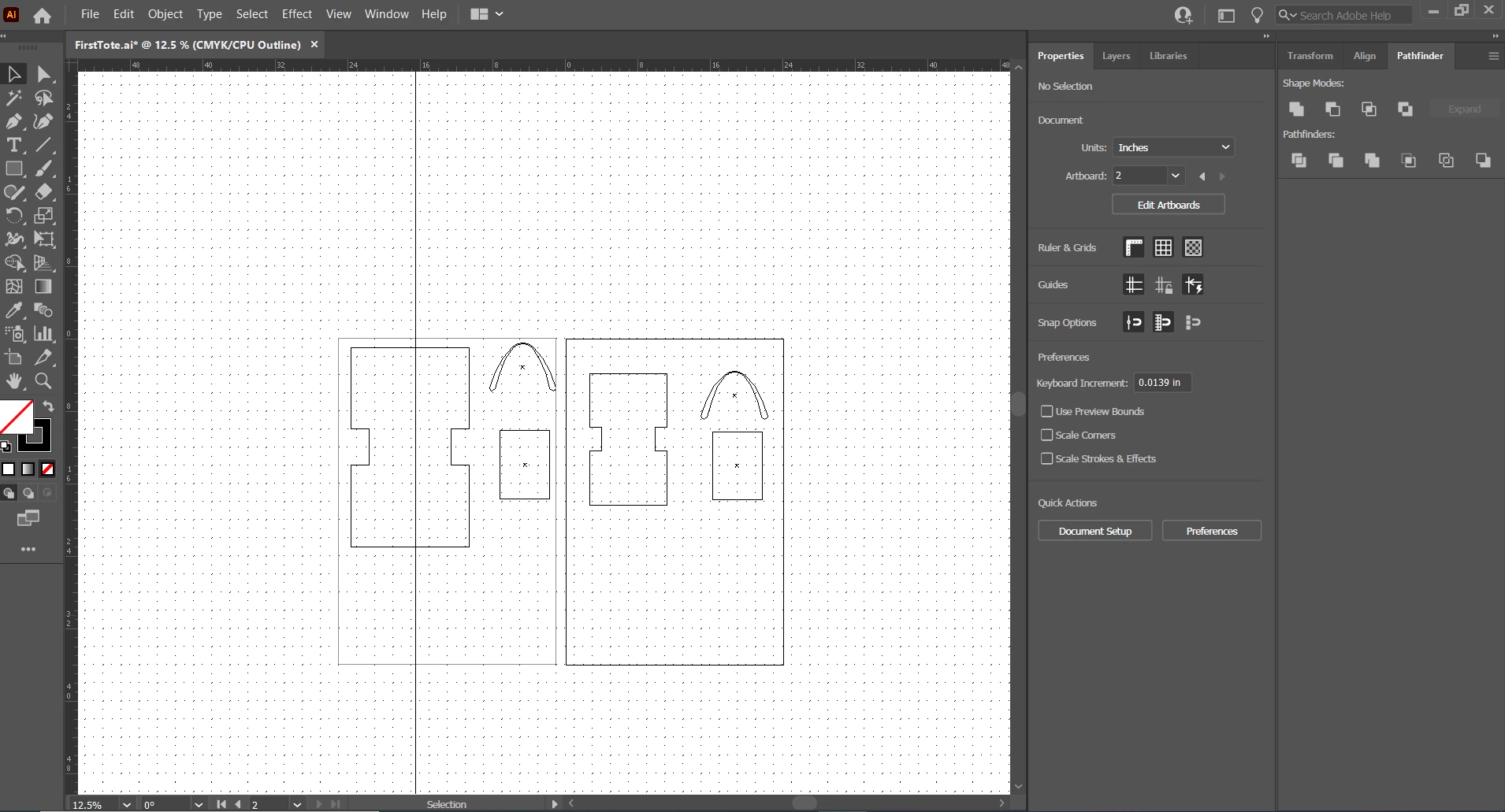
 AdChoices