
Inspiring
April 9, 2018
Answered

Artboard to Fit to Artwork Bounds with Multiple Artboards

  • April 9, 2018
  • 2 replies
  • 3663 views

I need to frequently fit artboards to the artwork bounds on several artboards. I recall being able to simply just pick Fit to "Artwork Bounds" and all of the artboards adjusted to the artwork within their bounds. Now the following weirdness happens:
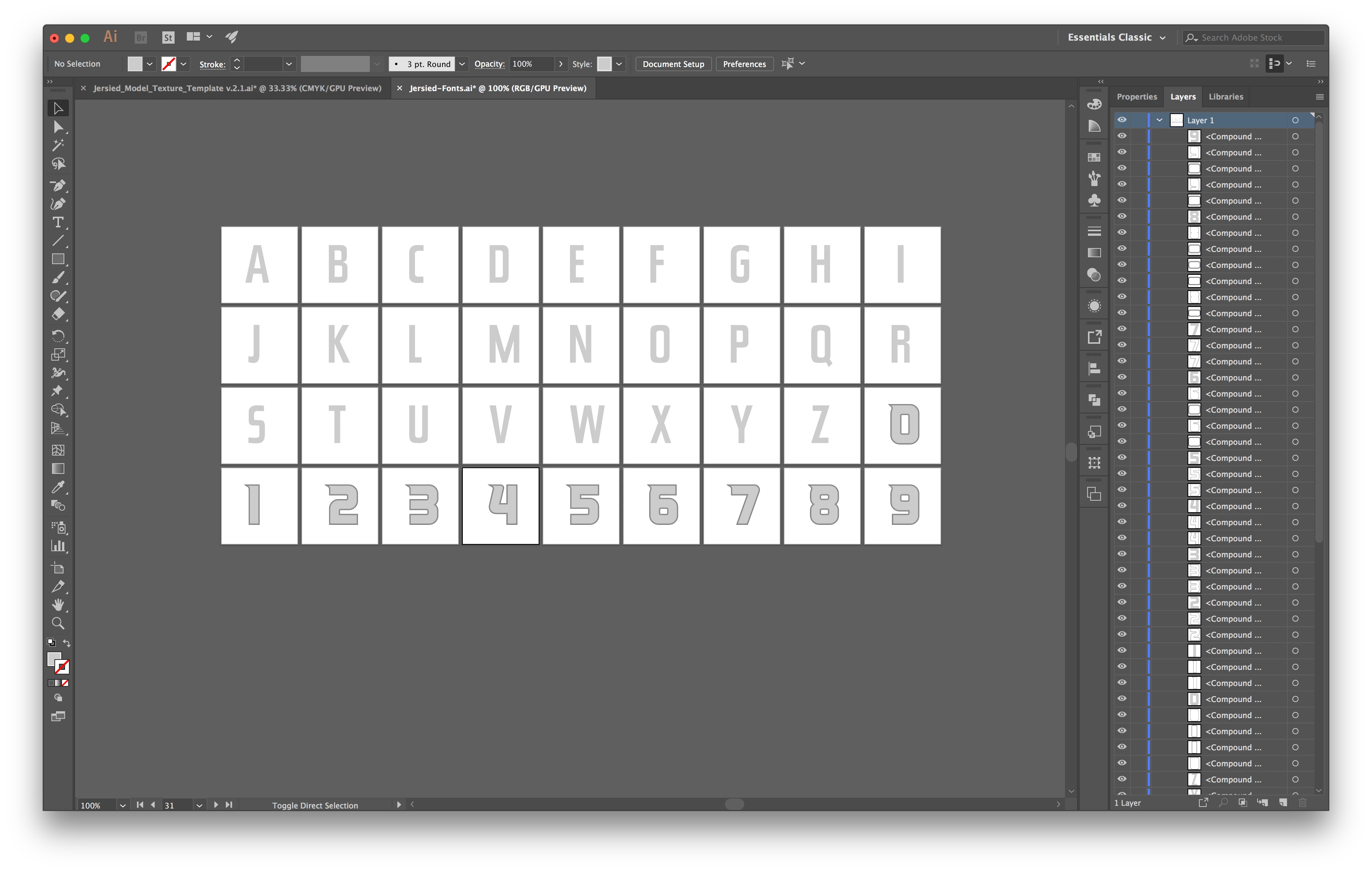
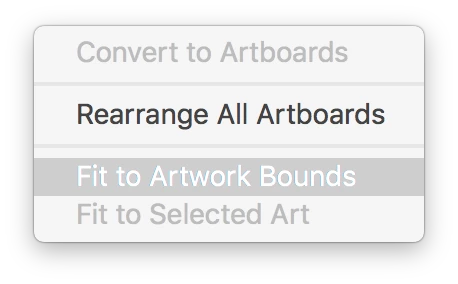
The artboard of whatever letter/number was picked last goes to the bound of all the letters and numbers.

What do I need to do to get each artboard to adjust to the bounds of each letter/number?

    This topic has been closed for replies.
    Correct answer gregand70291927

    Found a script that works:

    Illustrator: resize All artboards to the art present on themselves | Nimble Blog

    2 replies

    pixxxelschubser
    Community Expert
    Community Expert
    April 9, 2018

    Hi @

    this is possible manually or with scripting.

    Give this script a try:

    // artboard_createNewArtboardOverAllArtwork.jsx

    // erstellt ein neue Zeichenfläche über die sichtbaren Grenzen aller (in allen Zeichenflächen vorhandenen) eingeblendeten Grafiken

    // https://forums.adobe.com/thread/2476290

    // regards pixxxel schubser  09/04/18

    var aDoc = app.activeDocument;

    aDoc.selection = null;

    var aSel = app.executeMenuCommand ('selectall');

    var aSel = app.executeMenuCommand ('group');

    var aSel = app.executeMenuCommand ('outline');

    var abRect = aDoc.groupItems[0].visibleBounds;

    var aSel = app.executeMenuCommand ('undo');

    var abRect = aDoc.artboards.add(abRect);

    This snippet will create a new (but only one) artboard over all visible artwork. No selection required.

    If this helps a little,

    have fun

    Aktualisiert

    But on the second view it seems I understood your requirement totally wrong. Do you need fit all the artboards only to it's own contents, maybe?

    Inspiring
    April 14, 2018

    Actually, I need each individual artboard to resize around each individual character...

    Thanks for trying to help, any further ideas/suggestions?

    gregand70291927AuthorCorrect answer
    Inspiring
    April 14, 2018
    Mike_Gondek10189183
    Community Expert
    Community Expert
    April 9, 2018

    That is how fit to artwork bounds has always worked for me, one artboard at at time. Did you have a script maybe?

    Only way I know is to select one letter at a time and use the command fir to selected art, and to repeat for each letter.