

Question
Auto-Key Object "Feature"
How do you turn off the Automatic Key Object "feature" in the new version of Illustrator? I keep my align setting on "Align to Artboard" because of what I do, but the fact that it automatically selects the top object as a key object now renders "Align to Artboard" completely useless unless I click off of it. I want click on an object IF AND ONLY IF I need it to be the key object. I am vehemently opposed to not having a choice! It completely ruins my workflow for what I do EIGHT HOURS A DAY, EVERY DAY!!! I have refused the upgrade because of this. Please help!
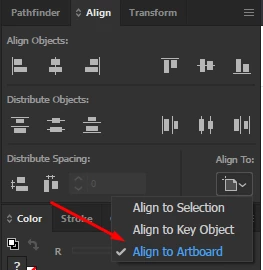
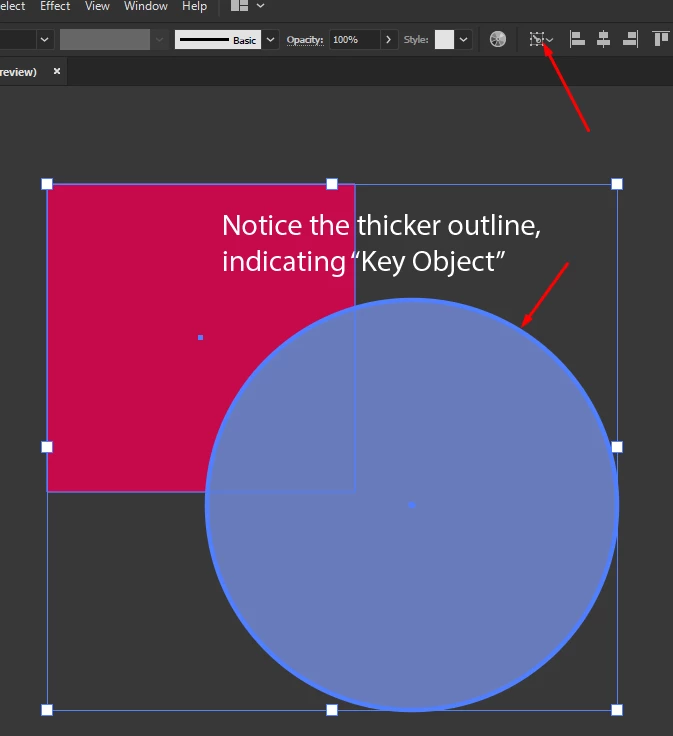
[ attachment inserted as inline image by moderator ]
 AdChoices