March 3, 2023
Answered

Autograph trace needs to get thicker without the use of stroke

  • March 3, 2023
  • 2 replies
  • 446 views

Hi, 


I need to be able to make my traced autograph thicker, as it needs to be printed as a sticky. 
But, i need to do this withouht using stroke, as the company's printer will regard the stroke as an extra cutline. 
It needs to only have 1 contour cut with 1 line. 
I hope someone can help me achieve this asap. 


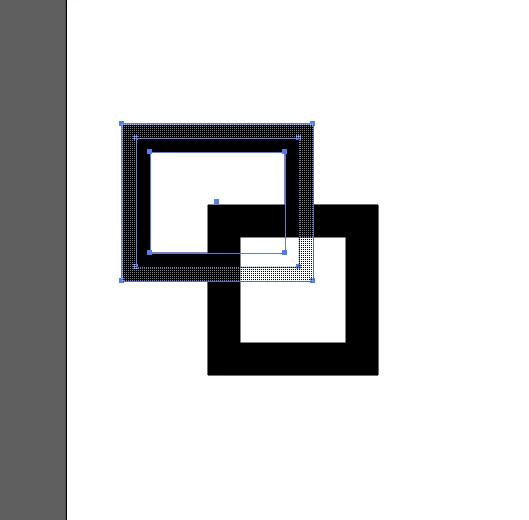
Ive posted a screenshot of the autograph 
This topic has been closed for replies.
Correct answer Imaginerie

Hello Emil,


there are two possibilities

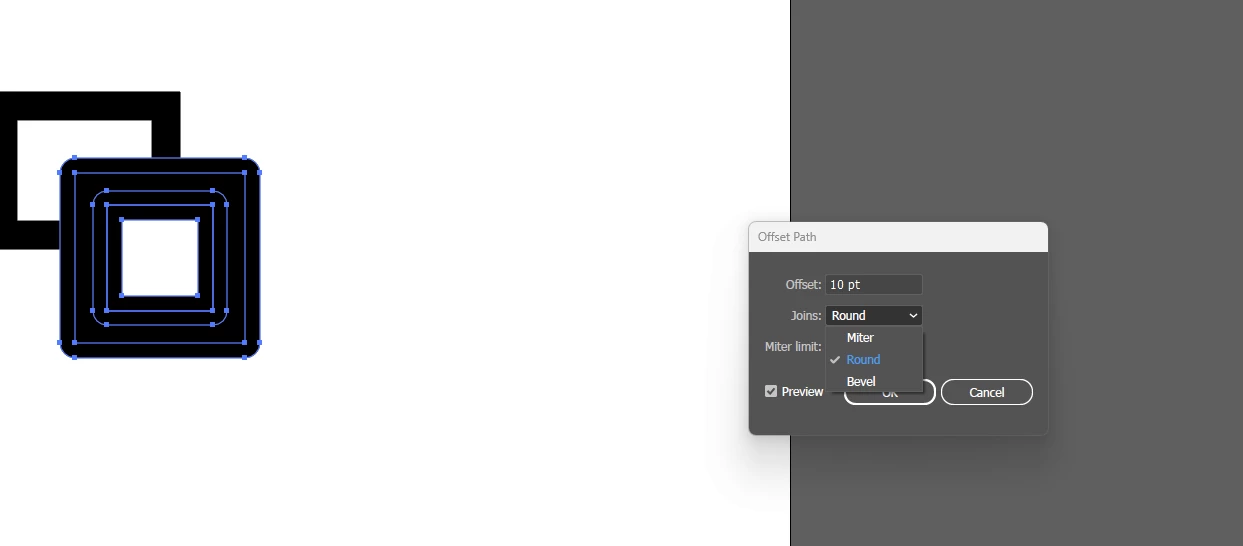
First one would be to go to object> offset path and then typing the number that works for you


just check that round is selected in the dropdown menu, if you have trouble with how the sharp corners are transformed, then play with the "mitter" settings

OR

Just add that stroke and when you're done go to:object>path>outline stroke (this changes it into a filled shape)


in both cases you'll have to merge both shapes, so for that you can use the shape builder:

https://helpx.adobe.com/uk/illustrator/using/creating-shapes-shape-builder-tool.html


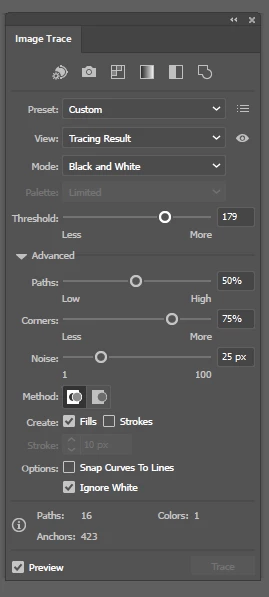
Otherwise, have you tried pushing the threshold a bit in the autotrace window? Sometimes it tends to thichen the lines (I found)
It may not be super precise though...


2 replies

Imaginerie
Community Expert
ImaginerieCommunity ExpertCorrect answer
Community Expert
March 3, 2023

Hello Emil,


there are two possibilities

First one would be to go to object> offset path and then typing the number that works for you


just check that round is selected in the dropdown menu, if you have trouble with how the sharp corners are transformed, then play with the "mitter" settings

OR

Just add that stroke and when you're done go to:object>path>outline stroke (this changes it into a filled shape)


in both cases you'll have to merge both shapes, so for that you can use the shape builder:

https://helpx.adobe.com/uk/illustrator/using/creating-shapes-shape-builder-tool.html


Otherwise, have you tried pushing the threshold a bit in the autotrace window? Sometimes it tends to thichen the lines (I found)
It may not be super precise though...


Mylenium
Legend
March 3, 2023

You can always convert the stroke to an outline again and clean it up by deleting the doubled paths. Otherwise you could try to offset the outline using Offset Paths. Given the complexity of a signature both methods are going to require significant effort to turn them into a usable die line, though.


Mylenium