Answered
Background wont delete from png.
Hi,
I have clicked on every youtube video to see if I can try and remove the background from my jpeg and the bacground still wont delete. There are many ways I see, but none of them work. Any advice? 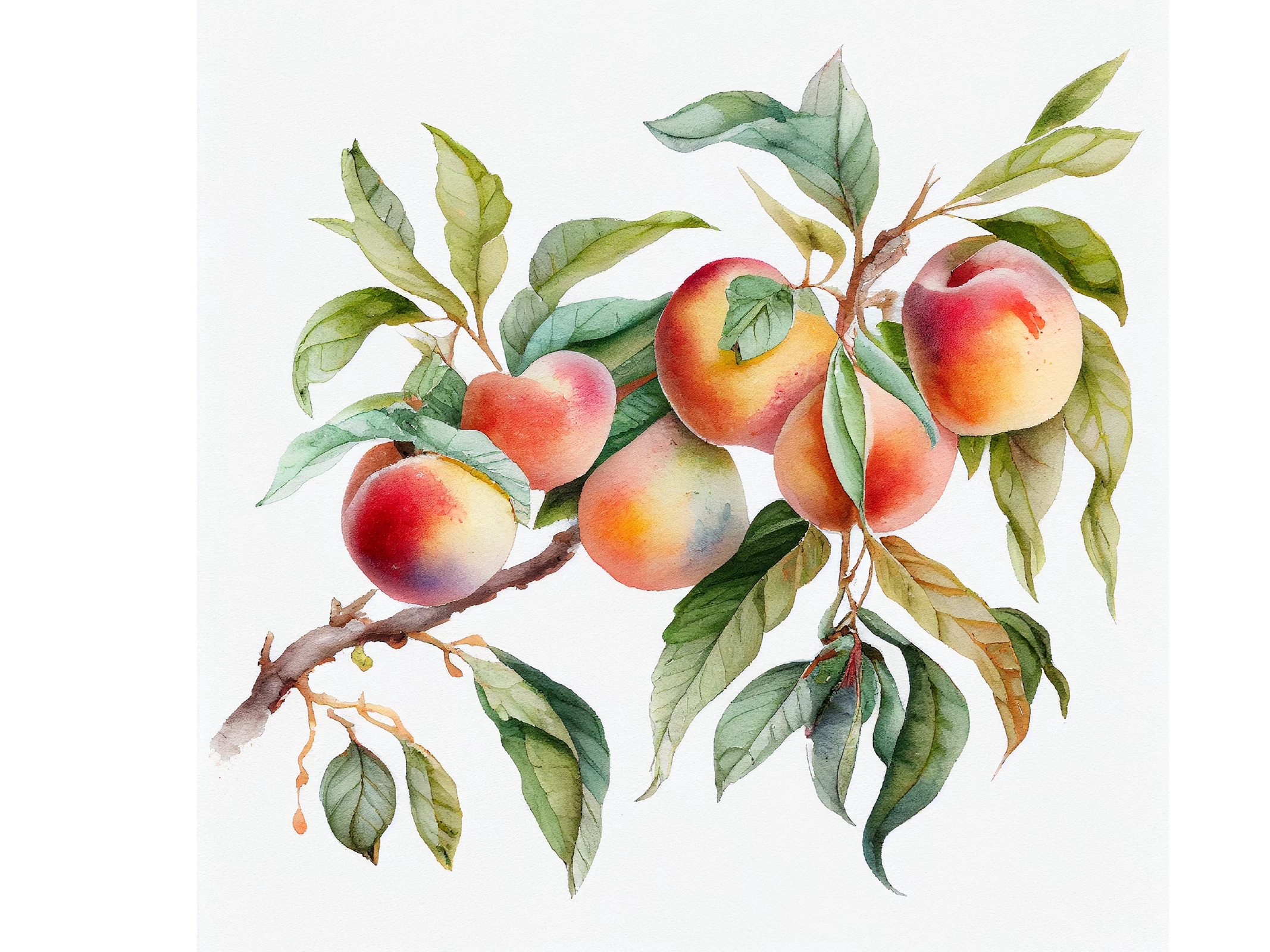
Thx

Hi,
I have clicked on every youtube video to see if I can try and remove the background from my jpeg and the bacground still wont delete. There are many ways I see, but none of them work. Any advice?
Thx
Yes, this is a job for Photoshop.
If you're not too familiar with PS, read up on how to create and modify masks. There are some good built-in automatic selection tools to mask your background, but even manually it shouldn't be too hard: e.g. Open the file in Photoshop; since your background is fairly even white and doesn't intrude too much into the image, use the Magic Wand to select the white area (start with a tolerance of 10-20 - if it selects too little, increase the tolerance number, or reduce it if it's selecting too much; anti-aliased ON would be best for you; and uncheck Contiguous). Once you have a selection, go under Layer > Layer Mask > Hide Selection. This will give you a decent start to a mask. You will have to tweak it here and there, like down at left where your image fades into he background, but you can easily do that by painting on the mask layer. You can then export it as a new transparent PNG, or leave as a PSD file.
Everyone has their own way of making masks, so others may chime in with suggestions, but Illustrator doesn't have the tools you want for this task, outside of a creating a clipping mask as @Ton Frederiks has mentioned.
Already have an account? Login
Enter your E-mail address. We'll send you an e-mail with instructions to reset your password.
 AdChoices