
Best way to bring an accurate vector image from a 3D model to Illustrator?
Please see this post:
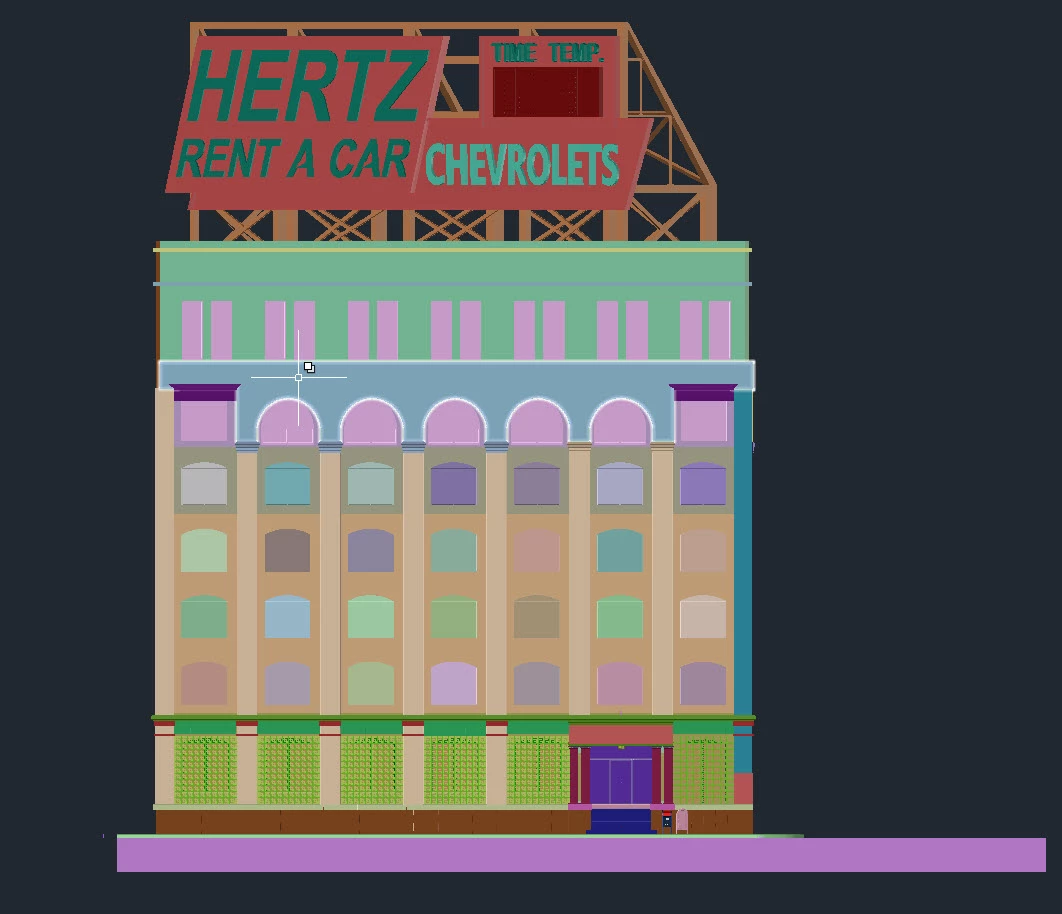
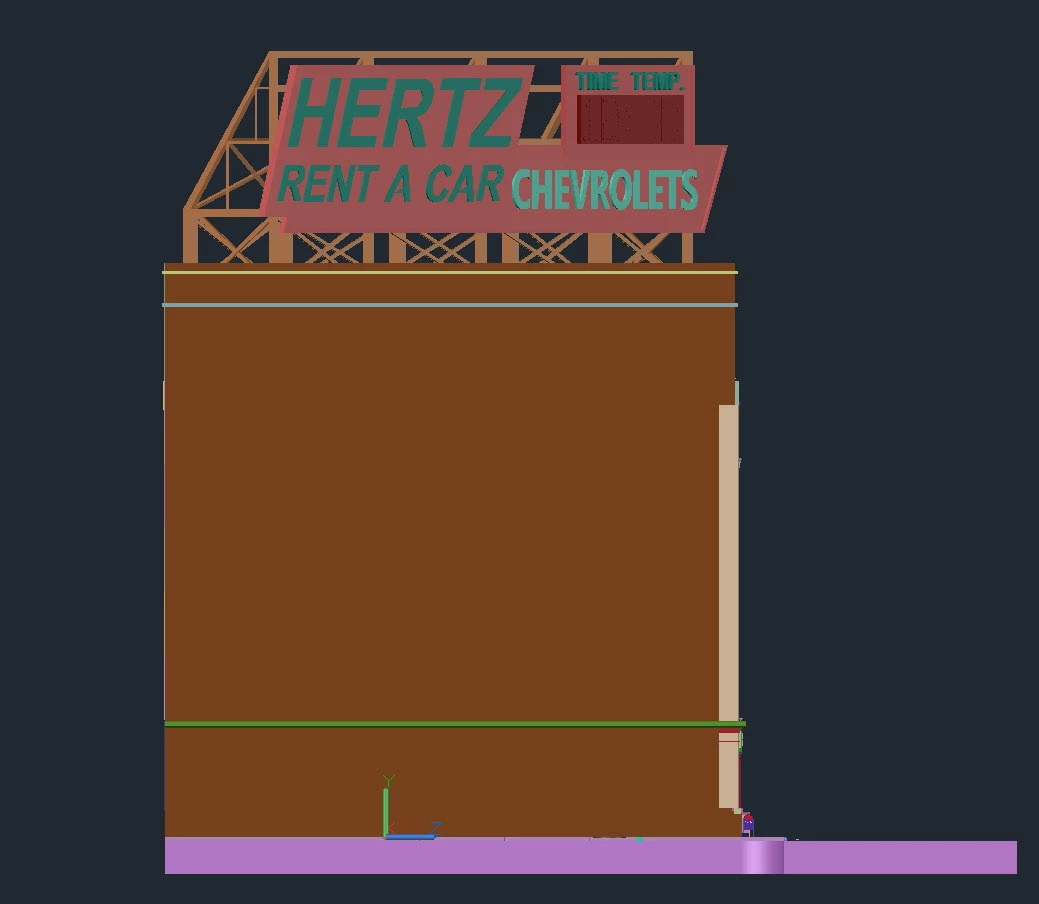
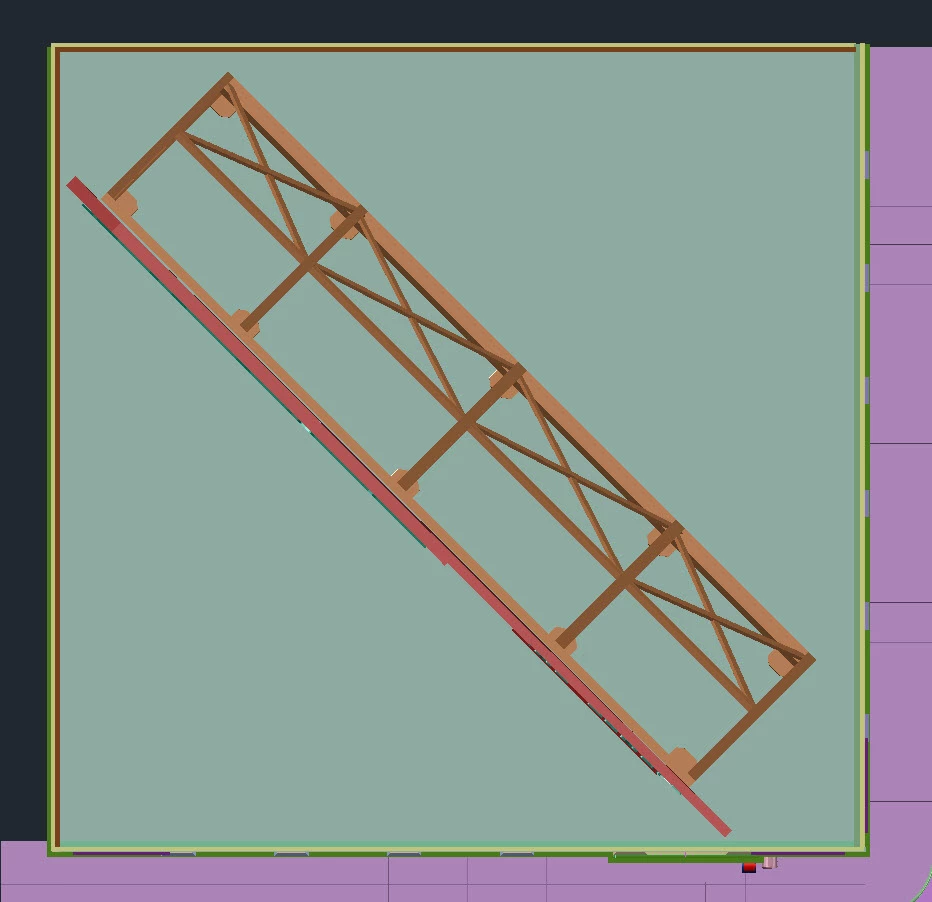
How to export from 3ds Max the 3 isometric views to a vector (SVG) based file?
This is my web service: [website link removed by moderator]
As you can see, the 3 background images could use some retouching. I have 2 potential sources, they are detailed 3D models of [redacted by moderator]:
(a) In 3ds Max
(b) In SketchUp
The destination is Illustrator, where the image will be beautified and saved as SVG.
I have attempted some workflows:
3ds Max ==> AutoCAD ==> DXF ==> AI
But the time elpased is absurd. I had to kill some of the apps, which were perhaps in an infinite loop?
Is there any way to tell those apps: "I only care about the visible layer (from above, front and side), a very thin slice, forget about the large number of polygons behind"?
TIA,
-Ramon F. Herrera
[personal info removed by moderator]
 AdChoices