
Inspiring
November 29, 2022
Answered

Best way to create an art brush for plumbing pipework

  • November 29, 2022
  • 3 replies
  • 6820 views

I have created a plan of my central heating pipework that provides a good indication of how it looks in reality rather than being a simplified diagram. To do this, I first created art brushes for 15mm, 22mm, and 28mm pipes. Each of these brushes simply has a pair of lines defining each side of the pipe.


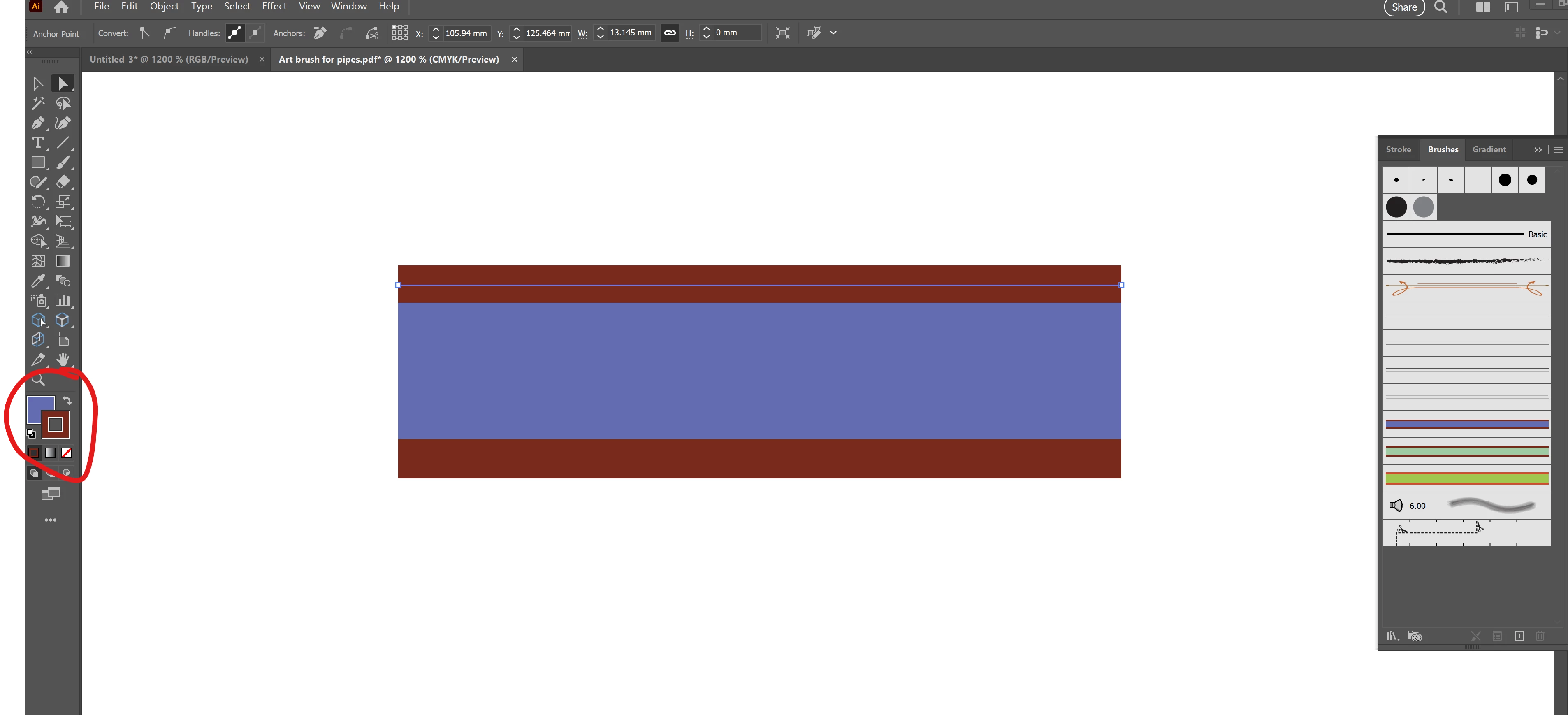
However, it would have been better to have had a fill colour for these brushes, but my attempts to add a fill that is limited to the line of the pipe have failed. Is there a way to do that?   
This topic has been closed for replies.
Correct answer Doug A Roberts

It seems rather perverse that a forum dedicated to Illustrator won't let you upload Illustrator files! I've changed the extension of my AI file to PDF, as you suggested. I hope it works this time. 


The problem with this brush is that the outer lines have a fill, which appears when their endpoints are separated. Remove the fill from those outer paths and it should work.

3 replies

Luke Jennings3
Community Expert
Community Expert
November 29, 2022

Create a small rectangle.

Fill it with a gradient from the Windows> Swatch libraries> Gradients> Metals (or create your own).

With the rectangle selected, go to Object> Expand.

With the rectangle still selected, go to Brushes> New Brush> Pattern brush.

Apply the new brush to any line.

You can round the corners using Effect> Stylize> Round corners.

Inspiring
November 29, 2022

I'm trying to follow your suggestion, Luke, but keep getting the error 'The selected artwork contains an element that cannot be used in a pattern brush'. I have tried several different swatches from the Metals Gradients, including Pewter and all have generated the same error.


What might I be doing wrong? What settings are required in the Object > Expand dialogue box (I used the defaults)?

Monika Gause
Community Expert
Community Expert
November 29, 2022

You need to expand the gradient. There cnnot be gradients in brushes. You need to expand it so that there are only rectangles. But not too many. As few as possible.

Met1
Legend
November 29, 2022

How about a simple line with two (or more) strokes...


Inspiring
November 29, 2022

That suggestion appears to work very well. I didn't know you could create lines with multiple strokes., so thanks for advancing my knowledge of Illustrator  🙂

Doug A Roberts
Community Expert
Community Expert
November 29, 2022

Probably? Please show your brush artwork and what you've tried so far.

Inspiring
November 29, 2022

I've attached a JPEG export of my drawing (created in Illustrator CS6). All I've tried is to add a fill to sections of the pipework and it doesn't achieve what I want, which is to add fill colours to the pipes and nothing else.

Inspiring
November 30, 2022

I believe you could attach an .ai file to a pdf, and then upload it using the "browse files to attach" button. In Acrobat- View> Show/Hide> Navigation Panes> Attachments> +

Or possibly just change the extension to .pdf, then change it back after download.


It seems rather perverse that a forum dedicated to Illustrator won't let you upload Illustrator files! I've changed the extension of my AI file to PDF, as you suggested. I hope it works this time.