Participant
February 11, 2025
Question

Blank Pages when saving PDF

  • February 11, 2025
  • 1 reply
  • 321 views

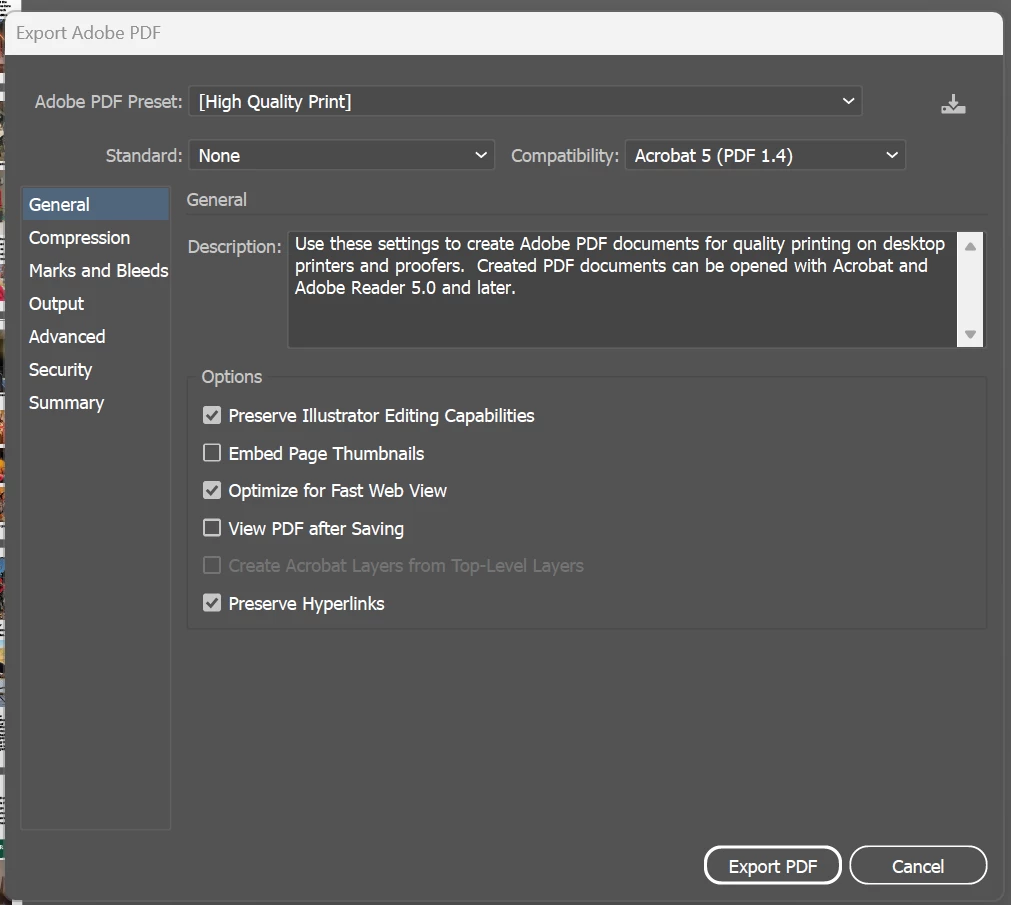
Whenever I save this PDF pages in the middle go missing. They load in as blank and I've never had this problem before. The first photo is a screenshot of the art boards in illustrator. The second is the saved PDF with missing pages. I've also attached a photo of my PDF setting that I am saving with.




1 reply

Monika Gause
Community Expert
Community Expert
February 11, 2025

ANything different about the content on those artboards?

Are they perhaps on a layer that is set to not print? Or a template layer?

Blair_Author
Participant
February 11, 2025

Nope. They are all on normal artboard and all layers are set to print. The content is the same as the rest of the document.


The way I worked around this was by saving a copy of the document and saving as a PDF there. It worked from the other document. Very odd.

Monika Gause
Community Expert
Community Expert
February 11, 2025

So even when you save just those two pages from the current document, it won't work?


If you need to copy them to a different document, then the reason might be that the current document or certain artboards or object are corrupted. So copying it over to a new document is a good idea generally.