
Answered
Bleed/crop marks for oddly shaped design
I am designing a label that needs to go on a bottle. The design is oldly shaped (kinda like a triangle with a curve). The professional printer owner said he can cut it out.
But...
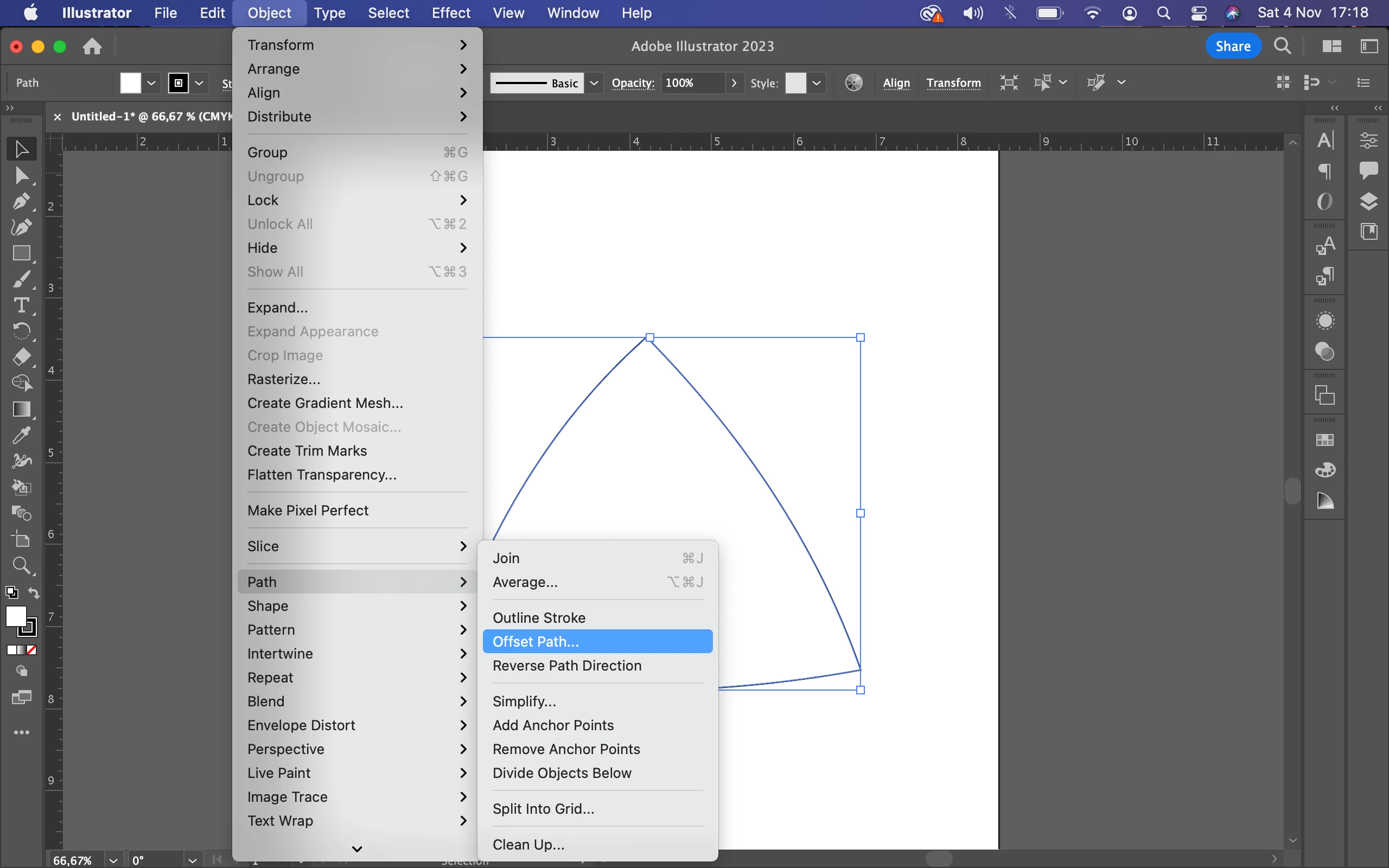
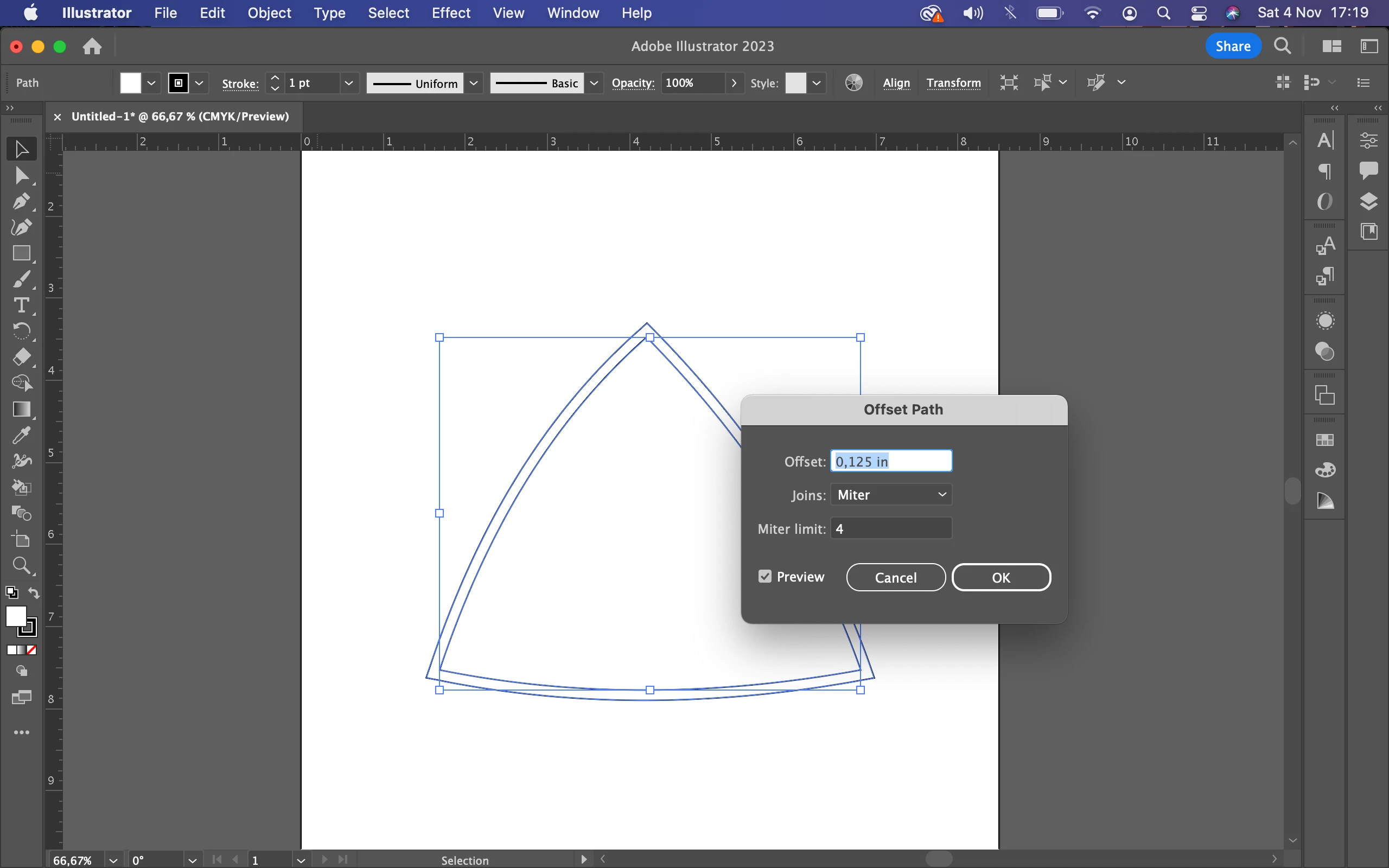
I am confused as to how to add bleeds and crop lines. When I do it it simply adds the bleed/crop lines to the artboard and not direclty around my oddly shaped image.
If someone could do a screen recording of how this is done I'd be forever thankful.
Thank you! 🙏
 AdChoices