chrism9002341
Participant
August 20, 2024
Question

Blending Mode on by default - can't make normal

  • August 20, 2024
  • 3 replies
  • 433 views

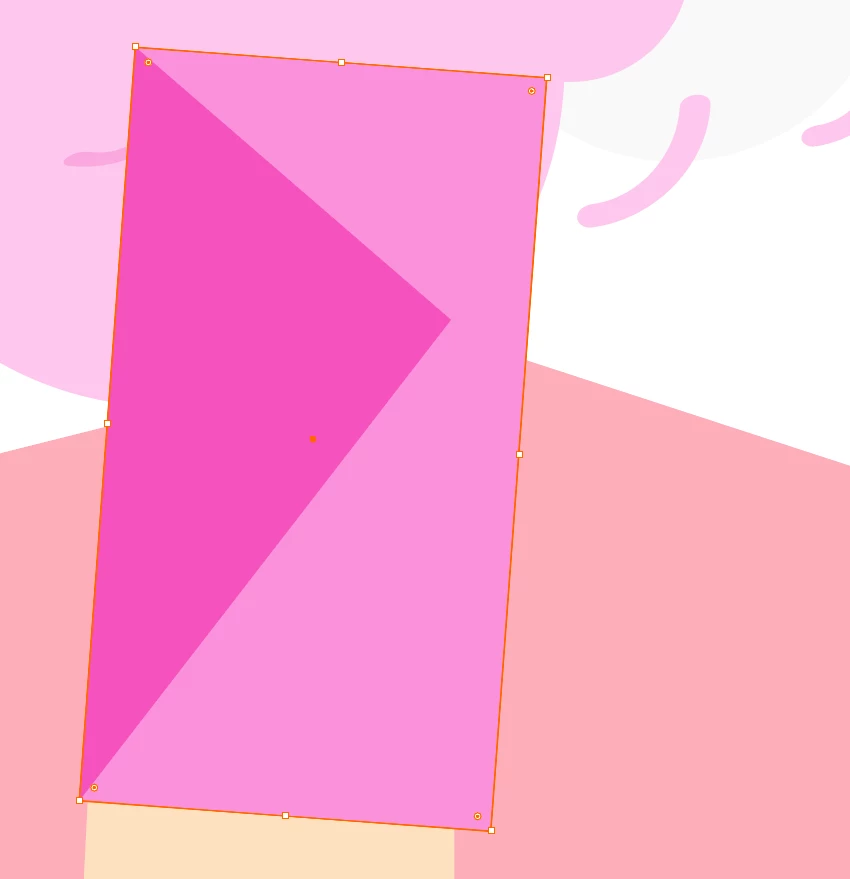
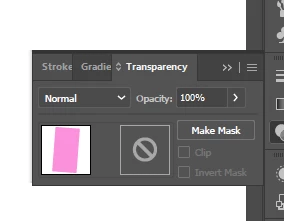
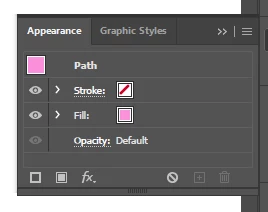
Hey folks, odd one, my shapes seem to be stuck on a blend mode, multiply was the last I notice, but when I go to check, it's on normal, no effects are and and opacity is at 100%

This topic has been closed for replies.

3 replies

Inspiring
August 21, 2024

Maybe they're just overprinted?


Monika Gause
Community Expert
Community Expert
August 20, 2024

There's nothing on a group or layer, but you can click open the "Fill" in the Appearance panel. Inside there is an opacity slider as well.


https://youtu.be/zXvRbN03MzQ

Anshul_Saini
Community Manager
Community Manager
August 20, 2024


That sounds frustrating! It seems like your shapes are visually behaving as if they're in a blend mode like "Multiply," even though everything is set to "Normal" with no effects and full opacity.


This could be due to a different issue, such as a layer or group having a blending mode applied. Could you try selecting the shape and checking the blending mode and opacity at both the object, layer & group levels? If that doesn't resolve it, you might also want to double-check your Appearance panel to see if any unexpected effects are applied. 


Also, is this happening in a particular file or all files? Please confirm which version of Illustrator you are currently using.


Let me know if that helps or if you're still facing issues!


Best,

Anshul Saini