
Answered
Blur effect on one side only
Hello everyone,
I want to get this blur effect on illustrator as on screenshot belove:
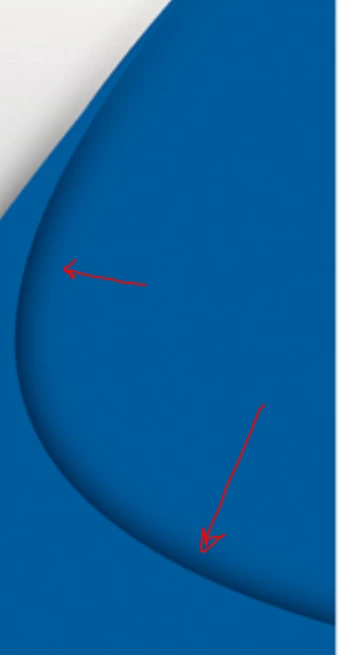
Could someone please help me?
Thanks,
Nico

Hello everyone,
I want to get this blur effect on illustrator as on screenshot belove:
Could someone please help me?
Thanks,
Nico
Nico,
As I (mis)understand it, you may:
1) Select the path on the top right (the one with the arrows on it), then Object>Path>Offset Path with a negative offset equalling the width of the colour transition, then have both paths in solid colour, the narrower offset path in the paler general colour and the original wider path in the much darker colour at the edge;
2) Object>Blend>Blend Options, set Spacing to Smooth and Orientation to Align to Path, then select both paths from 1) and Object>Blend>Make.
Already have an account? Login
Enter your E-mail address. We'll send you an e-mail with instructions to reset your password.
 AdChoices