
Bounding box includes invisible objects in group?
Hi,
So I've noticed that my bounding box on Illustrator has been acting a little odd on my work computer.
Example; I select a group that has a bunch of objects in it but it also goes around the group's hidden objects and I can't remember if this is normal. I don't think it's supposed to do that. Right?
Can someone confirm this for me? or help me troubleshoot it? I feel like this is wrong because when the whole group is selected while the object in question is invisible it does this:
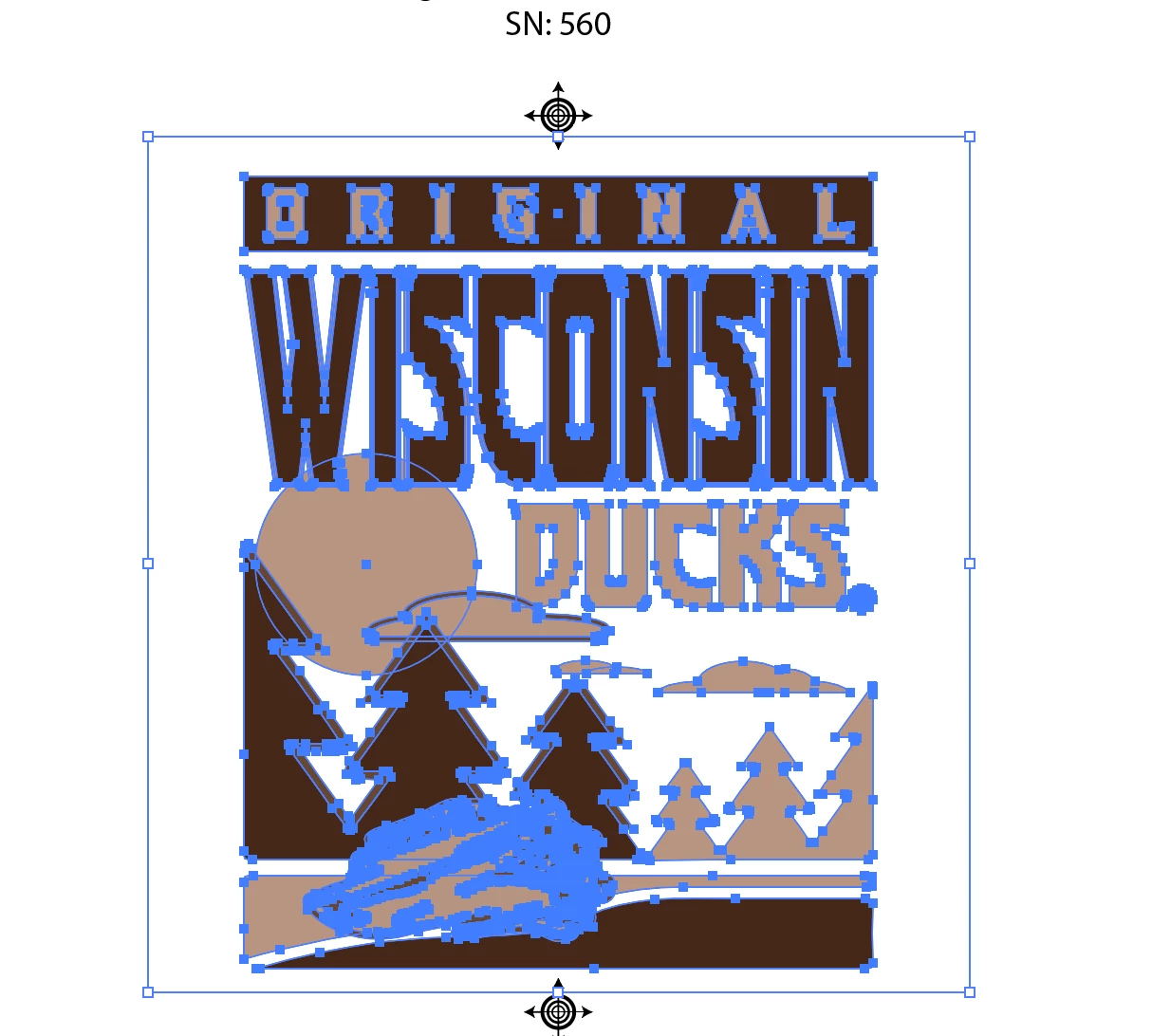
I do not have a stray object or path I promise... Anyway, when I make the object visible in this case it is a group of distress patterns (for screen printing shown below)

and then, if I select the group in this state and make the destress group invisible while selected, the bounding box goes around the visible objects only as it should (from what I remember this is what it normally should do)
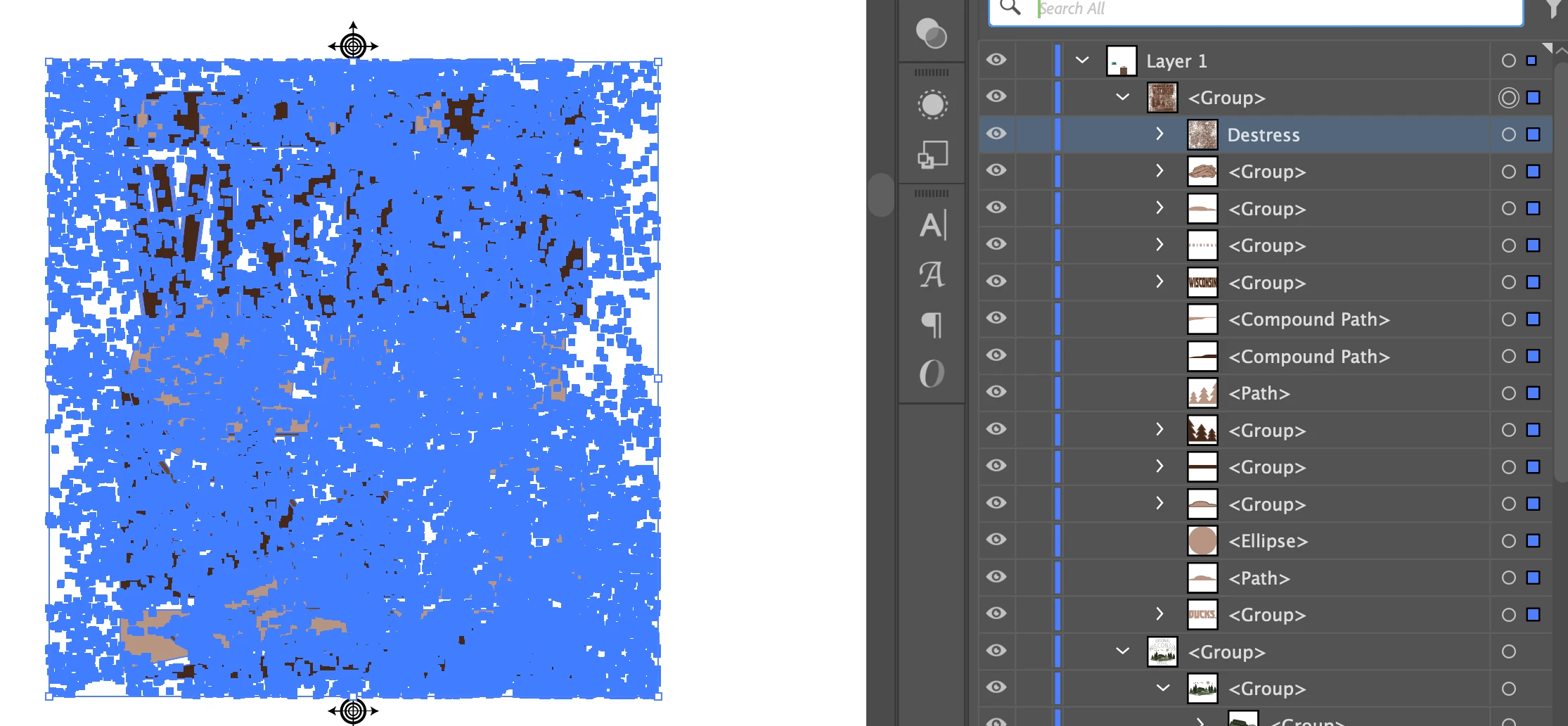

SEE?! Is this a bug? It's been really impairing my workflow...
Help please lol.
-AA
 AdChoices