

MarshyNav
Known Participant
January 28, 2019
Answered

Bring Object forward or to the front

  • January 28, 2019
  • 2 replies
  • 6042 views

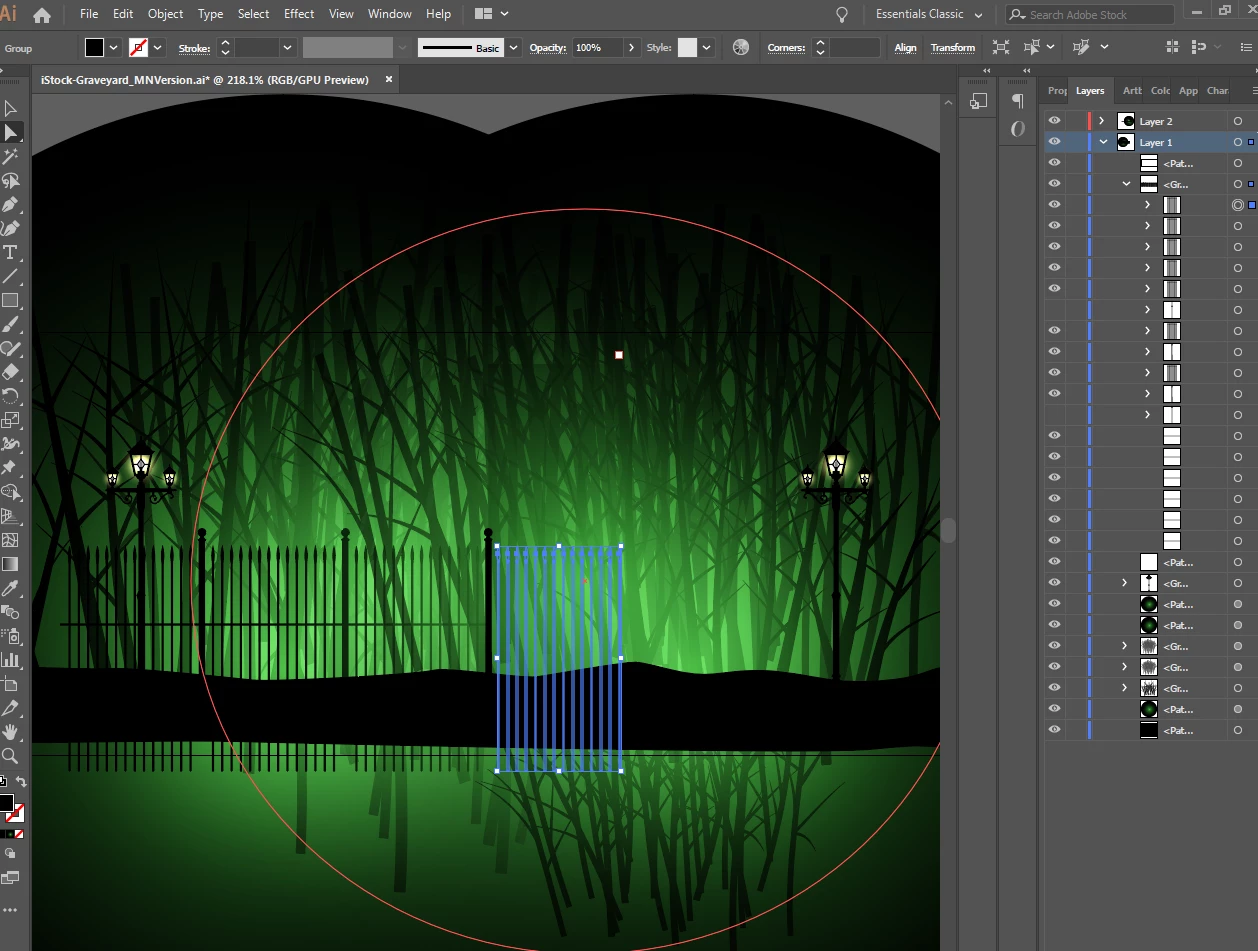
I have a illustrator file that has many objects and layers on it; I got it from iStock, but I've been manipulating it for my own needs. I would like to bring this fence (for example) which is comprised on many objects put together.

I can select it and I've tried Object>Arrange> Bring to front, but nothing visually happens. I have a feeling it has something to with a path or mask in these layers. Any ideas?
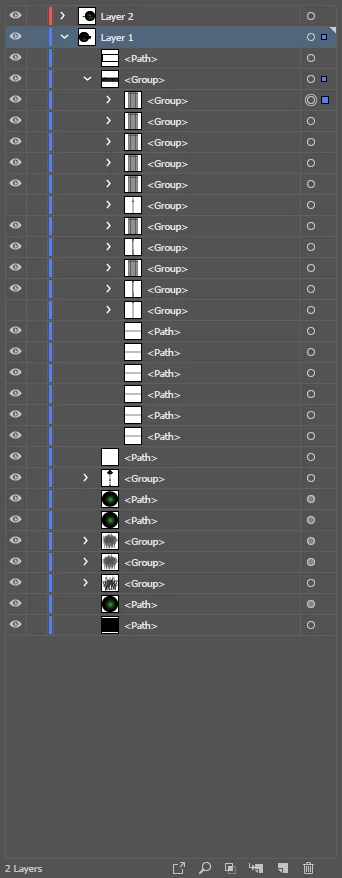
Here is a closer view of what is in the layers
This topic has been closed for replies.
Correct answer Doug A Roberts

Bring to front will only move things within their layer. The fence is in front of everything on layer 1, but still behind everything on layer 2.

2 replies

Doug A Roberts
Doug A RobertsCorrect answer
Community Expert
January 29, 2019

Bring to front will only move things within their layer. The fence is in front of everything on layer 1, but still behind everything on layer 2.

Monika Gause
Community Expert
January 28, 2019

A mask should be underlined in the layers panel. I don't see anything underlined.

Would need the file to check that.

You maybe want to introduce an additional layer and put your fence on it.

MarshyNav
MarshyNavAuthor
Known Participant
January 29, 2019

Thank you that's a good idea, I should have thought of!