
Answered
BUG: OpenType superscript broken in Illustrator 25.0.1
Assigning OpenType superscript features or superscript alternate glyphs does not appear to work in in Illustrator 25.0.1 (on MacOS Mojave).
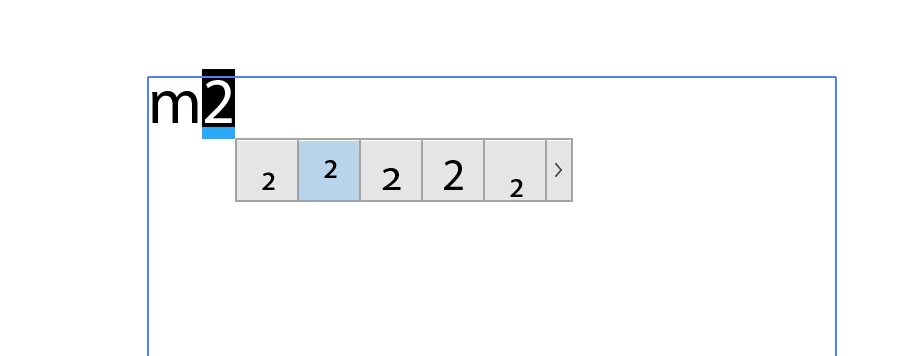
The menu opens, but nothing happens if you press the shown optional figure styles. Adding them manually from the Glyphs window or by assigning a different position setting in the OpenType settings pane doesn’t work either.
You can however copy text from elsewhere with unicode superscript characters and they will appear correctly. Tested with Adobe Myriad and Fakt Pro, so not a font issue.
 AdChoices