
Exit
  • Global community
    • Language:
      • Deutsch
      • English
      • Español
      • Français
      • Português
  • 日本語コミュニティ
  • 한국 커뮤니티
0

Bug with my scripts since the update

New Here ,
May 15, 2023 May 15, 2023

Since the last Illustrator update (27.5), my script no longer works (tested on several computers).
Do you know where this can come from?


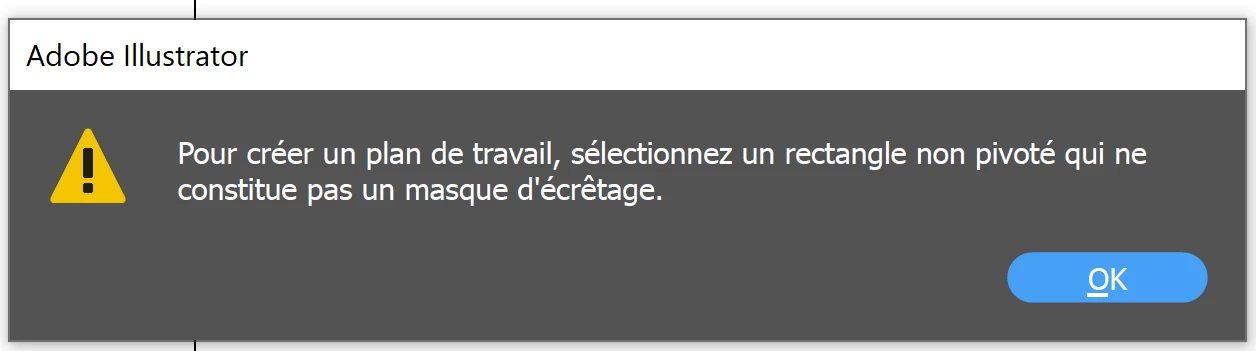
This is the message : 

To create a work plane, select a non-rotated rectangle that is not a clipping mask.
lucillef279032_0-1684165650205.png


For the record, my script worked perfectly before, I didn't change anything, and I don't have: any unrotated rectangle, any clipping mask.

Thank you very much for your help ! 

TOPICS
Bug , Scripting
398
Translate
Report
Community guidelines
Be kind and respectful, give credit to the original source of content, and search for duplicates before posting. Learn more
community guidelines
Adobe
Community Expert ,
May 15, 2023 May 15, 2023

Intriguing! Are you able to share the script? Or at least several lines leading up to that error message?

- Mark

Translate
Report
Community guidelines
Be kind and respectful, give credit to the original source of content, and search for duplicates before posting. Learn more
community guidelines
Guide ,
May 15, 2023 May 15, 2023
LATEST

This is an error message one gets with the menu command Object > Artboards > Convert to Artboards. So what object are you trying to convert to an artboard?  In addition to the script, you probably need to show your document. 

Translate
Report
Community guidelines
Be kind and respectful, give credit to the original source of content, and search for duplicates before posting. Learn more
community guidelines