
Calculating PPI of images
Hello,
I have simple problem - I need to extract the PPI (resolution) of each raster item within the AI document. For now I've managed to calculate approximate values using this formula ->
var widthInPixels = Math.abs(72 / item.matrix.mValueA);
var heightInPixels = Math.abs(72 / item.matrix.mValueD);
Where:
item - is the raster item, no matter the type object (it can be raster item, placed item, etc); every such object has matrix property which values (mValueA, mValueD -> scaling percentage width, scaling percentage height) refer to the scaling factor in percentage of the object itself. For example if we have AI document with embedded PNG file with original dimensions 3000x3000 and we scale the image within the document to 4000x4000 then the mValueA and mValueD will have value of 1.33333 and -1.33333 respectively or with other words said we have sized up the image with 33%. Initially when the image is placed within the document it is scaled to 100% (meaning that is has not been resized). When we downsize the image the percentage of scaling drops down and vice versa. Example: if we scale the placed image to 1500x1500 the scaling percentage will be down with 50%, having mValueA and mValueD to have value of 0.5 and -0.5 respectively.
We can think of the initial 100% value like a boundary - if a value exceeds it - it means the object has been sized up and otherwise down sized.
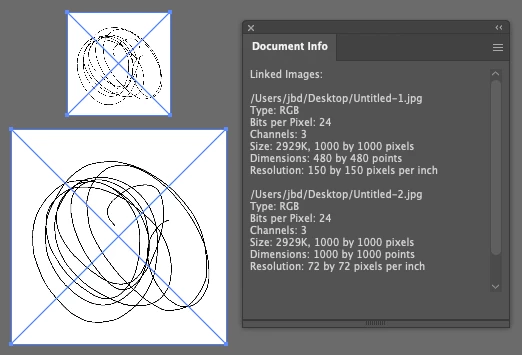
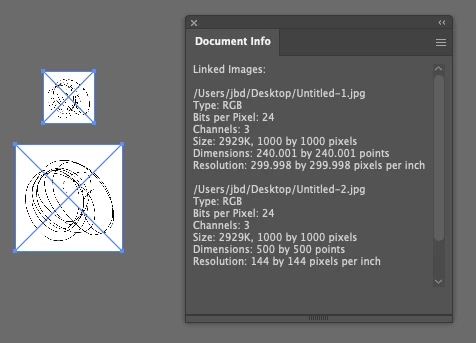
My question is - is this the right formula for calculating the PPI? I have extremly odd case - in the document file there are two linked JPG (or Joint Photographic Experts Group) images. The output of the same formula for the first image is correct, but for the second image the value is twice smaller than the actual.
The real value for PPI is 250x433.
With the formula the output value is 125x217.
What the *** I am doing wrong?
 AdChoices