

Question
can't change the colour of my image in illustrator
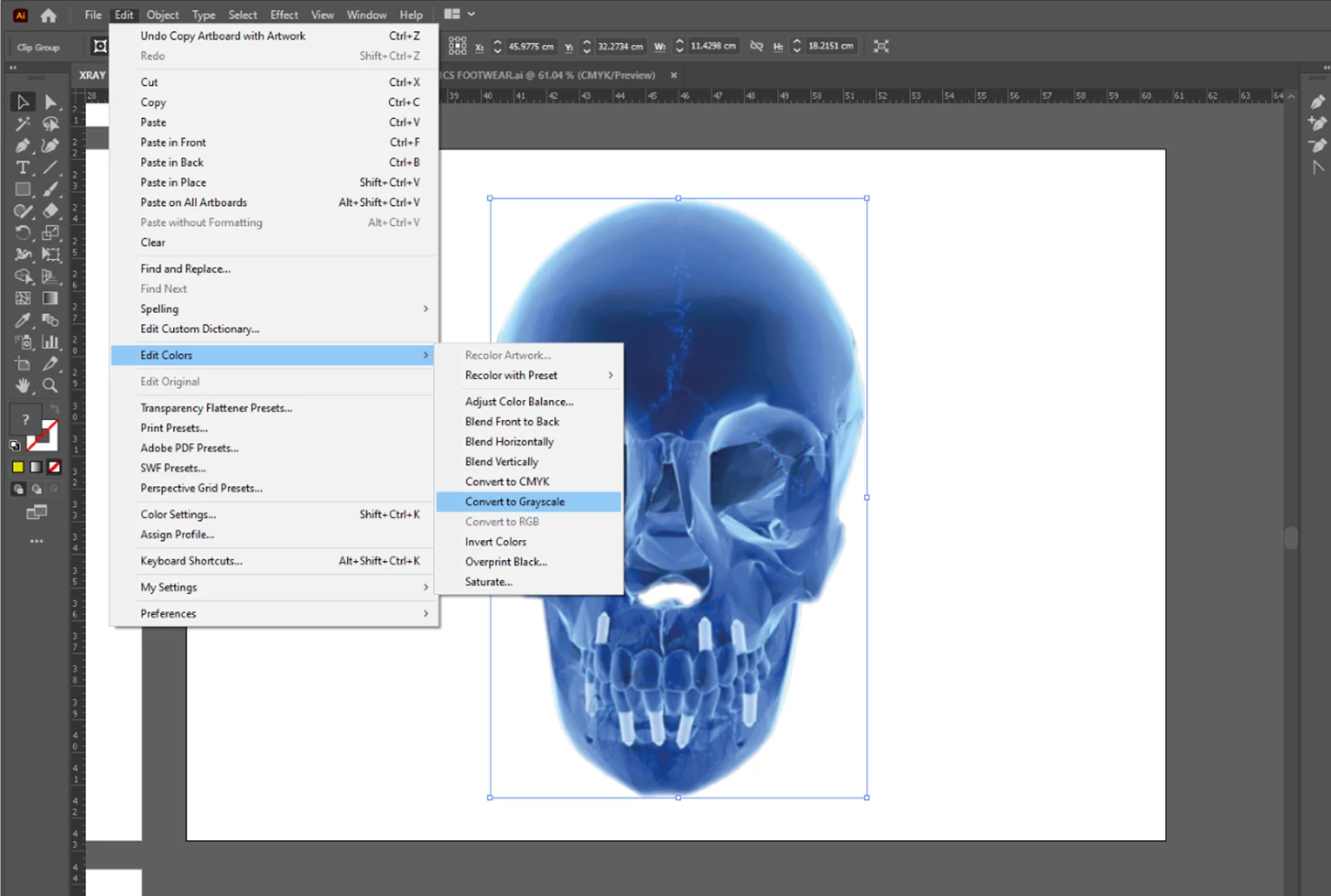
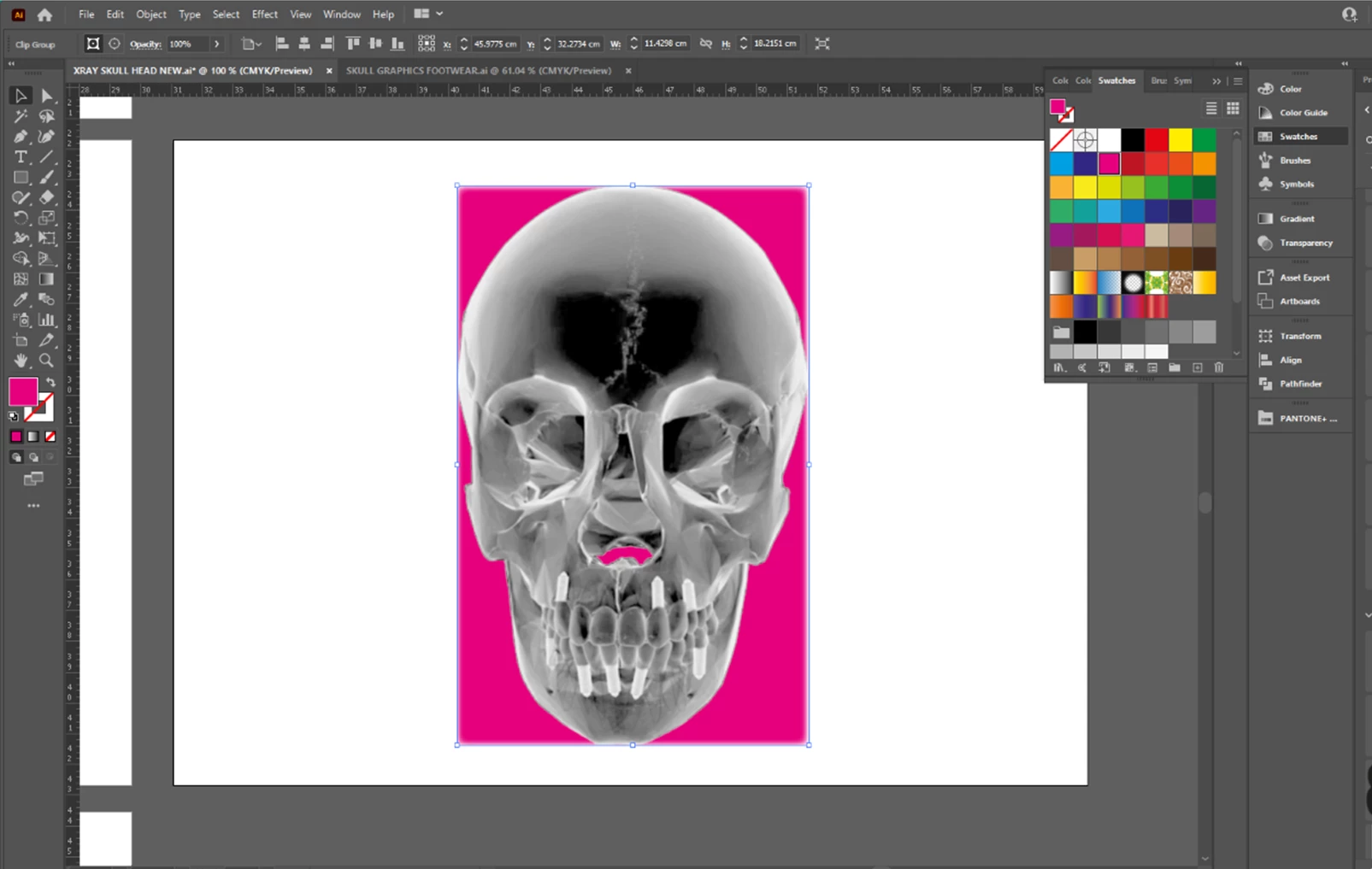
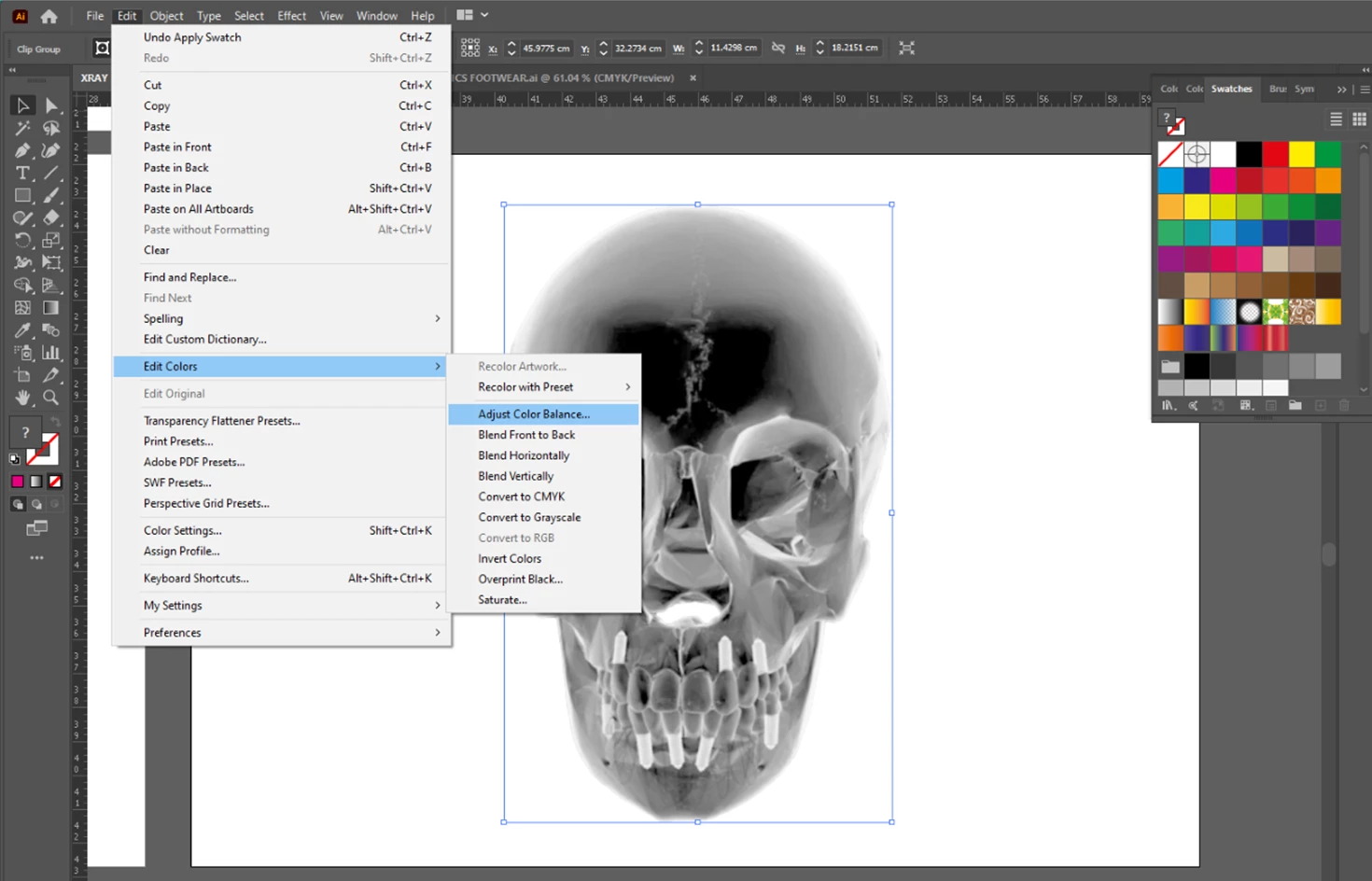
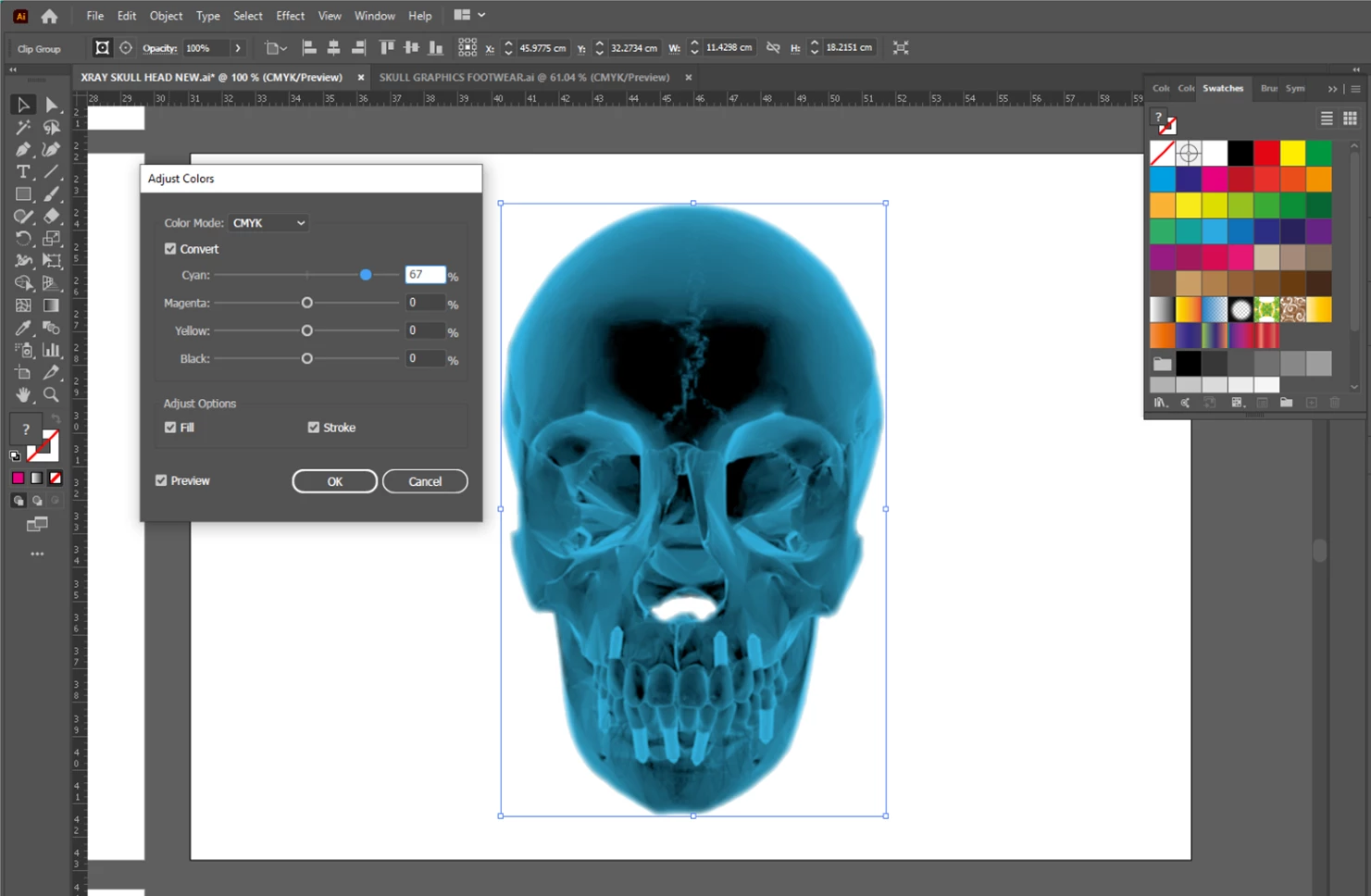
Hi, I'm struggling to change the colour of my image in illustrator following a tutorial on youtube. I embed the image and then edit, edit colours, convert to grayscale and then go to colour swatches and I should be able to then select the colour I want my image to be but instead of changing the actual image colour it changes the colour of a box behind the image, not sure if its the bounding box, i can only seem to change the colour when i go to edit, edit colours, adjust colour balance which is another way to change the colour but i still want to be able to change the colour via the swatch and im not sure why i cant when i followed the exact steps, if anyone can help, would really appreicate it! thank you!


Belle
 AdChoices