


Participant
April 23, 2021
Question

Can't export SVGs to have a fill="#000000" (black)

  • April 23, 2021
  • 2 replies
  • 2973 views

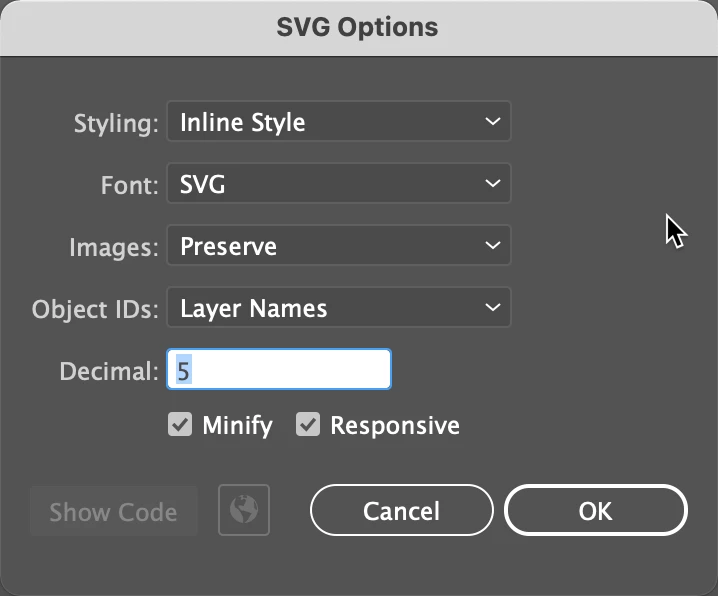
I'm having trouble exporting SVGs to have a black fill (fill="#000000). I am able to export an SVg to have any other color except a black one. I am exporting as Format: SVG using artboards (1). I am using SVG options:

Styling: Inline Style

Font: SVG

Image: Preserve

Object IDs: Layer Names

Decimal: 5

Minify: checked

Responsive: checked

(as screenshoted below)
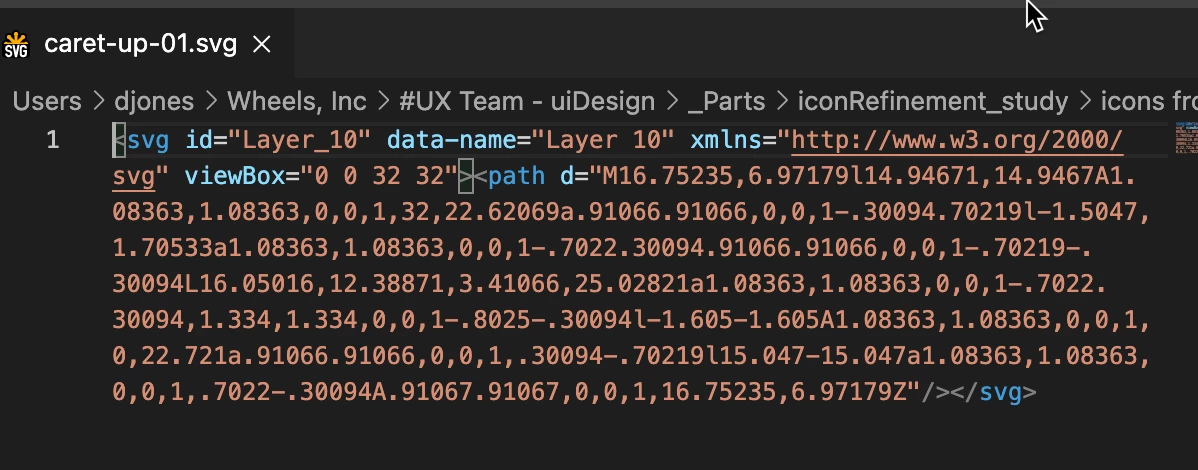
And the results in VS Code as shown below (no fill in code):
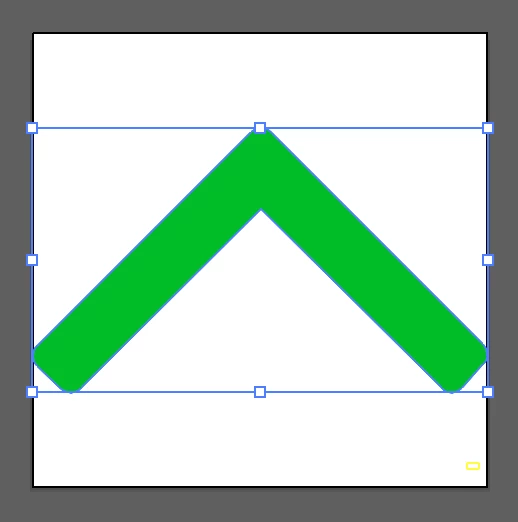
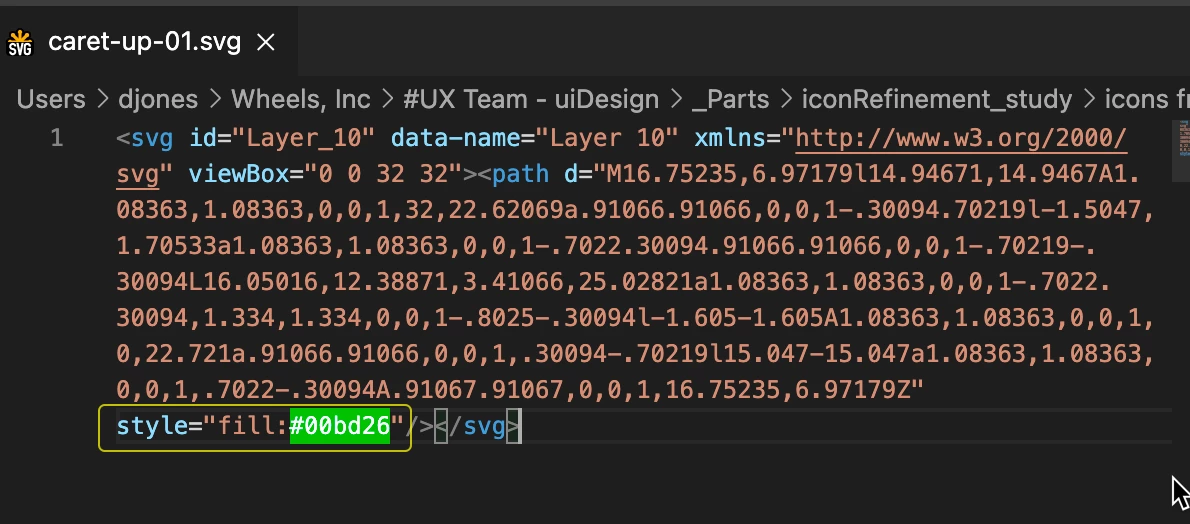
And results of exporting in same settings with any other color:
Any reason why it won't export with a black fill?

This topic has been closed for replies.

2 replies

Ton Frederiks
Community Expert
Community Expert
May 11, 2021

It does not seem to matter for the display of the fill, but a black fill is not defined.

A black stroke is saved. And that is the behaviour since at least CS4.

Opening a file in Inkscape shows Paint is undefined for the black fill.

Monika Gause
Community Expert
Community Expert
April 23, 2021

Can you post the appearance panel of the original file?

Participant
April 23, 2021

Sure thing! Here's the appearance panel


Monika Gause
Community Expert
Community Expert
April 24, 2021

OK, that's weird.

Before resetting the preferences ... can you check the color management settings?

And also: which color profile is attached to the document? It's unlikely, but possible that color management does this. But those color profiles are experimental ones.


If color management is set up correctly, then can you try if "Export for screens" does the same? You have crrently used "Save as", right?


If that doesn't work, then probably the preferences are causing it. You can try and rename the folder, so it can be reverted. https://helpx.adobe.com/illustrator/using/setting-preferences.html