
Participant
April 23, 2021
Question

Can't export SVGs to have a fill="#000000" (black)

  • April 23, 2021
  • 2 replies
  • 2986 views

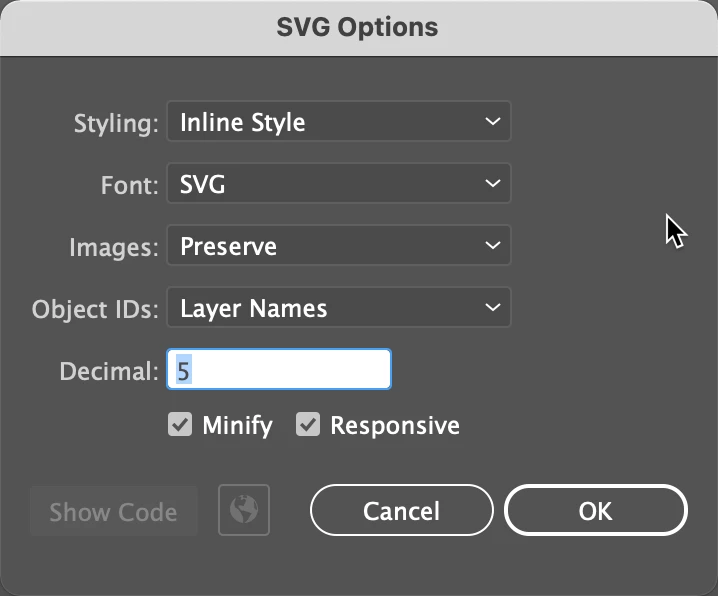
I'm having trouble exporting SVGs to have a black fill (fill="#000000). I am able to export an SVg to have any other color except a black one. I am exporting as Format: SVG using artboards (1). I am using SVG options:

Styling: Inline Style

Font: SVG

Image: Preserve

Object IDs: Layer Names

Decimal: 5

Minify: checked

Responsive: checked

(as screenshoted below)
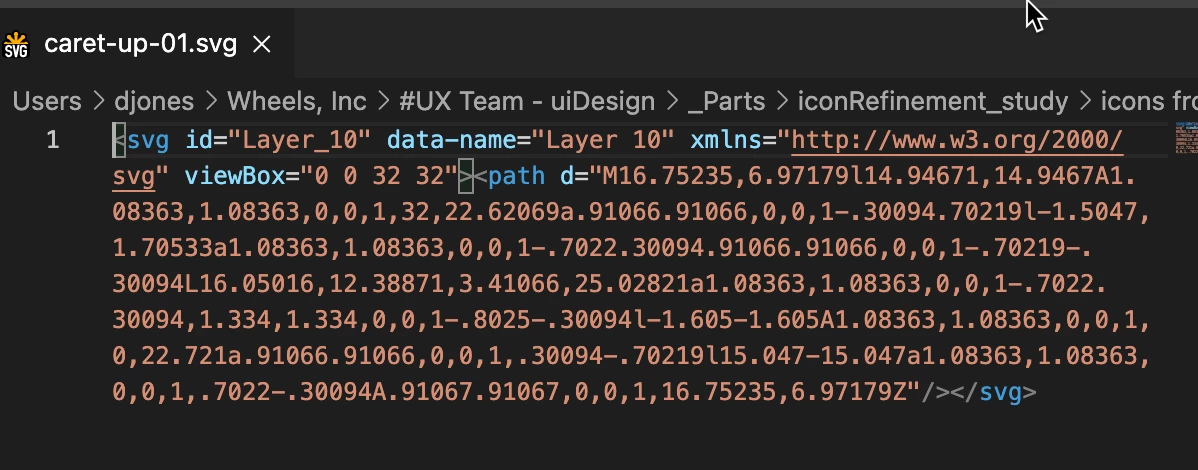
And the results in VS Code as shown below (no fill in code):
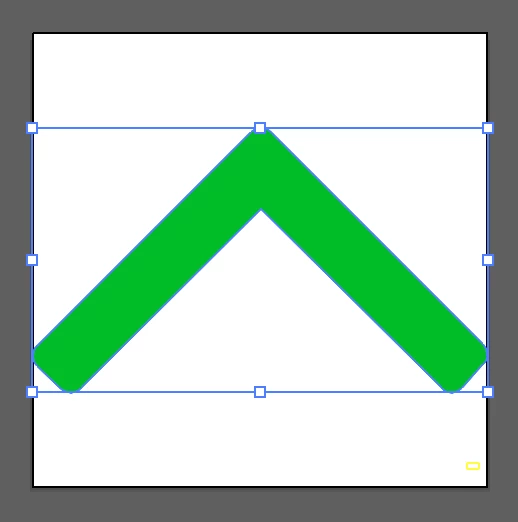
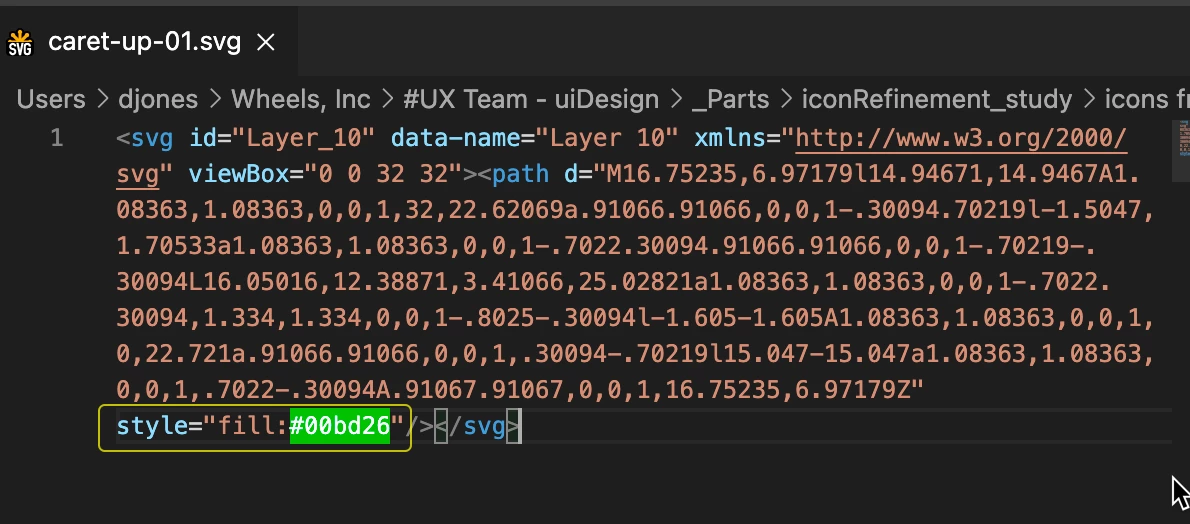
And results of exporting in same settings with any other color:
Any reason why it won't export with a black fill?

This topic has been closed for replies.

2 replies

Ton Frederiks
Community Expert
Community Expert
May 11, 2021

It does not seem to matter for the display of the fill, but a black fill is not defined.

A black stroke is saved. And that is the behaviour since at least CS4.

Opening a file in Inkscape shows Paint is undefined for the black fill.

Monika Gause
Community Expert
Community Expert
April 23, 2021

Can you post the appearance panel of the original file?

Participant
May 10, 2021

I'm having the same issue as @DavyMJones , in case it's helpful to know that this isn't an isolated case @Monika Gause!  True black refuses to be registered as a fill on export (using either 'Export as..' or 'Export for Screens...').  

Here's a screengrab of the proposed code generated by a simple set of shapes and paths on my machine, without any fill styling in the SVG code output for either of the #000 filled shapes (you can see the fill is present for the non-black shape):


The color profile isn't anything odd (I think):


Monika Gause
Community Expert
Community Expert
May 12, 2021

Thank you @Monika Gause (and @Ton Frederiks ) for the feedback!  In my specific case, I'm a software developer trying to find a way to reliable render SVG's exported from illustrator into a generated PDF, and for whatever reasons browsers are able to guess properly about a black fill, but the pdf library wasn't.  We were able to use an unrelated work around to show the images (rendering them in a browser canvas and then printing a png/jpg of the canvas to the PDF rather than trying to render an SVG itself in the pdf).  Thanks for the link to the bug report, though, I suppose it might be worth filling one out just in case it helps somebody else (including the OP) 🙂


So that PDF is meant for specific printing processes (or even ebook) that don't allow placed PDFs in them?


I don't quite understand that workaround of rendering an SVG and then exporting a JPG from a browser instead of exporting it directly from Illustrator.