
Answered
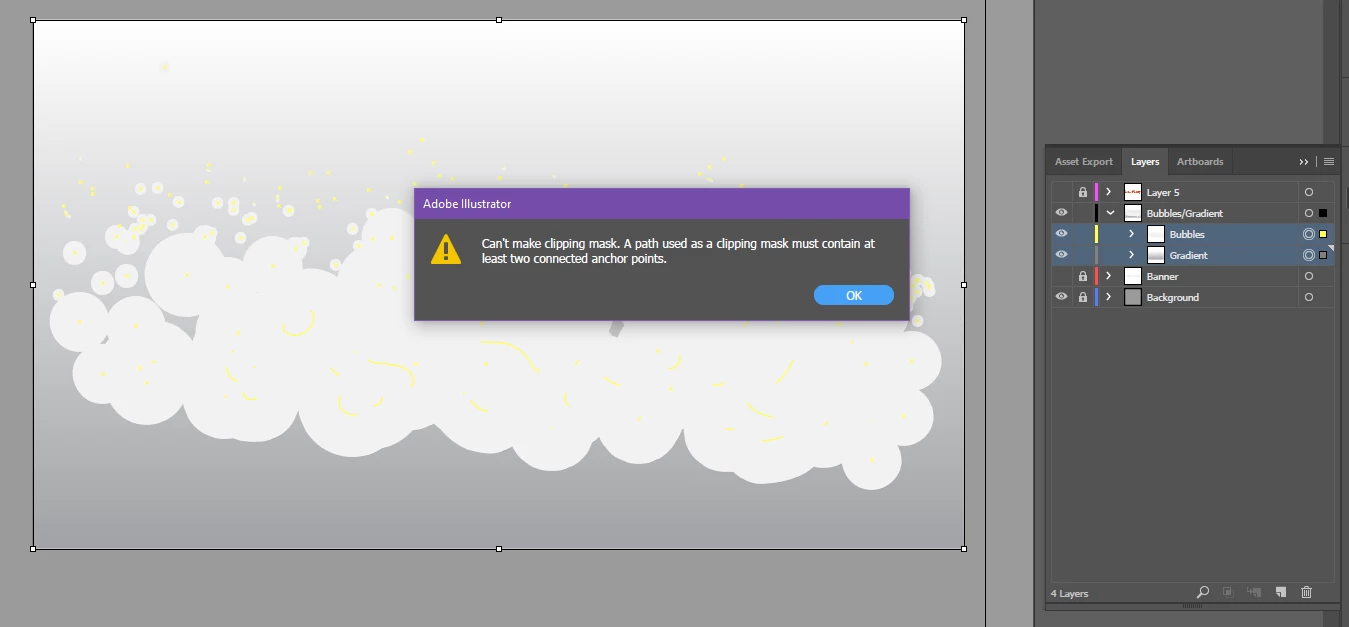
Can't make clipping mask. A path used as a clipping mask must contain at least two connected anchor points.
Hey all,
I have done a search to try and find this answer. I might be just thick but I can't seem to get this to work.
I use a range of Adobe programs, very strong in almost all of the suite BUT Illustrator. I could do this in a second within Photoshop but want to know how to do it in Illustrator.
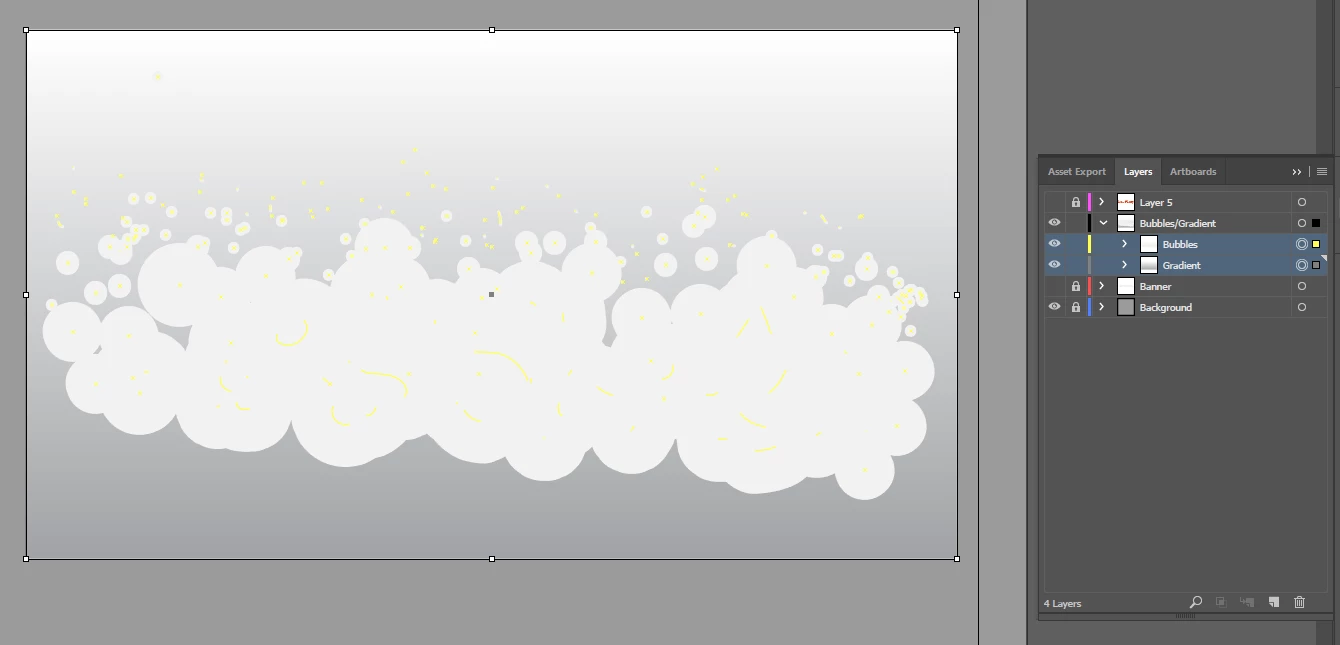
I have attached some images below.
I have made some bubbles. I want the bubbles to be the clipping mask and I want the gradient to be inside the bubbles.
I have placed the two layers into one layer. I have selected both and gone to OBJECT > CLIPPING MASK > MAKE
I then get the following error:
"Can't make clipping mask. A path used as a clipping mask must contain at least two connected anchor points."
Thanks for your help.
Liam
 AdChoices