
Answered
Can't Resize in Illustrator even though Bounding Box is visible?
Hello! Hoping someone can help as this is frustrating and I can't for the life of me get any answer from anywhere that does not involve the bounding box.
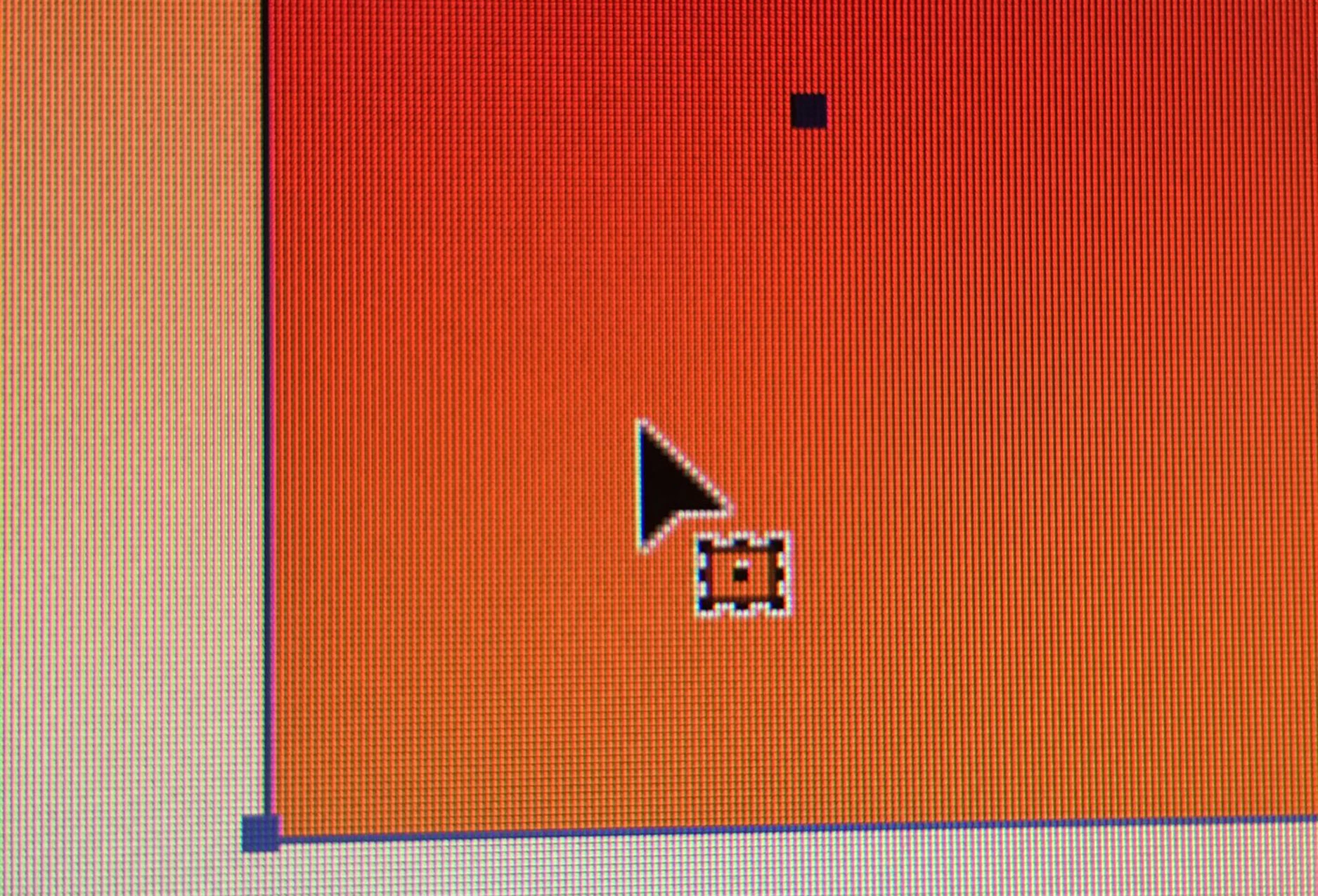
I am unable to resize objects and text in illustrator despite the anchor points being visible and the bounding box being turned on. This normally happens by accidentally hitting an unknown hotkey (Not sure which one...). My mouse has a different icon on it when this happens that I do not recognize (photo below).
Program version: 2018 CC Illustrator (Newest Update as of May 31, 2018)
Please help... uninstalling does not work and this is really slowing down my workflow.
 AdChoices