
Participant
November 9, 2018
Question

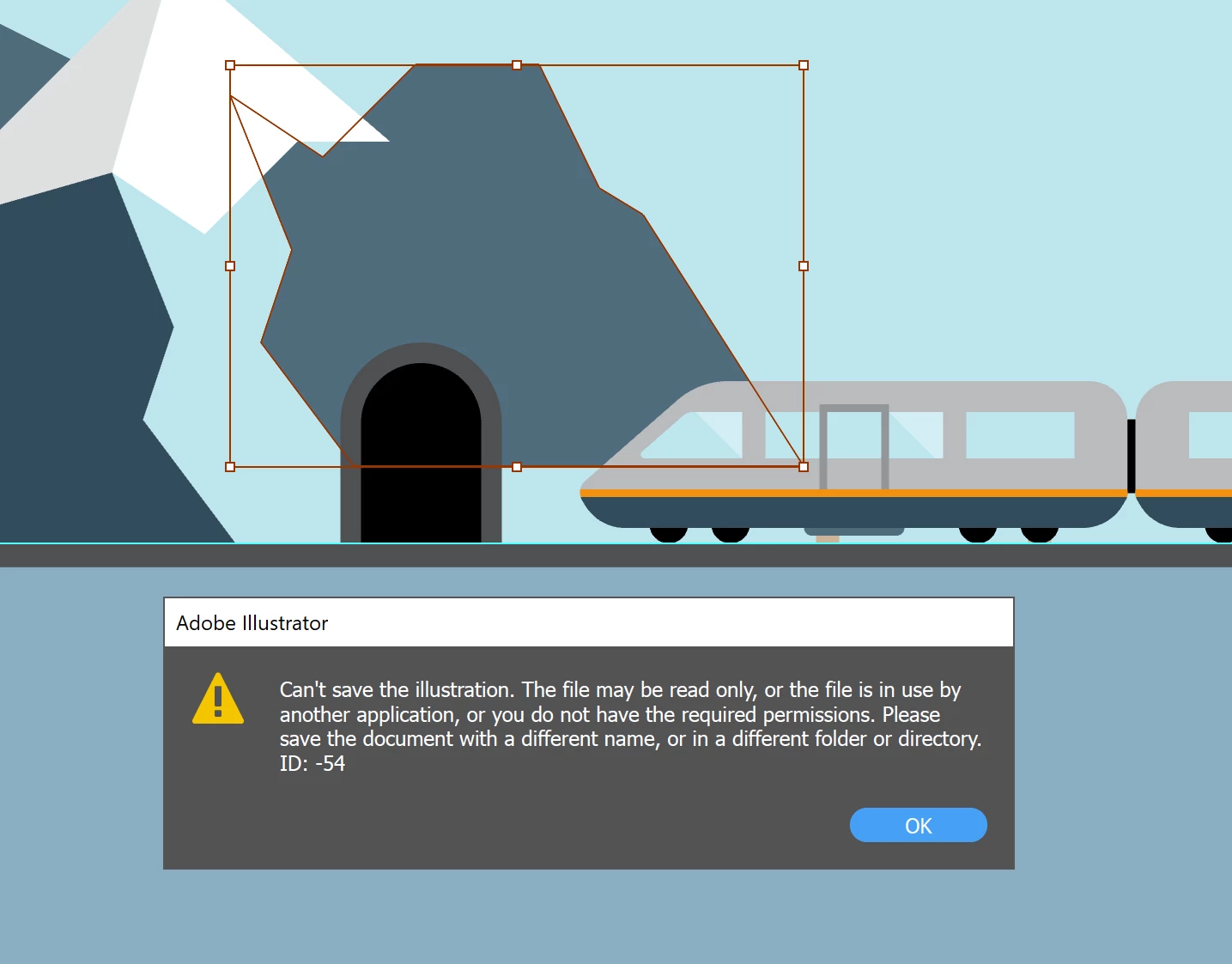
Can't save the illustration ID: -54

  • November 9, 2018
  • 4 replies
  • 5866 views

I use Adobe Illustrator CC 2018 and I'm getting this error for the first time.

The file is imported in an After Effects CC 2018 project and it saves it only if I quit AE so I can't update the illustration on the go.

Not sure what happened but it's really annoying - I'm not going open and close the project every time I need to update the file.....

Is there anyone with a solution? (besides updating to CC 2019)
    This topic has been closed for replies.

    4 replies

    Known Participant
    August 6, 2024

    I just had the same issue here in 2024, and it was because I renamed layers. Probably changing the layer structure creates the issue. 

    Srishti Bali
    Community Manager
    Community Manager
    August 7, 2024

    Hi @mmiummiu


    Thanks for sharing this information. Does the issue resolve if you rename the layers back to their original names?


    Regards,

    Srishti

    Known Participant
    August 7, 2024

    I tested now, and it let me save a couple of times through adding new objects within old layers (got visually updated in AE), then it let me save the AI file with a whole new layer. Then I added an object within the new layer and it AE did not update the image. Then Illustrator started giving this error message again and even though I ctrl + z to the initial layer state, it didn't want to save it anymore.


    I guess it's safe to say it's not supposed to handle new layer names and new layers in the original Illustrator file. 

    ryan_edwards
    Inspiring
    November 9, 2018

    that is odd, there must be something in that ai file that confuses ae on import (I can't discern much from the thread.. maybe save a copy/new version of it and see if that is still causing grief)

    ryan_edwards
    Inspiring
    November 9, 2018

    It should work no problem, you hit save.. after effects automatically updates the change.

    If you file is on a network (not on you local machine) then it will start to get goofy

    I usually just right click the asset in AE and say 'reload' .. if you have added to the doc objects (illustrator) it will ignore those

    Helps to leave empty layers etc if you think you'll be adding stuff.  You should only have to 'reload file' (the asset) and not the entire project file/app  tehn you can add anything and it will accept it into AE

    MetoxilAuthor
    Participant
    November 9, 2018

    Both files (.ai and .aep) are stored locally. It's really weird because I've been doing this (updating imported illustrator files) for years now....

    I'm not adding new layers, just editing paths that are already there.

    Apparently other .ai files imported in the same project work just fine.

    willm54343620
    Participant
    August 30, 2020

    I'm having the same issue now, for the first time -- used to make changes to my illustrator file, save, then auto-update (reload) in After Effects. did you find a solution for this?

    Monika Gause
    Community Expert
    Community Expert
    November 9, 2018

    Where is the file located?