Inspiring
April 9, 2022
Question

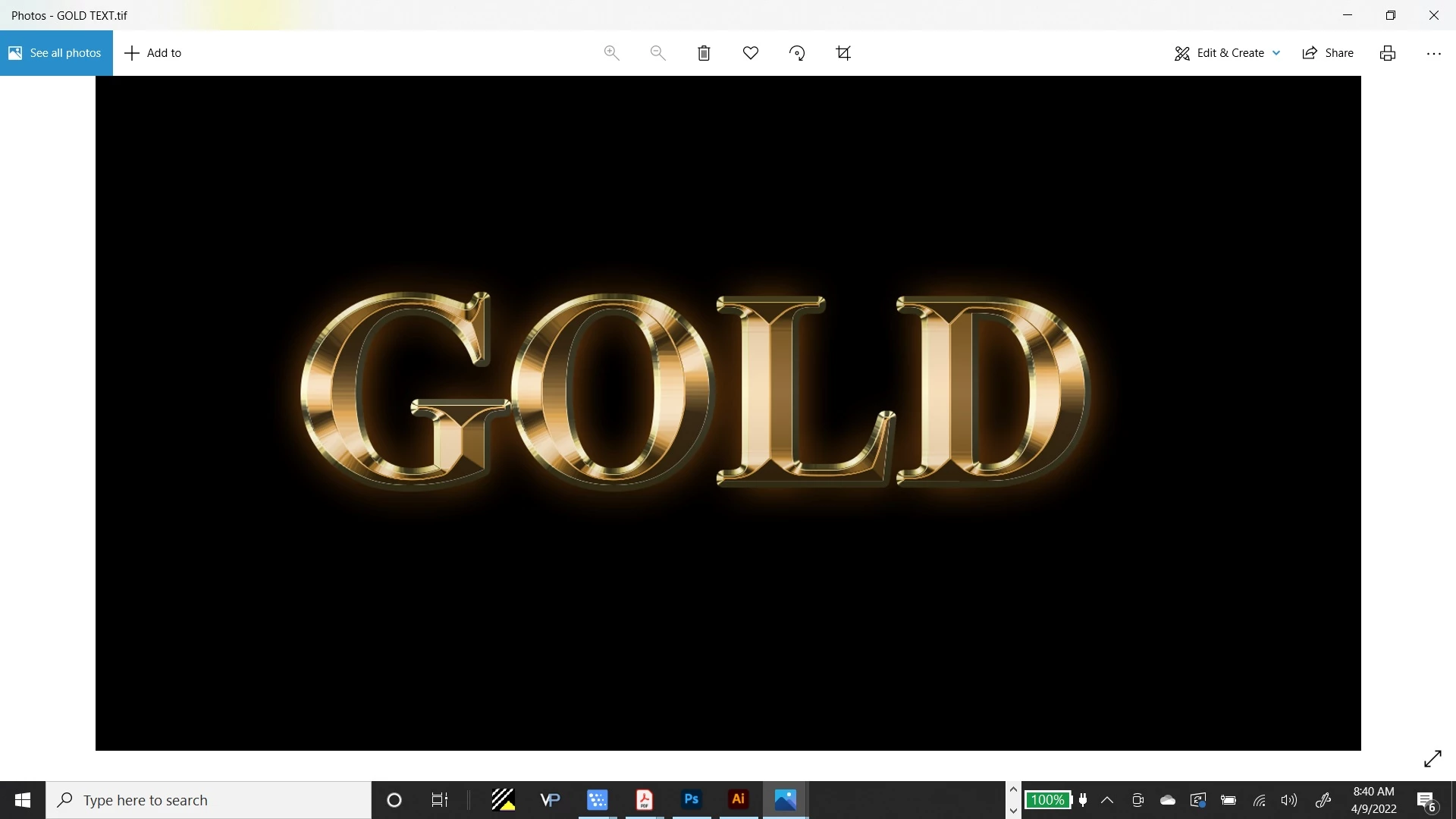
Can't seem to vectorize some text I created in Photoshop.
  • April 9, 2022
  • 1 reply
  • 879 views

I can't seem to vectorize this gold effect text I created in Photoshop. Please help.

This topic has been closed for replies.

1 reply

Monika Gause
Community Expert
Community Expert
April 9, 2022

And you have tried exactly what?


This cannot be done automatically. So you can forget about Image Trace with this.

You can only draw this manually and then apply gradients in Illustrator.


You can try and use the 3D and materials to build the base artwork with a bevel, expand it to get shapes you can then fill and then apply the gradients.

Inspiring
April 9, 2022

Yes, I did try image trace. But in reading your answer, would tracing with the pen tool, then expanding it and then applying gradients be the steps to take?


Also, why doesn't this work with image trace? What does an image require to use Illustrator's vectorizing function....what it should and should not consist of?

Monika Gause
Community Expert
Community Expert
April 9, 2022

You would have to trace the outlines and then also the edges of the bevelling.


The tracing works best with simple artwork. Cartoony, black and white silhouettes etc. Photos might work if they don't have smooth gradients. The feature can't create a gradient. It will always create shapes that have a solid fill.


It can create stroked paths, but it is not intellegent enough to make lines that make sense. It will connect whichever lines are near to each other.


Please check out this: https://helpx.adobe.com/in/illustrator/using/image-trace-results-optimization.html