

Can't select colors from Color Guide... most of the time
I use the Color Guide palette a lot while drawing in Illustrator. For months now I've noticed it is very difficult to select a color. Most of the time it takes multiple attempts to click the color for it to be selected. At first I thought I was just missing the center of the box but that is not the case. It just doesn't seem to register the selection from the mouse most of the time. It is the only palette or tool in illustrator that acts like this. Been through customer support... done all the preference trashing and all that. No luck.
Note: Just got a Wacom Cintiq pro tablet and it takes about 25 clicks to change color via the tablet. Again, only Illustrator palette or tool that behaves this way. Problem existed before the tablet, it is just way worse on the tablet.
Mac OS 10.15.1
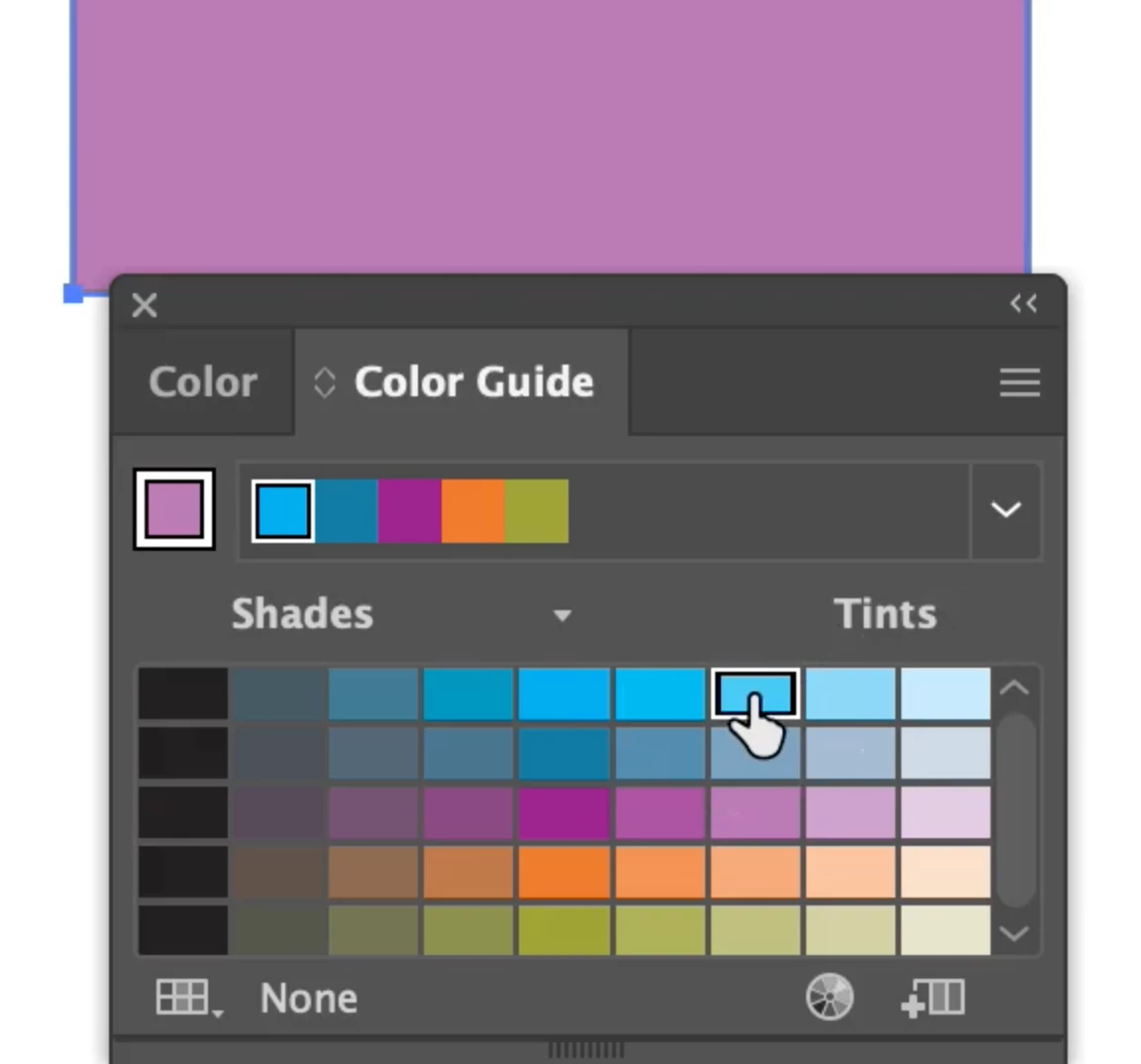
Images: Sometimes the finger selects a color within the color guide but nothing happens to the selected object on the drawing board , sometimes I get an arrow with a "no". 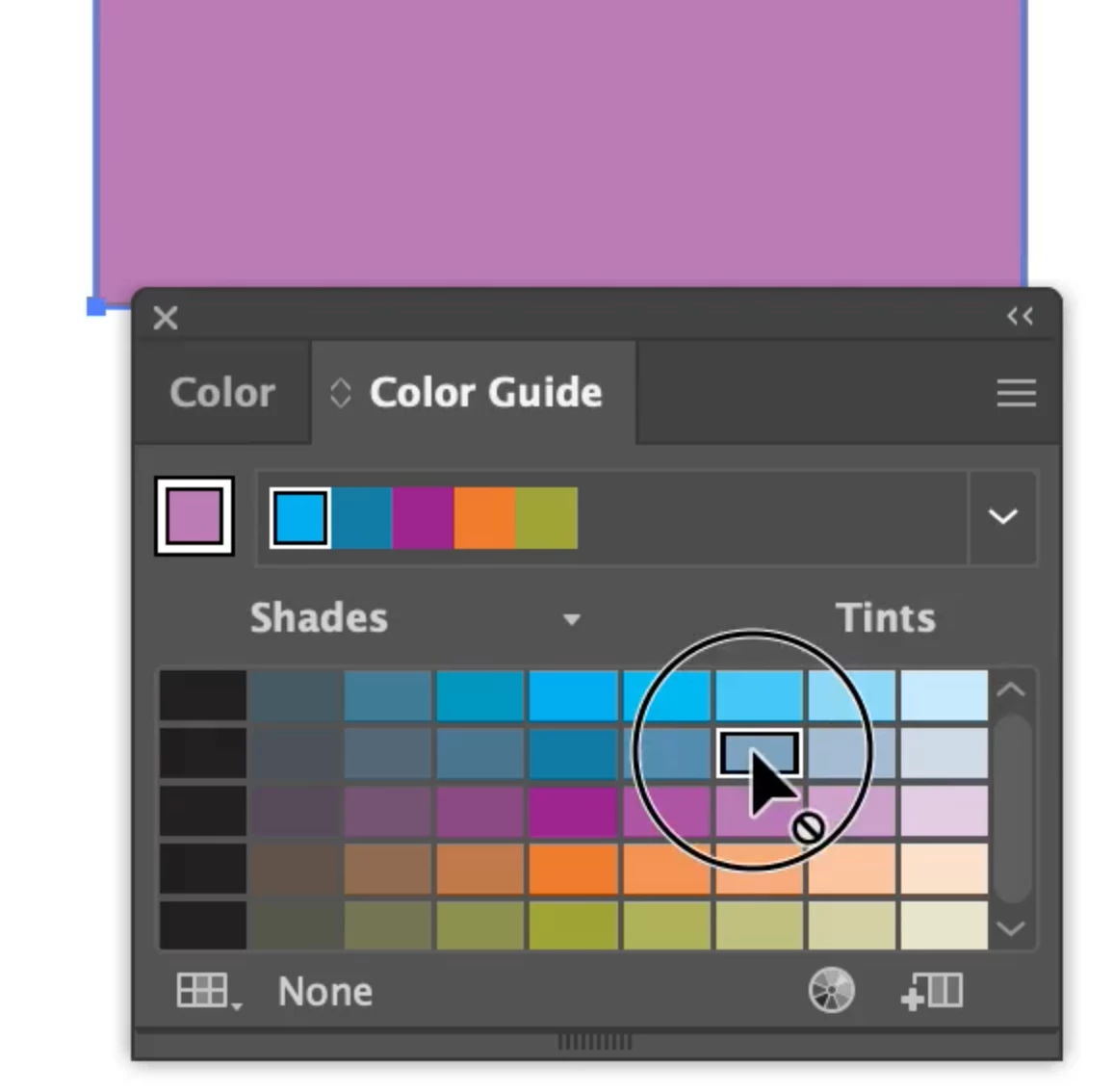
 AdChoices