sarahv20372278
Participant
April 30, 2020
Answered

cannot achieve what i want with pathfinder

  • April 30, 2020
  • 1 reply
  • 500 views

Dear all,

i am quite a newbe with illustrator techniques, i've tried by myself without any success...

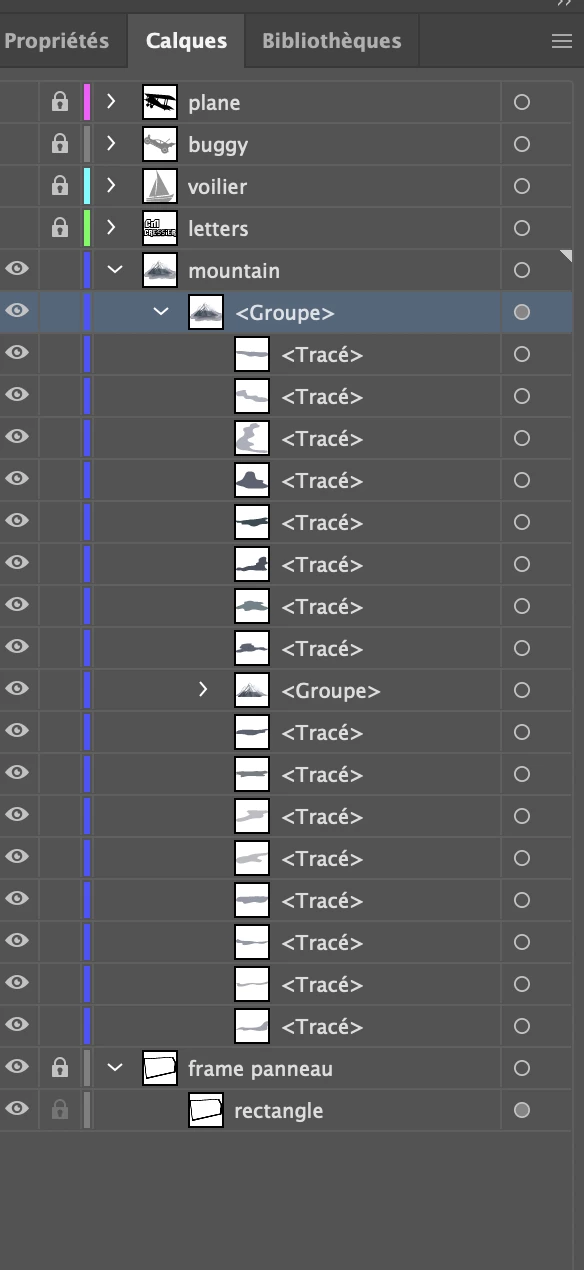
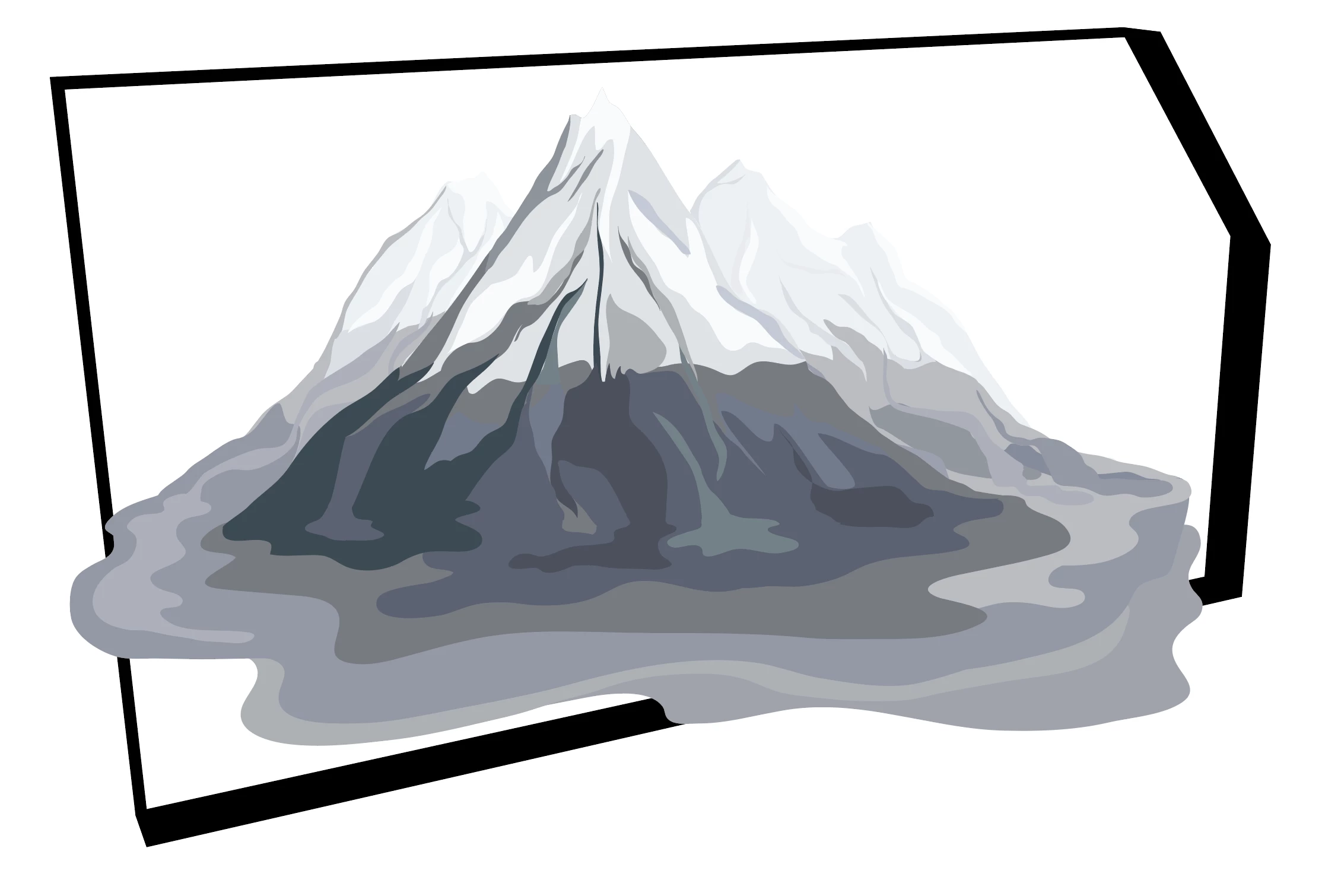
basically would like to erase parts of the mountaing that goes outside this sort of 3d box.

tried pathfinder, masking... no way out


any clue gent's ?


many thanks !


Vince


This topic has been closed for replies.
Correct answer Anna Lander

Hi,

as far as I can see on your screen, the way is quite simple.

1. Copy the inner (white) shape of the box.

2. Put the copy exactly above the mountain (Edit > Paste in place)

3. Select the copy and the mountain.

4. Object > Clipping mask > Make (Ctrl/Cmd + 7)

1 reply

Anna Lander
Anna LanderCorrect answer
Inspiring
April 30, 2020

Hi,

as far as I can see on your screen, the way is quite simple.

1. Copy the inner (white) shape of the box.

2. Put the copy exactly above the mountain (Edit > Paste in place)

3. Select the copy and the mountain.

4. Object > Clipping mask > Make (Ctrl/Cmd + 7)

sarahv20372278
Participant
April 30, 2020

Yeahh !

Many thanks Anna !!