

varxtis
Inspiring
August 12, 2021
Answered

Cannot cut/segment Compound Path

  • August 12, 2021
  • 1 reply
  • 1215 views

I have a very large mural that I need to cut into vinyl. The cricut Im using has a maximum cutting space of 11.5" x 23.5". I need to take the mural, which I have made into a compound path, and seperate it into a grid of 21 segments, each segment being easily seperated from one another. Preferably each section/segment becoming their own compound paths/shapes. The following is a small element Im using in the mural. Im posting to reflect that there are many shapes that do not touch or intersect. I did try to create 21 artboards and save independently as SVGs, but that was kind of stupid of me as each artboard touches a part of the entire Compound shape.
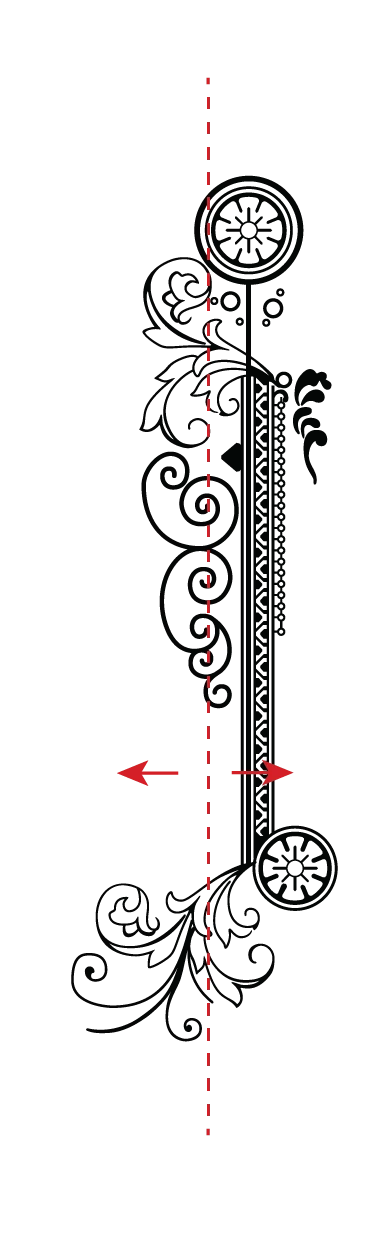
 Im actually happy that this came up now because I plan on getting a laser cutter and some of the projects will need to be sectioned into peices.

Can anyone help me with this please.

This topic has been closed for replies.
Correct answer Monika Gause

Draw a path through it and Object > Path > Divide below

1 reply

Monika Gause
Community Expert
Monika GauseCommunity ExpertCorrect answer
Community Expert
August 18, 2021

Draw a path through it and Object > Path > Divide below

varxtis
varxtisAuthor
Inspiring
August 18, 2021

Thank you. I neglected to post a reply to my thread and close this.

So, first off I deeply appreciate your suggestion, as always! I had tried the approach of "divide objects below" and "Split into grid", and again just now after reading your post to confirm, but it either does nothing at all or I get "The filter cannot complete because more than one object is selected." I swapped the order of the objects, I tried with both selected, and I tried with each slected independently.
Im very interested in knowing why this is happening. But I have a feeling it'll either require another video on my part, or to share a project file.

However, regarding this particular project, I was able to come to a solution. I'd actually been doing the "solution" repeatedly, always ending up the same bad results. . . because I had the objects in reverse order. What I  was able to do is take a rectangle shape object, place it behind the mural compound shape, select both, use "intersect" in pathfind, and then turn the resulting shape(s) into a compound shape. Viola.
Im still going to mark yours as the correct answer though because I figure it's something Im doing wrong and yours would be a much more straight forward approach.