
Known Participant
February 11, 2019
Answered

Cannot figure out how to turn overprint on/off

  • February 11, 2019
  • 4 replies
  • 17583 views

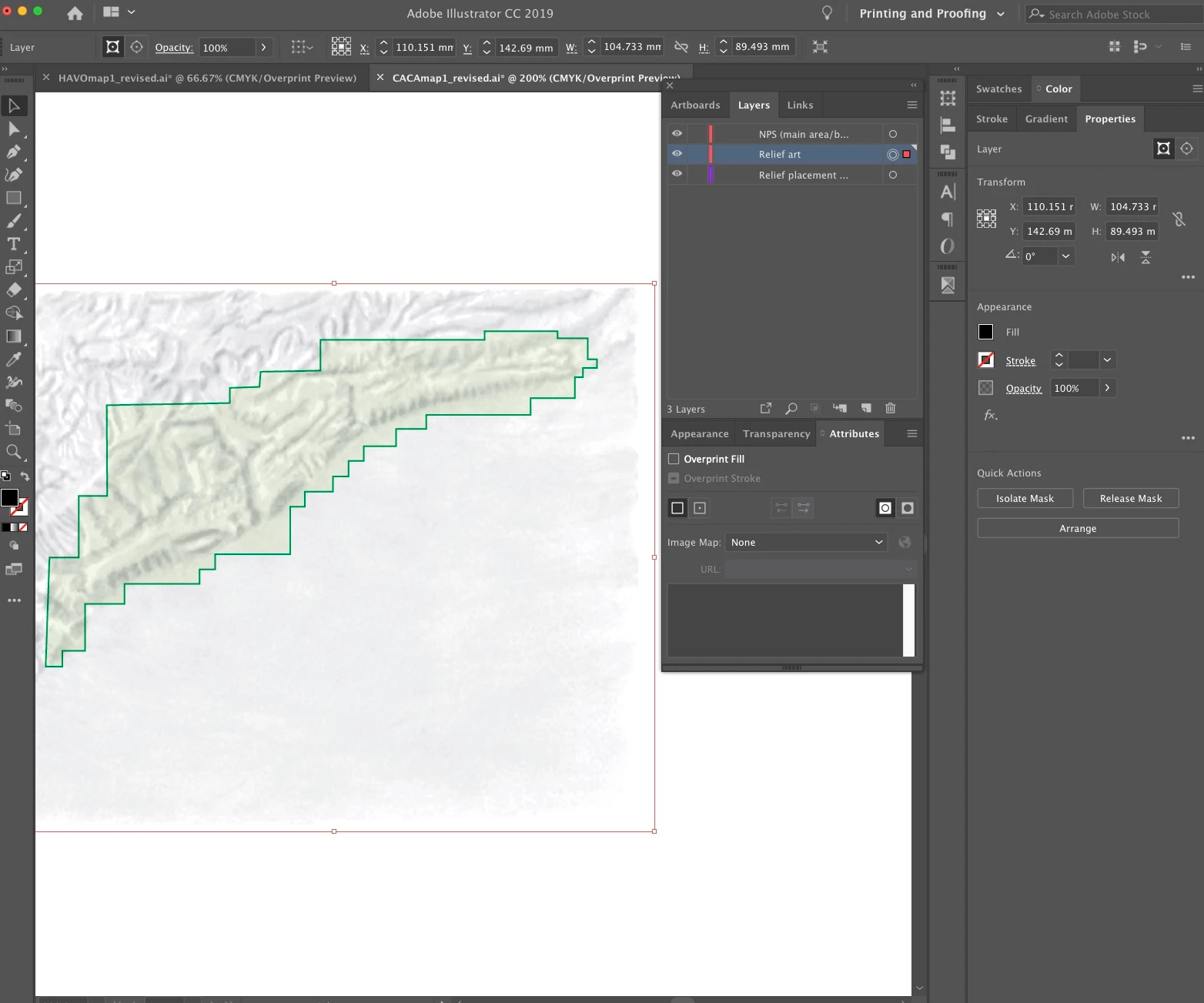
I retrieved a map with a relief layer that is overprinted. However, I cannot figure out how the person who created it made that relief layer overprint. If I select the relief object, I see that "Overprint Fill" is not checked in the "Attributes" panel, and does not seem to have any effect. My question is how do I locate the switch that turns overprint on/off for that object? In case looking at the file would be useful, it is here: http://terragalleria.com/private/CACAmap1_revised.ai
Conversely, I added a relief layer to another map, and when check the "Overprint Fill" box, no overprinting happens (overprint preview is on):
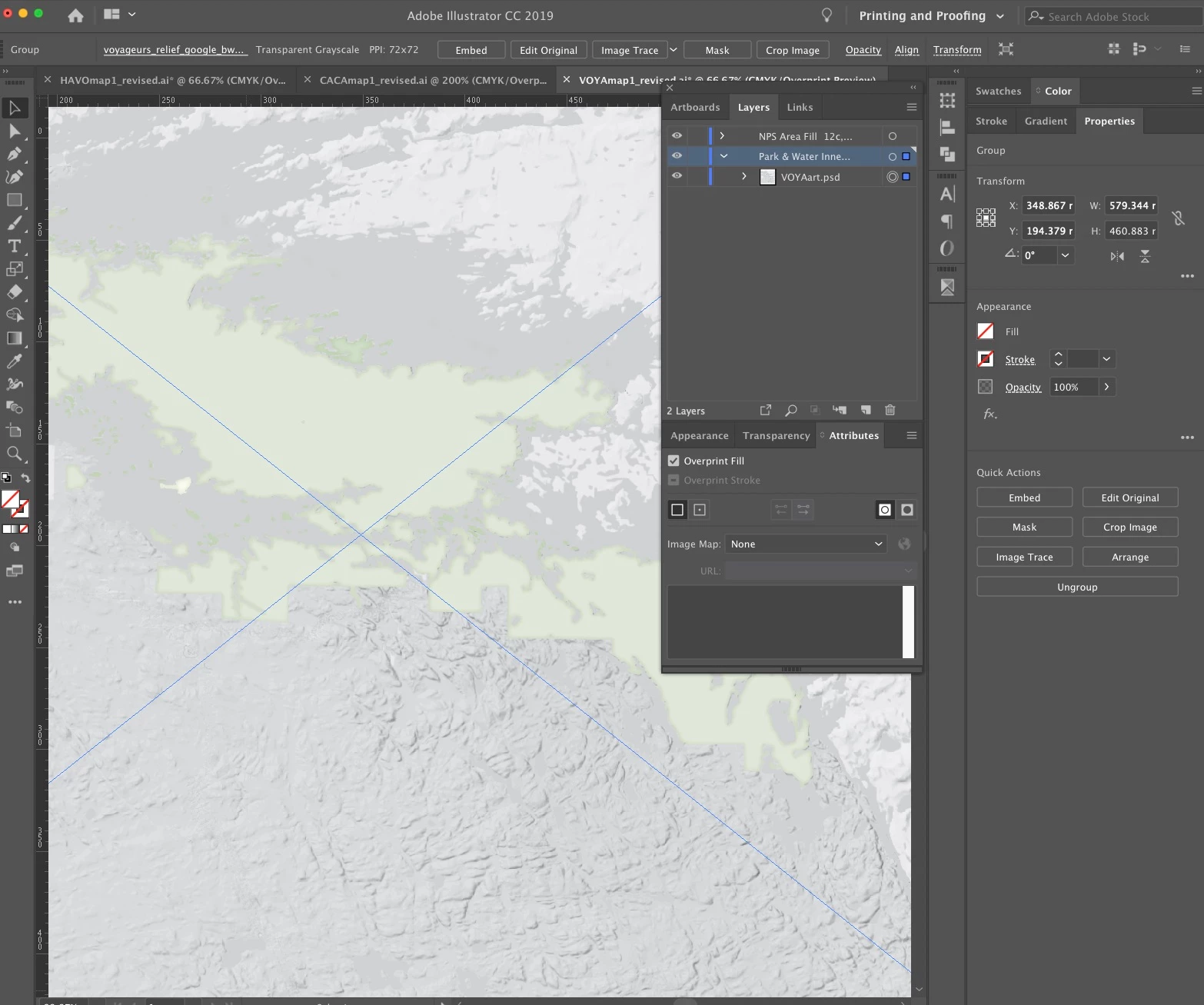
The file is here: http://terragalleria.com/private/VOYAmap1_revised.ai

Thanks
    This topic has been closed for replies.
    Correct answer Mike_Gondek10189183

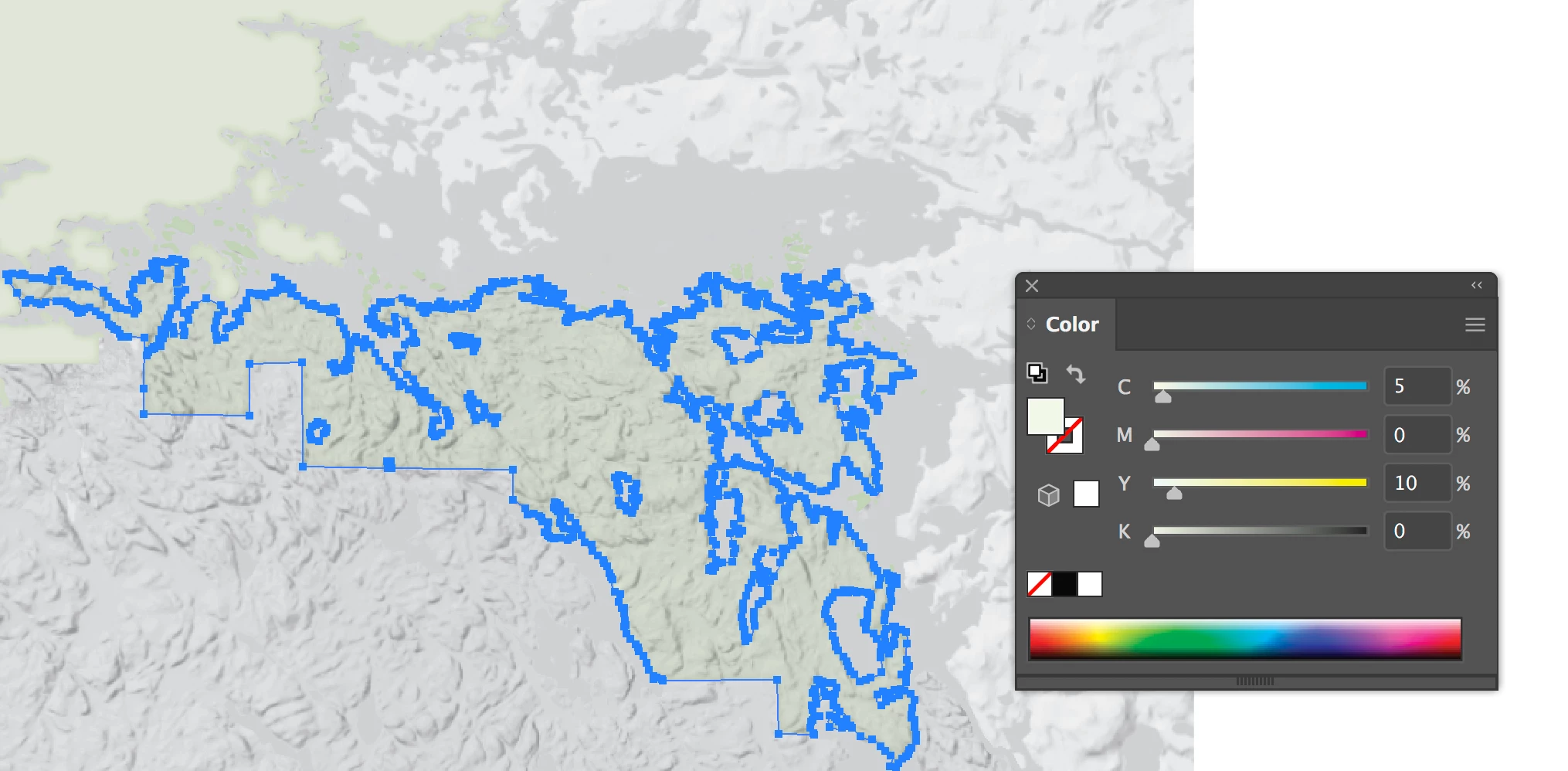
    Overprint does not work when you have like inks between  2 items. So you fill of 5c 10y 8k will not overprint your embedded image made of black

    I took the black tint on the selected fill as an exam ple, and you can see that overprints now.

    How to use overprinting in Illustrator

    I stopped using attributes overprints ever since the transparency multiply came out, as for me is quicker and more efficient.

    I could not downlaod the links in your post #11.

    4 replies

    qtluongAuthor
    Known Participant
    February 12, 2019

    More happenings that I don't understand:

    1. if I save the raster as a RGB or CMYK, it overprints, whereas if I save it as a greyscale, it does not overprint (as in previous example)

    2. The overprint (RGB or CMYK) appears with a red/magenta cast instead of being color-neutral

    I am able to reproduce that behavior with a third map as well.

    Here are the full production files:

    http://terragalleria.com/private/VOYAmap1_revised_relief.ai

    http://terragalleria.com/private/REDWmap1_revised_relief.ai

    What is the explanation and how to fix to have a color-neutral overprint?

    Mike_Gondek10189183
    Community Expert
    Mike_Gondek10189183Community ExpertCorrect answer
    Community Expert
    February 12, 2019

    Overprint does not work when you have like inks between  2 items. So you fill of 5c 10y 8k will not overprint your embedded image made of black

    I took the black tint on the selected fill as an exam ple, and you can see that overprints now.

    How to use overprinting in Illustrator

    I stopped using attributes overprints ever since the transparency multiply came out, as for me is quicker and more efficient.

    I could not downlaod the links in your post #11.

    Mike_Gondek10189183
    Community Expert
    Community Expert
    February 12, 2019

    Thanks again, this solved the problem, and I would never have thought of this!

    I mentioned in post #11 that map in greyscale did not overprint, and in both of my files the issue is identical to the one you identified, so I was able to fix it. Just out of curiosity, I am still wondering why a monochrome raster in RGB or CMYK overprinted to a green fill results in a red cast. The text of the links I provided was correct, but for some reason the browser embedded the wrong link. Here they are again, http://terragalleria.com/private/REDWmap1_revised_relief.ai

    http://terragalleria.com/private/VOYAmap1_revised_relief.ai

    Thank you also for the recommended alternative method, I will make sure to use that instead of overprint going forward!


    I had to simplify your file to make any progress on this, but believe this is the issue.

    The square above has overprint, below I removed the overprint, and instead used multiply.

    Your color is 6c 0m 10y 2k. I thoguh this might be an optical illusion.

    The 2 circle gradients are 1exactly same colors, but one on top seems to have move blue gradient at bottom due to background, and how our brain processes the visual.

    Looking in separation preview Illustrator is acting strange. There may be something strange about tints and overprint preview, that I do not know about. Sorry cannot figure this part out for you, hopefully multiple will do what you need.

    Kurt Gold
    Community Expert
    Community Expert
    February 11, 2019

    The first link in your post does work for me.

    The light green path is overprinting (both fill and stroke). Not quite sure what you are missing here.

    The second link does not work, as already stated.

    qtluongAuthor
    Known Participant
    February 11, 2019

    Curious, maybe some caching, but I have renamed it and tested the link:

    http://terragalleria.com/private/VOYAmap1_revised2.ai

    Mike_Gondek10189183
    Community Expert
    Community Expert
    February 11, 2019

    Images get in the way of this, so links panel >> go to link, then hide he linked image(s).

    Select all, turn off the overprint on the fill

    Select any stroke, select similar, then turn off the stroke. You can then hide that, and proof ntohign is left that has a overptin attribute set.

    Inspiring
    February 11, 2019

    The Illustrator file your link points to is not accessible from the domain you provided.

    Forbidden

    You don't have permission to access /private/ on this server.


    Apache/2.2.15 (CentOS) Server at terragalleria.com Port 443
    qtluongAuthor
    Known Participant
    February 11, 2019

    Sorry, I fixed the permissions.
