
cbailey1827
Participant
November 22, 2016
Question

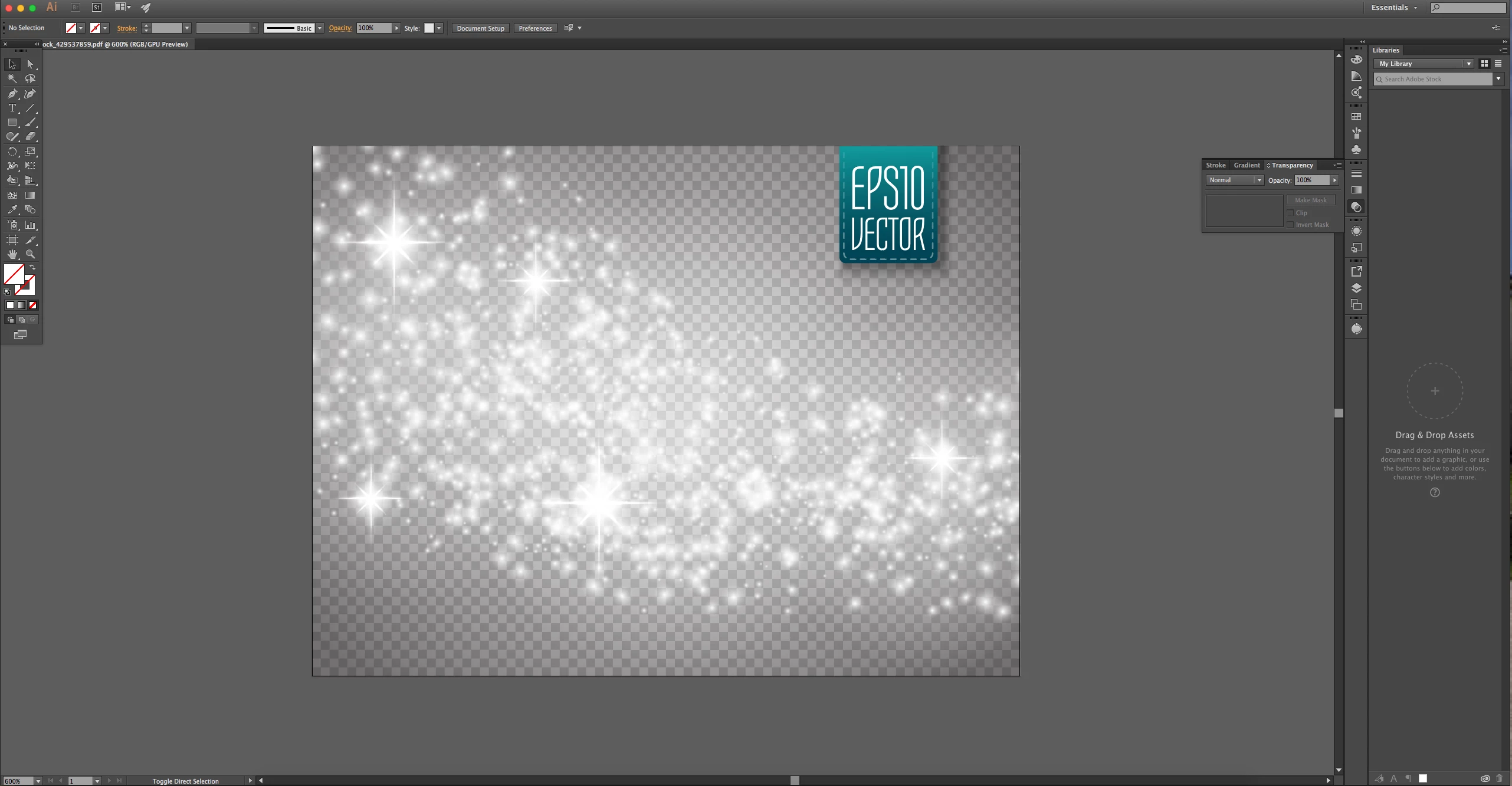
Cannot remove checkerboard background from vector file

  • November 22, 2016
  • 2 replies
  • 2125 views

I downloaded a vector file from Shutterstock - sparkles with an apparent transparent background (checkerboard pattern). When I open it into Illustrator, the 'transparent' checkerboard background appears as a bunch of shapes, part of the image. It doesn't disappear when placed into photoshop. I tried saving it as a png, it's still there. I can't imagine the artist actually designed a 'fake' transparent background into the image. Am I opening the file incorrectly? All I want is to ultimately place the sparkles overtop of my photoshop file.
This topic has been closed for replies.

2 replies

Jacob Bugge
Community Expert
Community Expert
December 2, 2016

c,

To me it definitely looks like a part of the artwork, it also has a notable colour transition.

I believe you can release a Clipping Mask or something, then look for a Group or something, both in the Layers palette.

You can also start by expanding the Layer in question, then Alt/OptionClick or (Alt/OptionClickDrag over) one of the checkerboard bits and see what turns up (you may need to expand the layer further), you may also be able to repeat the Alt/OptionClick until you have the lot selected.

Michael J. Hoffman
Community Expert
Community Expert
November 22, 2016

It's hard to tell what's going on without seeing the Layers panel. Can you turn off just the checkerboard objects in the Layers panel? One would hope so.

By by the way, you've posted your question in the Lounge, which is for general creative chit chat, not related to any specific program... but not for technical questions. I'll ask a moderator to move this thread to the Illustrator forum.