Participant
March 20, 2020
Answered

Cannot see brush strokes while drawing

  • March 20, 2020
  • 5 replies
  • 7680 views

I recently just got a Wacom Intuos Pro tablet and I am trying to draw on illstrator using the brush tool. However, whenever I am in the motion of drawing I can't see what I'm drawing until I finish the stroke. I don't have this issue on Photoshop and I have seen videos where people on illustrator don't have this problem, yet I can't find the setting in preferences. How do I resolve this?

Correct answer defaultf0crzg21wmo1

I could not see my strokes until I turned off GPU acceleration.

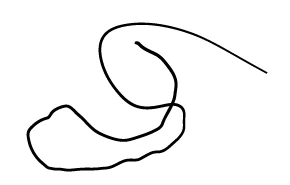
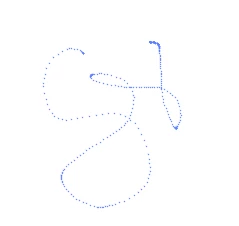
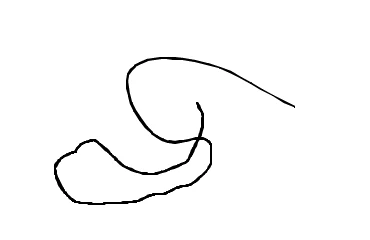
This is a screenshot of the calligraphic brush preview and the finshed stroke

This is the art brush preview


5 replies

Participant
December 22, 2021

did your pressure sensitivity not working as well? Resetting the illustrator preferences just worked for me

Mike_Gondek10189183
Community Expert
Community Expert
April 29, 2021

Switch to a calligraphy brush, you must be using one of the other type of grush such as an artbrush.


Inspiring
July 16, 2021

makes no difference 😞

Participant
October 27, 2022

I could not see my strokes until I turned off GPU acceleration.

This is a screenshot of the calligraphic brush preview and the finshed stroke

This is the art brush preview


This also fixed it for me, thank you!!

Participant
April 29, 2021

I too am having this problem


Grant H
Community Expert
Community Expert
March 20, 2020

As Monika has said, you should see a faint dotted line when using brushes like charcoal. Illustrator cannot display certain brush strokes until the stroke is complete.


Monika Gause
Community Expert
Community Expert
March 20, 2020

You should at least see a faint line.

With calligraphy brushes or bristle brushes you see the stroke.


Brushes in Illustrator work differently than Photoshop brushes, you can't compare them.