
Inspiring
August 12, 2020
Answered

Cannot select rotation center point

  • August 12, 2020
  • 3 replies
  • 3157 views

AI CC 2014 Mac. I can no longer select the rotation center in the Rotate tool on an object that allowed it before. When I click the point with Alt-click I get an annoying error sound and the rotation is around the bounding box center instead. This happens with either Selection Tool or Direct Selection Tool. My entire project depends on being able to choose the rotation center so I can't go on until this is solved. Why would this happen and how can I fix this problem? Note that I successfully rotated the object around the center before I saved and quit AI.
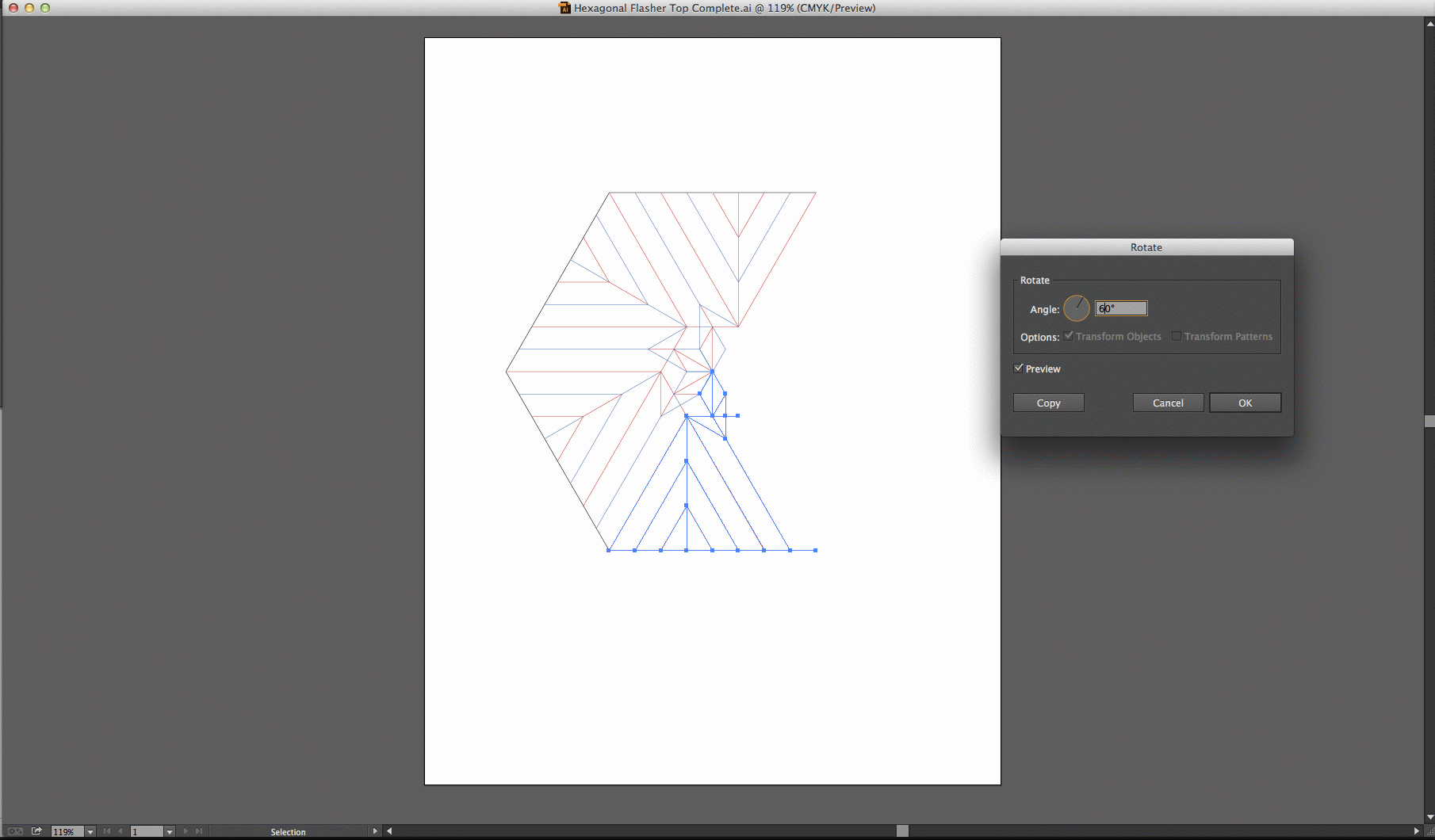
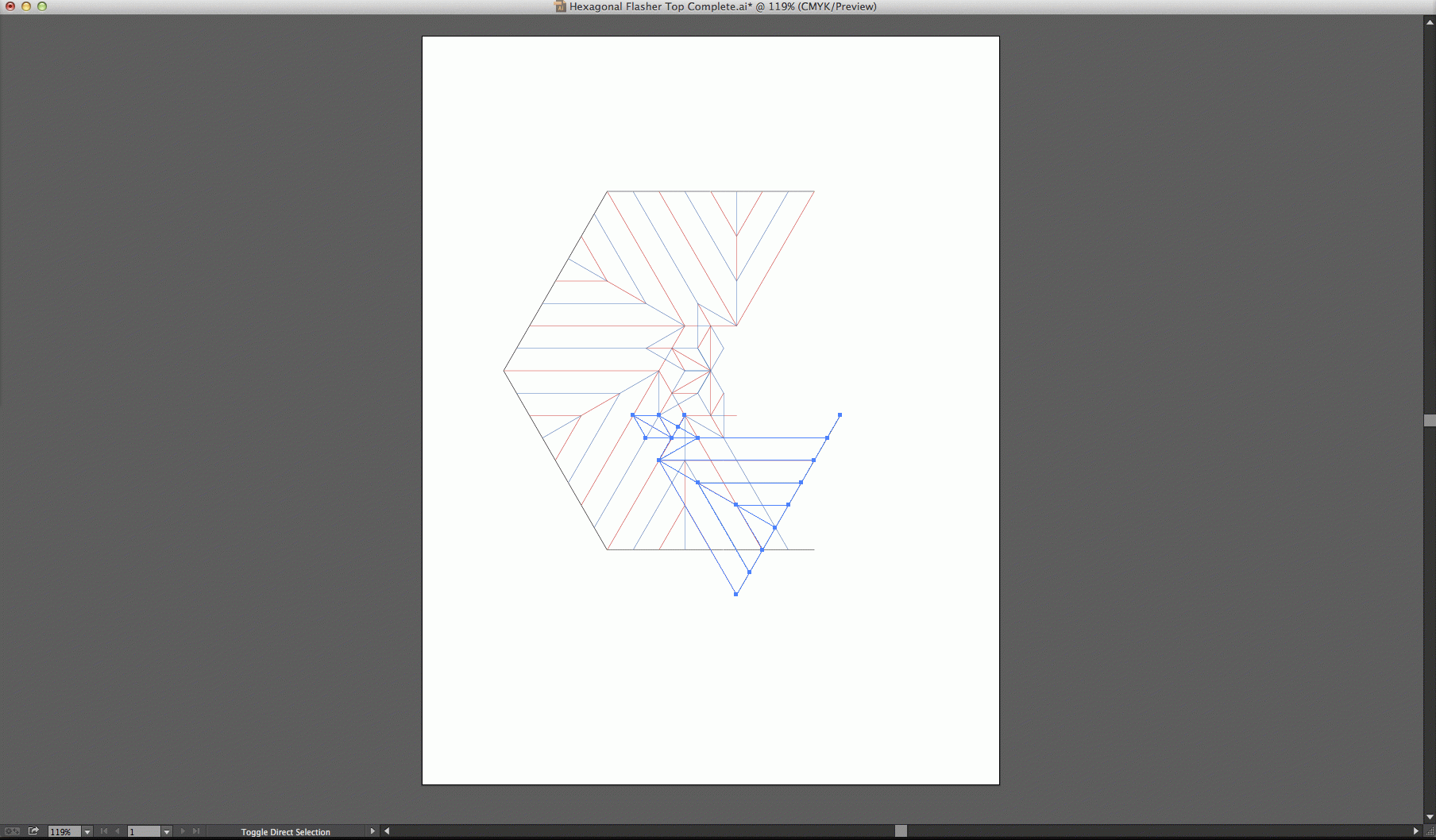
This topic has been closed for replies.
Correct answer PCH2019

OK, I finally found out what was wrong. I was selecting Transform->Rotate… from the Object menu or the context menu, which only performs the rotation. It doesn't allow origin selection. I first have to select the Rotate Tool from the toolbar or simply 'R' and then Alt-clicking the crosshairs on the desired origin works. It automatically brings up the Rotate dialog which honors the selected origin. Why isn't this important yet unintuitive two-step sequence documented? Why aren't these two steps combined into one step anyway?

3 replies

PCH2019AuthorCorrect answer
Inspiring
August 18, 2020

OK, I finally found out what was wrong. I was selecting Transform->Rotate… from the Object menu or the context menu, which only performs the rotation. It doesn't allow origin selection. I first have to select the Rotate Tool from the toolbar or simply 'R' and then Alt-clicking the crosshairs on the desired origin works. It automatically brings up the Rotate dialog which honors the selected origin. Why isn't this important yet unintuitive two-step sequence documented? Why aren't these two steps combined into one step anyway?

Monika Gause
Community Expert
Community Expert
August 26, 2020

The procedure is documented in the documentation: https://helpx.adobe.com/illustrator/using/rotating-reflecting-objects.html

PCH2019Author
Inspiring
August 26, 2020

Oh, OK. Good. The key is to select the Rotate Tool and not the Transform->Rotate… menu item. Thanks.


Monika Gause
Community Expert
Community Expert
August 12, 2020

Perhaps other applications are interfering with the modifier keys. This can be some keyboard typing enhancers, or apps like browsers, e-mail, screensharing, whatever.

Try and shutdown everything and launch only Illustrator.

And BTW: when was your last computer reboot?

PCH2019Author
Inspiring
August 12, 2020

I don't have any apps that could interfere with modifier keys in another app. I plan to reboot as a last resort but I don't think that will work. It was working fine the day before.

renél80416020
Inspiring
August 12, 2020

Salut!

Je ne vois pas d'explication à ton problème, je te propose une solution de rechange...

Les objets soumis à rotation doivent êtres groupés.

Si ton dessin est précis, je suppose que oui ?


sélectionne le groupe et lance le script qui suit:


obj1 = activeDocument.selection[0];
      for (var i = 1; i <= 6; i++) {
      dupObjet = obj1.duplicate(activeDocument,ElementPlacement.PLACEATEND);
      dupObjet.rotate(60*i,undefined,undefined,undefined,undefined,Transformation.TOP);
      }


De ellere


PCH2019Author
Inspiring
August 12, 2020

Merci beaucoup Ellere! You can see in my images that the object is selected and it is a group already. I want this to work in the GUI first, then I will write a script (Applescript). I will try your script as well.