
Participant
April 15, 2024
Answered

Cannot Validate Missing Fonts in Fontbook

  • April 15, 2024
  • 1 reply
  • 233 views

I opened Illustrator and it was telling me to fix my missing fonts. The whole page had pink highlights like every font was missing.
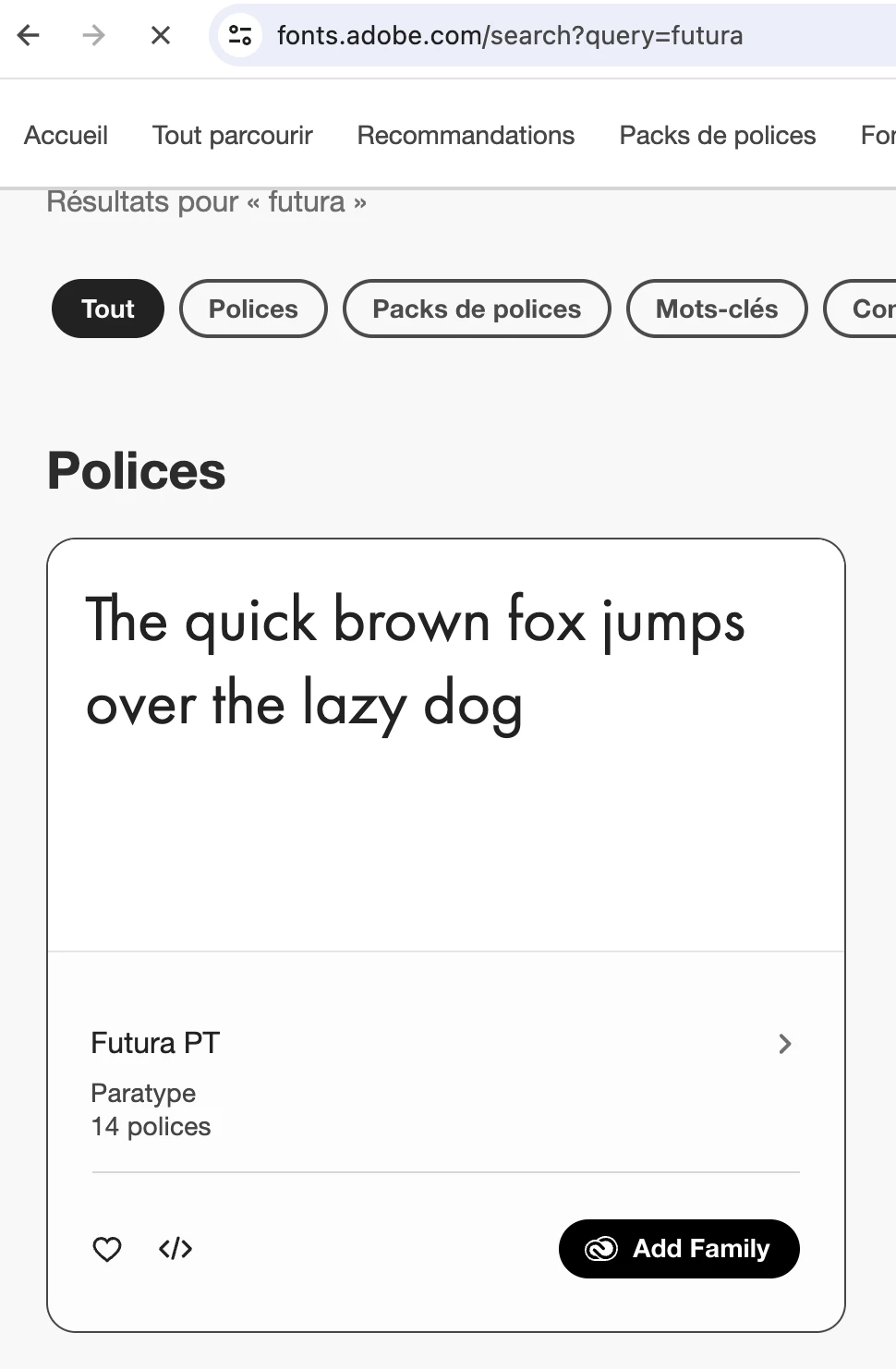
I am trying to download all the Futura fonts via the Adobe Fonts website into my cloud, but it still doesn't appear in Illustrator and it won't let me validate in Font book.
Please please how do I fix?
This topic has been closed for replies.
Correct answer didiermazier

Adobe is not supporting Postscript fonts any longer.

Of course there is an open type Futura familly on the Adobe Font page on line

Normally on the page of the font familly you just click on the Add Familly to Adobe App buttons and that's it.

They are immediately working in Illustrator, Photoshop and so on… But you maybe have to remove the old postscript one in order to avoid any conflict

1 reply

didiermazier
Community Expert
didiermazierCommunity ExpertCorrect answer
Community Expert
April 15, 2024

Adobe is not supporting Postscript fonts any longer.

Of course there is an open type Futura familly on the Adobe Font page on line

Normally on the page of the font familly you just click on the Add Familly to Adobe App buttons and that's it.

They are immediately working in Illustrator, Photoshop and so on… But you maybe have to remove the old postscript one in order to avoid any conflict