Answered
Cant round out the Shapes
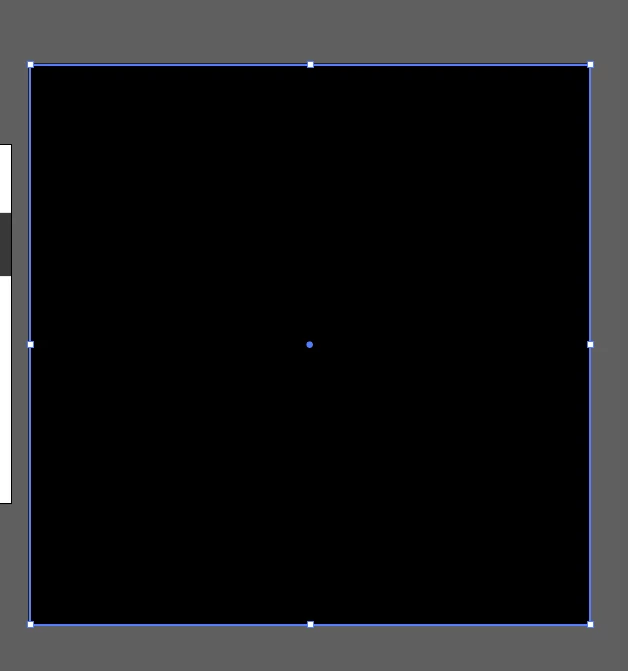
Can some help me please. There isnt the dots to round out the shapes
Is there a fix to this. I have even uninstall and install the software?

Can some help me please. There isnt the dots to round out the shapes
Is there a fix to this. I have even uninstall and install the software?
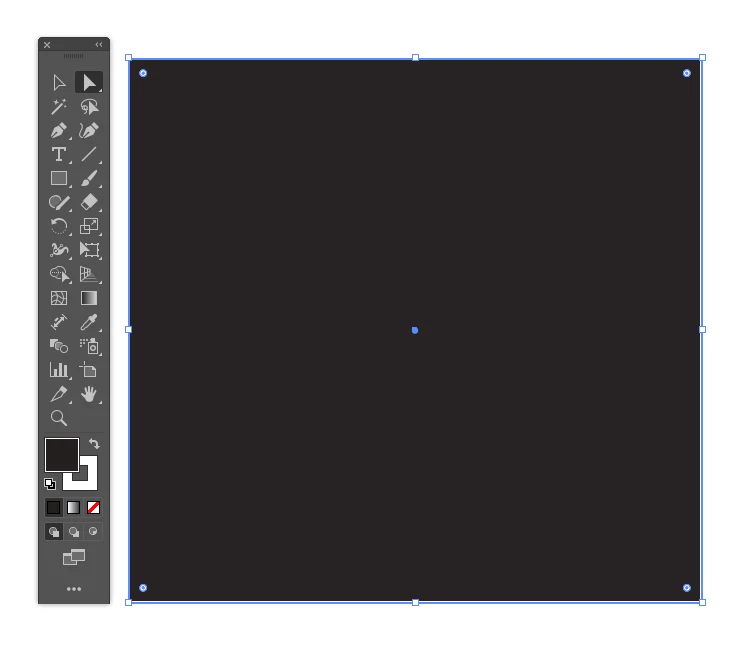
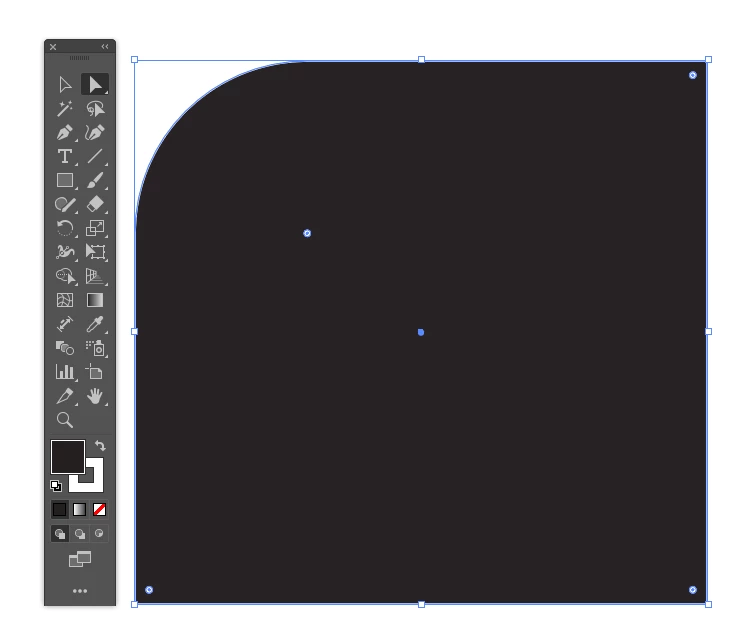
@Joyful_Flair3953 to get the live corner edges, don't select the edges or border of the object, select the inside of the shape. Because, if you select the edges/border, you won't see the live corner. Once you select the inside, you will see the live corners as per @Monika Gause
Already have an account? Login
No account yet? Create an account
Enter your E-mail address. We'll send you an e-mail with instructions to reset your password.


 AdChoices