
Known Participant
April 26, 2015
Answered

Canvas color stuck as white

  • April 26, 2015
  • 13 replies
  • 63292 views

Greetings!

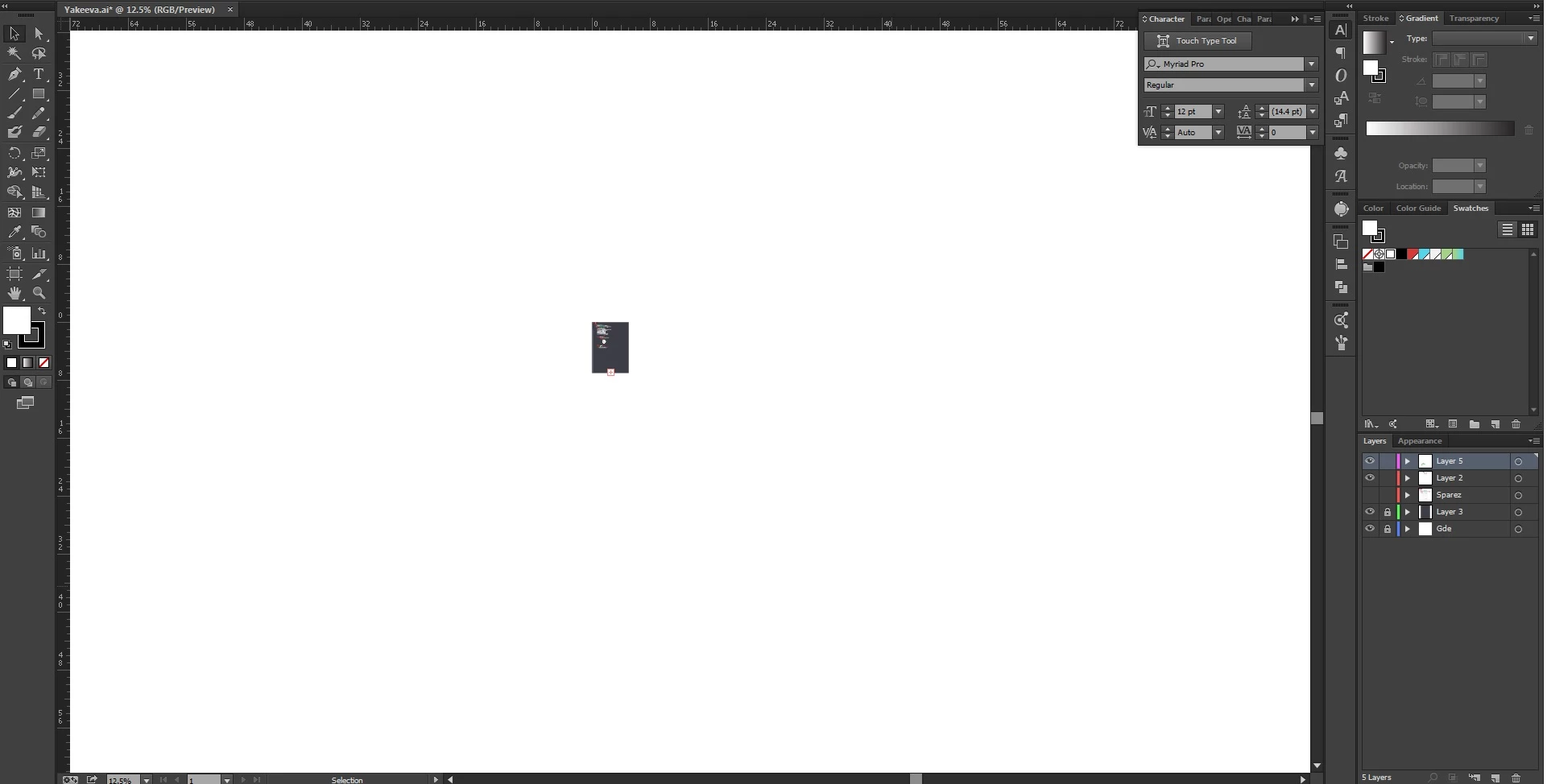
Ok, so my canvas colour is stuck as white.

I already know you an change it via user interface, even when I mess with that and have it checked to match user interface (or whatever), its just stuck as white. When I open a new doccument, its the normal dark grey I enjoy, but for some reason in one file its just stuck as white. Anyone know whats going on?
Correct answer Justin22999439fnzb

Got to View and choose "View Artboards"  or press Shift + CMD + H.


Hope that helped 🙂

13 replies

Doug A Roberts
Community Expert
Community Expert
April 27, 2015

is overprint preview on?

Jacob Bugge
Community Expert
Community Expert
April 27, 2015

RAR,

What happens if you click somewhere in the whiteness (with Fill in front of Stroke in the Toolbox, and then click the None button?

In other words: are you sure we are not talking about a large white rectangle or something?

Known Participant
April 30, 2015

Thank you! its not letting me tag you in my thanks so Thank you so much!

Jacob Bugge
Community Expert
Community Expert
April 30, 2015

For my part you are welcome, RAR.

sishamIAGD
Community Expert
Community Expert
April 27, 2015

What size is your artboard?

What happens when you go to View>Fit Artboard to window?

Sorry almost looks like your artboard is big and your artwork is just small in the middle..?

Known Participant
April 30, 2015

Thank you so much for the help!!

sishamIAGD
Community Expert
Community Expert
May 1, 2015

Glad you solved you problem.