
Participant
June 13, 2025
Question

CC Library constantly frozen and unusable for Adobe Illustrator for Mac

  • June 13, 2025
  • 2 replies
  • 544 views

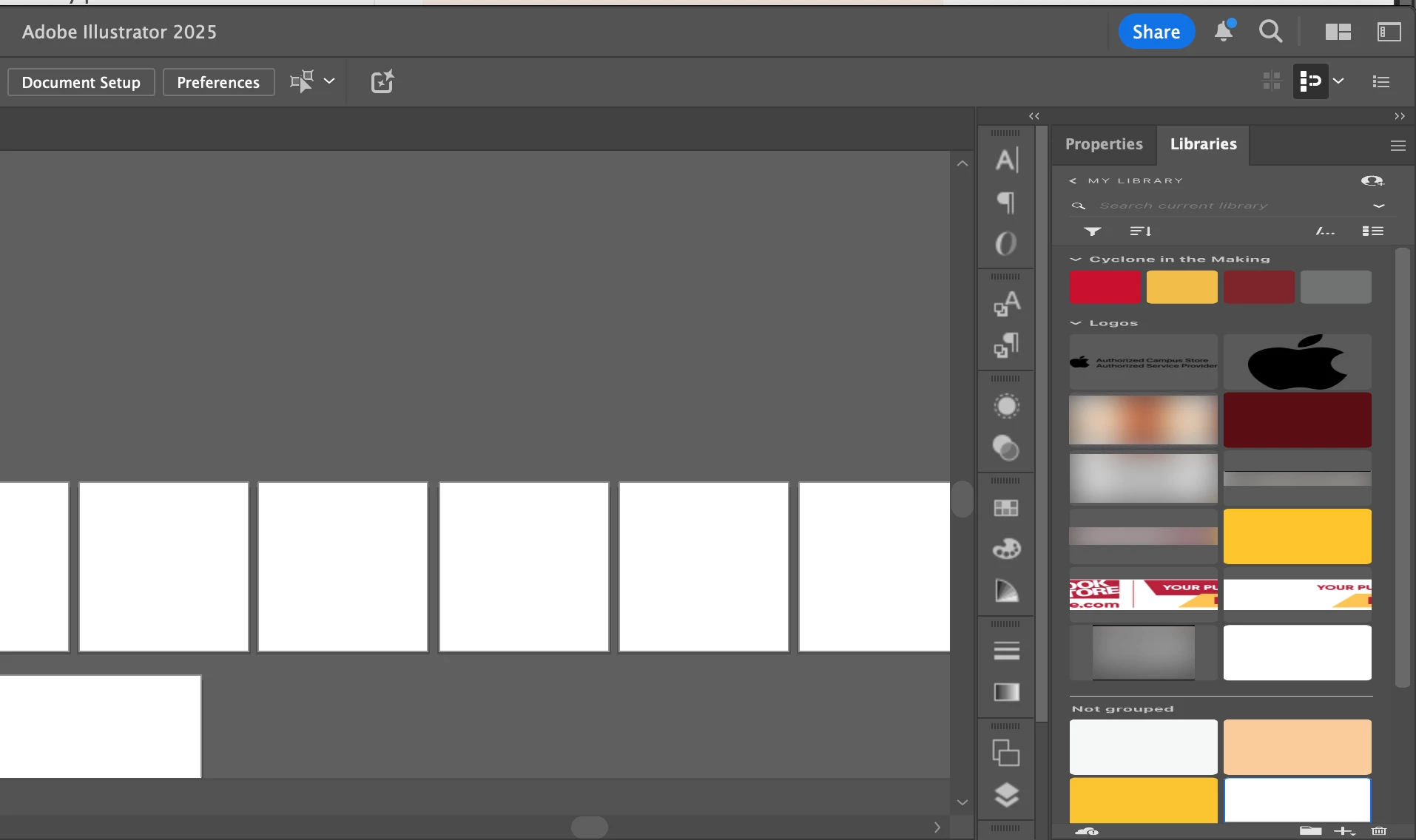
The CC Library for Adobe Illustrator (updated to the current version 29.5.1) keeps freezing on Mac. Repeated restarts, along with closing and reopening the Library panel, do not work. Worse, when it does, clicking on one library asset activates another. This has been going on for months now. Any possible fixes?

You also know the CC Library panel is frozen because when you resize the Illustrator app window, the Library panel simply gets "deformed" and is squished like a .jpeg file.
 

2 replies

davecourtemanche
Inspiring
June 16, 2025

When my Cloud library goes sideways, I always start with logging out of Creative Cloud and then logging back in. Forces a re-sync that sometimes fixes it.

Anubhav M
Community Manager
Community Manager
June 13, 2025

Hello @Ronit Nayak,

Would you mind trying the following steps and checking if it helps:

  • Close all Adobe applications
  • Remove the Creative Cloud Desktop application, CCLibrary, and CoreSync using the Creative Cloud Cleaner Tool (https://adobe.ly/3FXYoVx)
  • Reinstall the Creative Cloud Desktop application (https://adobe.ly/4l4o8OW)
  • Relaunch Illustrator

Looking forward to hearing from you.
Anubhav