
Participant
September 9, 2025
Question

Center smart guide missing

  • September 9, 2025
  • 1 reply
  • 486 views

Hello, 

I've been trying to get this to work for quite a while now and can't seem to find any way for it to appear, I updated my illustrator to the latest version of it on 09/08/2025 and somehow, the smart guides lost the center point on them and I can't easily center my objects/groups anymore, I've tried meddling with smat guide preferences, snap to point/grid, attributes and nothing. It used to show on the previous version but once this update hit it looks like it dissapeared.
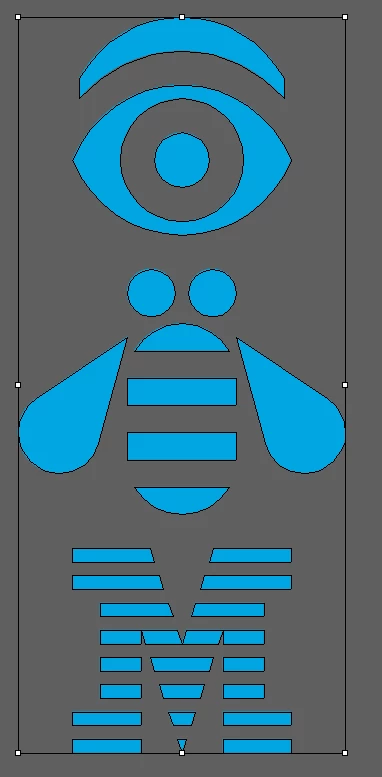
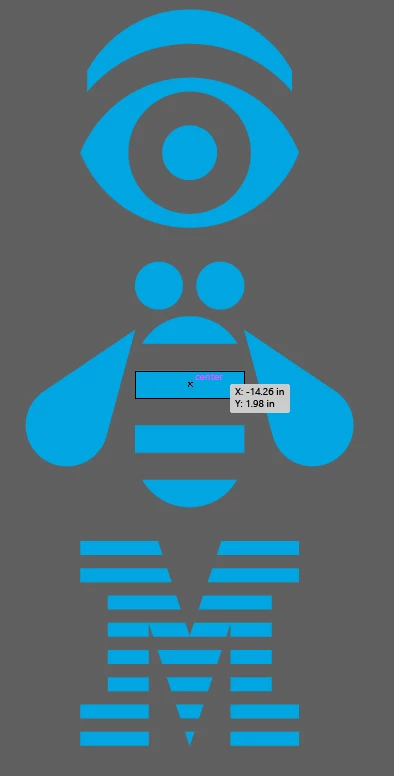
Is there a way to toggle it back on or to bring it back? It's driving me crazy and I would really appreciate some help.


Thank you,

1 reply

Doug A Roberts
Community Expert
Community Expert
September 9, 2025

Is the centre point on in the attributes panel for the selected objects?


juan_3193Author
Participant
September 9, 2025

It is on but it only creates a center point for each individual object within the group and not for the selected group's center.

Visuals:

Kurt Gold
Community Expert
Community Expert
September 9, 2025

It has for me until yesterday when I updated. I'm trying not to sound as crazy because it's what i've worked and relied on for the past few months for my job, it's the feature where the "intersect"/"center" smart guide appears with an "x" when moving an object/group to align with another, I got a couple examples from some videos I was able to find on the internet.
https://www.youtube.com/watch?v=XbdSYG-Xzao


What I'm getting now it's a text that says "endpoint" or "midpoint" or a center with lines once it's already been centered based on your estimation since I can't know for certain where it is now, as you can see below:


In Illustrator 29.8.1 I can still see the center mark as per your latest description.


In the screenshot below the grey triangles are a group that is moved towards the yellow circle. When the centre of the group meets the centre of the circle, smart guides are saying "Centre" ("Mitte" in the screenshot). Isn't that what you're looking for?


Can you show your smart guides settings?