
Known Participant
September 1, 2015
Question

Centralise an off-centre design by using a rectangle larger than the design but sharing the same center point

  • September 1, 2015
  • 1 reply
  • 736 views

Thanks to the help of kind people on this forum I have a script that

does everything I want it to do on about 99% of all designs I have

to deal with.  The other 1% would be those which are not in themselves

central to the Illustrator page because of uneven placement of elements in

them.

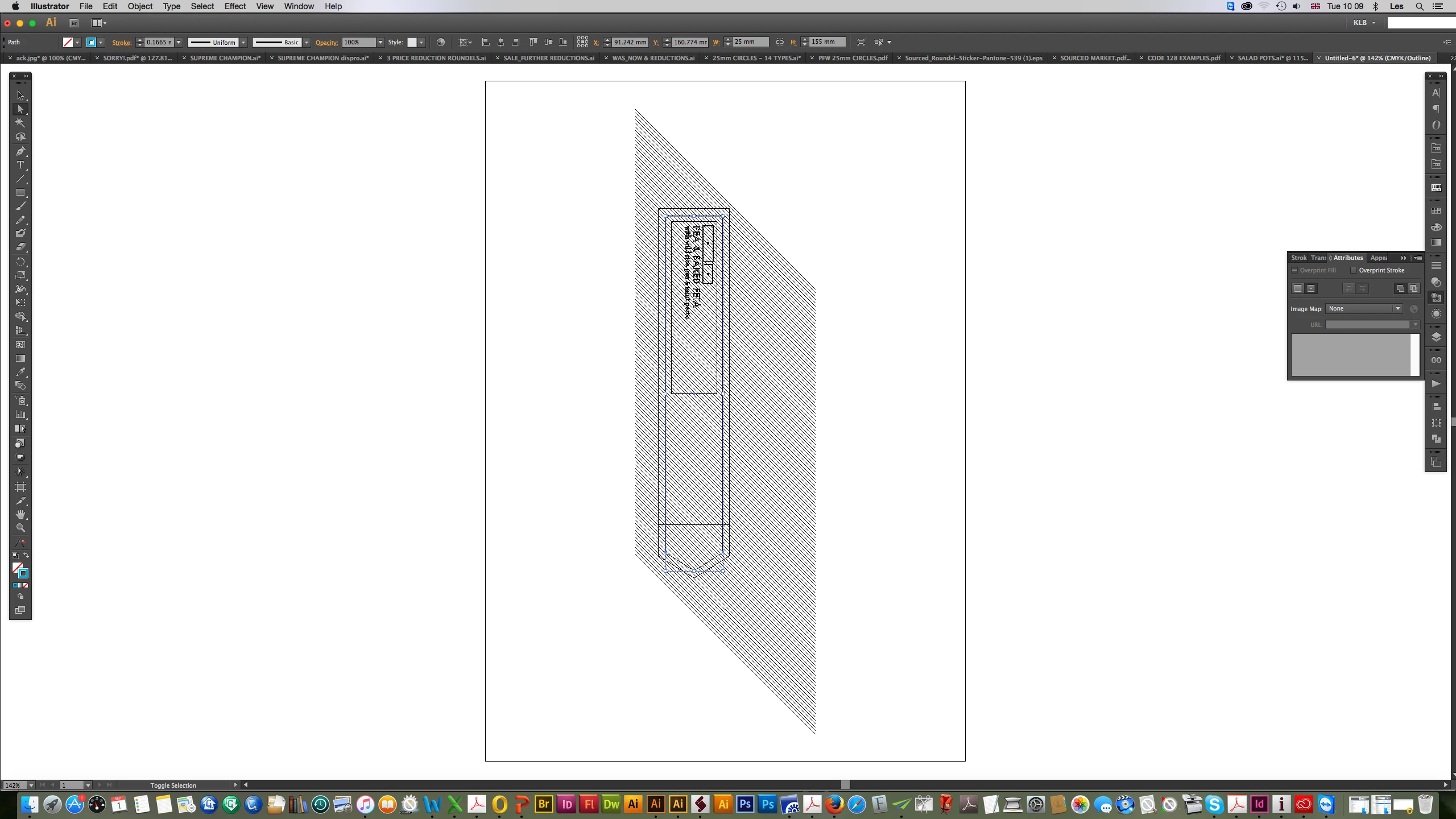
The problem is illustrated thus: the uneven masked-off bleed on this example, when stepped, repeated

and grouped to create my plate layout prevents it from being centered on the page as I need it to be:
and my solution -
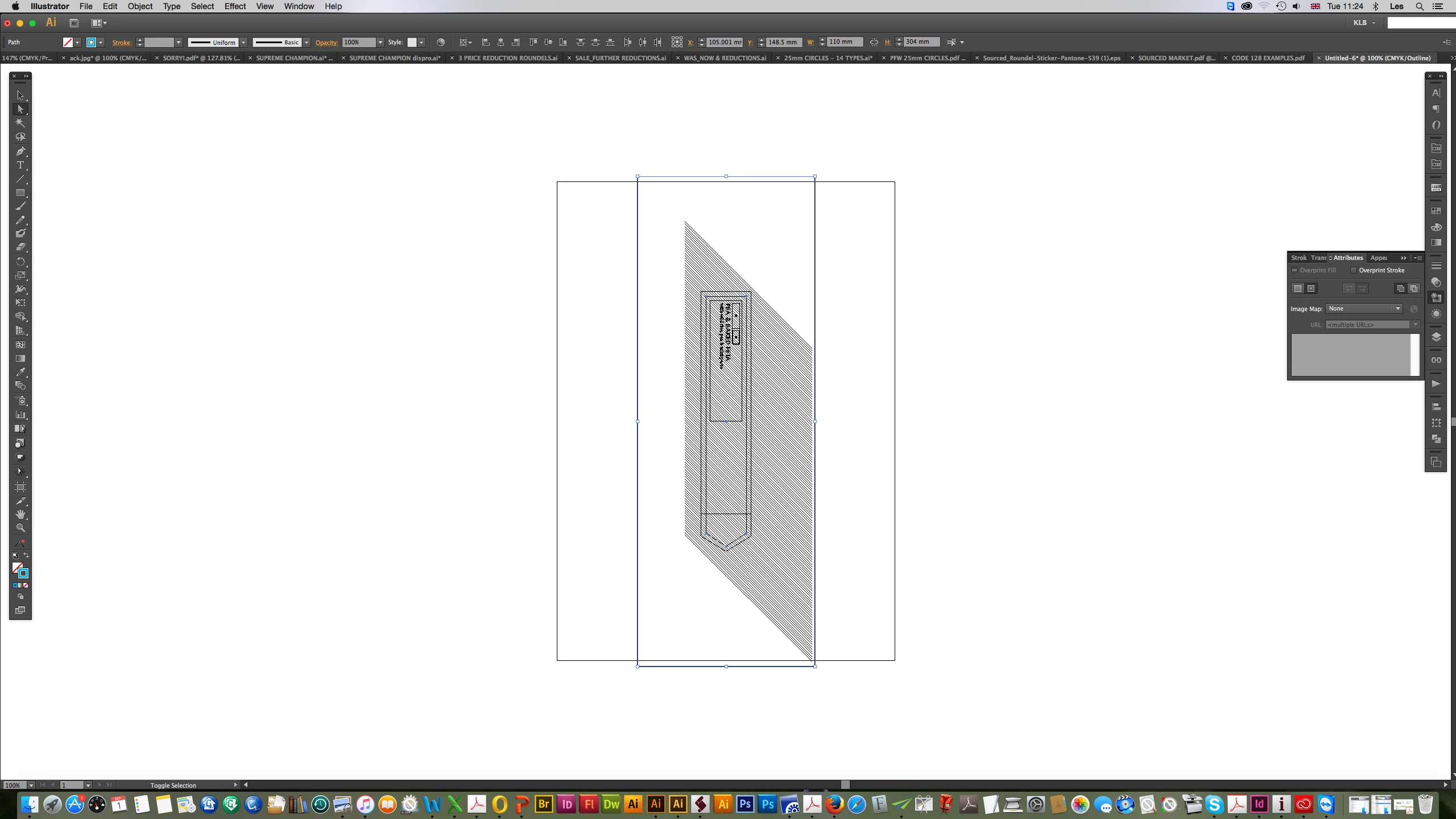
I draw a rectangle which shares the center point of the design's keyline and is bigger than everything in

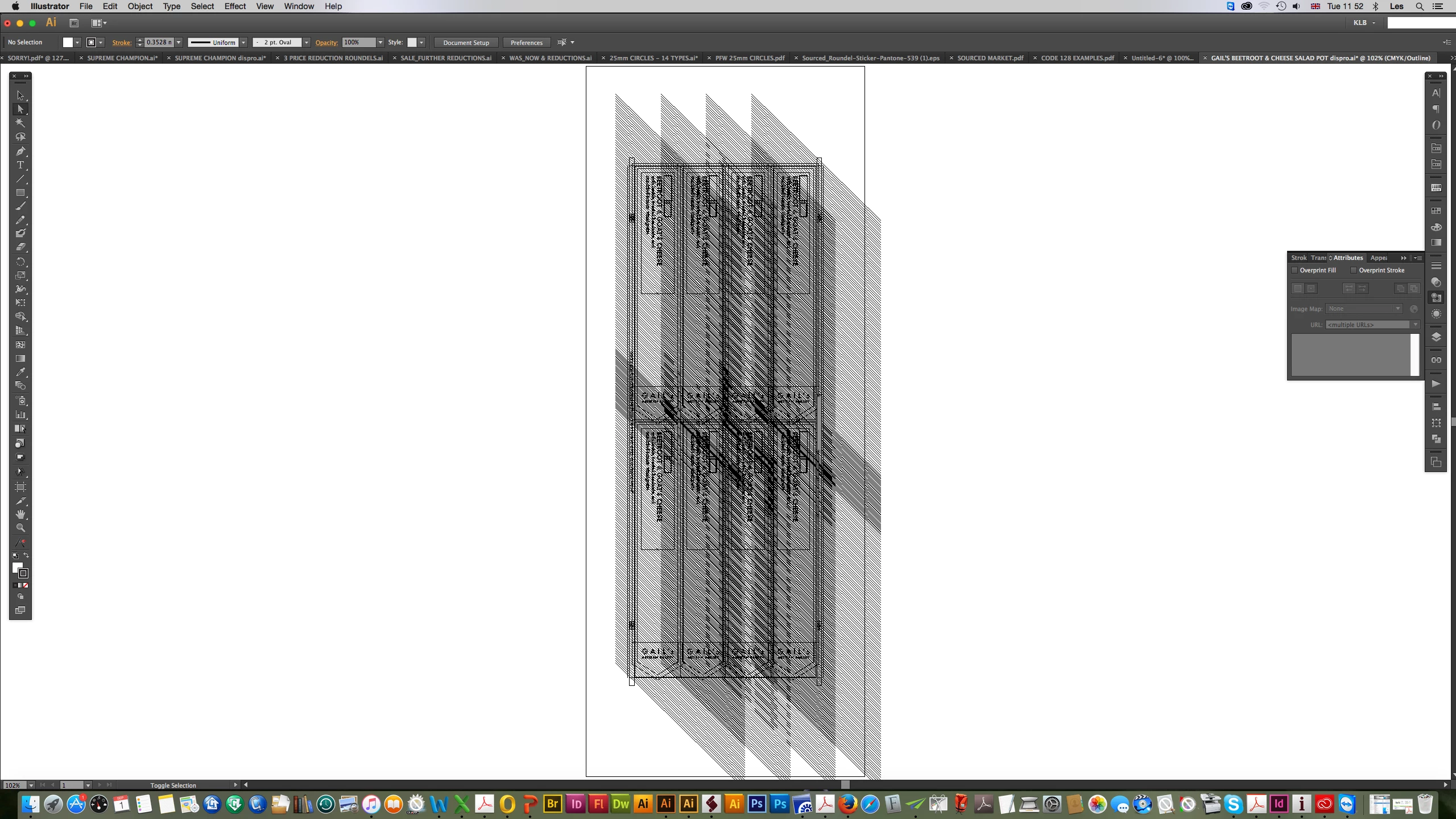
the original.  When this is stepped (four across) and repeated (two back) the plate layout comes out in the

center of the page; and then I delete the rectangles from it and it looks like it should:
That works, of course, but I'd really like to achieve programatically what I did manually, creating a rectangle

that sits on the same center point as the keyline of the artwork and extends beyond its furthest limits.

I'm not sure even how to start the calculations to work out how far the rectangle would need to extend;

or if you could create a pathItem and sit it on another's central point.

Perhaps it'd be a better idea, if possible, to offset the keyline path until it extends further than the (invisible)

bleed, but how to know when it was big enough ......?

Any advice (especially mathematical!) would be most gratefully received.

KORGPOLLY

This topic has been closed for replies.

1 reply

Qwertyfly___
Legend
September 2, 2015

if you always can find the key line then there is no need to create a box to center with.

here is an example:

key Line must be named "KeyLine"

Select everything that you want re located before running script.

function center_on_page(){

    var doc = app.activeDocument

    var key = doc.pageItems.getByName("KeyLine");

    var Kw = Math.abs(key.width);

    var Kh = Math.abs(key.height);

    var Kx = key.position[0];

    var Ky = key.position[1];

    var sel = doc.selection[0];

    var Sx = sel.position[0];

    var Sy = sel.position[1];

    var ab = doc.artboards[doc.artboards.getActiveArtboardIndex()].artboardRect;

    var X = (ab[0]+((ab[2] - ab[0])/2))-(Kx-Sx)-(Kw/2);

    var Y = (ab[1]-((ab[1]-ab[3])/2))-(Ky-Sy)+(Kh/2);

    sel.position = [X,Y];

}

center_on_page();

KorgpollyAuthor
Known Participant
September 2, 2015

Hi, Qwertyfly

Many thanks for your response.  What I have been doing, with your help

amongst others, is making a script to step, repeat and disproportion a

plate layout.  I have completed the script which works satisfactorily for

everything except designs where there is bleed that has been masked off

but is uneven - ie spreading more to top or bottom and/or left or right.

The example I showed extended to bottom and right.  Once stepped

four times across and twice down it is disproportioned and centered -

except that the extra (masked) bleed makes it off-centre.  To get around this

(manually) I created a rectangle bigger than the bleed having a common

center point with the keyline.  This works nicely, the layout (using code

similar to yours above) comes out central on the page.  Now I'd like to do

it programatically.

So far I've got:

#target Illustrator

k_items=idoc.pathItems.length      
for (var k = 0; z <k_items; k++){
      var kitem=idoc.pathItems
           if (kitem.note=="checkmyarea"){  // that's the note on my keyline
                   kitem.selected=true
                 var kpos0=kitem.position[0]
                 var kpos1=kitem.position[1]
                 var dielinewidth=kitem.width
                 var dielineheight=kitem.height
                 var cpos0=kpos0+(dielinewidth/2)
                 var cpos1=kpos1-(dielineheight/2)
                 var adjustctr=kitem.duplicate()
                 adjustctr.note="tobedeleted"  // later will select all items with this note and .remove() them
           }   
}

app.executeMenuCommand('select all');
idoc = app.activeDocument;

var idocSelected=idoc.selectio
var allwidth=idocSelected[0].width
var allheight=idocSelected[0].height
var oapos=idocSelected[0].position[0]
var oapos1=idocSelected[0].position[1]
var far_left=oapos
var far_right=oapos+allwidth
var far_top=oapos1
var far_below=oapos1+allheight
var leftadj=far_left-cpos0
var rightadj=cpos0-far_right
var top_adj=far_top-cpos1
var bottom_adj=cpos1-far_below
var adjustctr0, adjustctr1
if (rightadj>leftadj){
    adjustctr0=(rightadj+25)*2
       }else{
        adjustcr0=(leftadj+25)*2
        }
if (top_adj>bottom_adj){
    adjustctr1=(top_adj+25)*2
       }else{
        adjustcr1=(bottom_adj+25)*2
        }
  
adjustctr.selected=true
adjustctr.filled=false
adjustctr.stroked=false
adjustctr.width=adjustctr0
adjustctr.height=adjustctr1

I will need to make mathematical adjustments to move the

false rectangle in the appropriate direction(s) once I've got

it coming into existence at the correct size (as increasing

a shape's width extends it to the right etc).  But I've not had

time to go further.

Qwertyfly___
Legend
September 3, 2015

I agree, Qwertyfly, maths is the answer and I wouldn't need it if it was

just one single instance of the design being centered.  However, if you

copy it - say - four times across and then twice down by set distances,

group and try to centre the result (which will not come out central

on the page, of course, because of the uneven bleed) it'd take

some very good maths to figure out exactly where it ought then to be.

If you can do that my hat would be off to you!  I've tried replying direct to an

e-mail from people on the forum but for some reason you can't send

one successfully, otherwise I'd be happy to send you an example of

what I'm doing.  And I promise I will use the advanced editor from now

on if you'll be kind enough to tell me where it lives!

I've used the false rectangle (manually) for years.  In principle it does

the same thing as your suggested maths.  Essentially, what I've started

doing with it is the same as your paradeigm above - though I'll have to

allow for translating other examples to the right and to the bottom, as

well!

Once I've finished some code to achieve the false rectangle, would you

be prepared to give me the benefit of your superior knowledge, please?


for the advanced editor you need to open the thread. not just view it in the inbox.

click the main heading at the top to get to the full tread then hit reply, then top right of the box you type in it says advanced editor or something.

click that and then you get access to the syntax highlighter.

its a bit round about but thats just the way adobe does things...

do you have a set distance between dielines?

how do you decide on that distance and how do you decide how many to lay out on a page?

let me know that info and I should be able to give you some good direction...