Participant
May 1, 2025
Answered

CEP Panels won't load in Illustrator 29.5

  • May 1, 2025
  • 4 replies
  • 1249 views

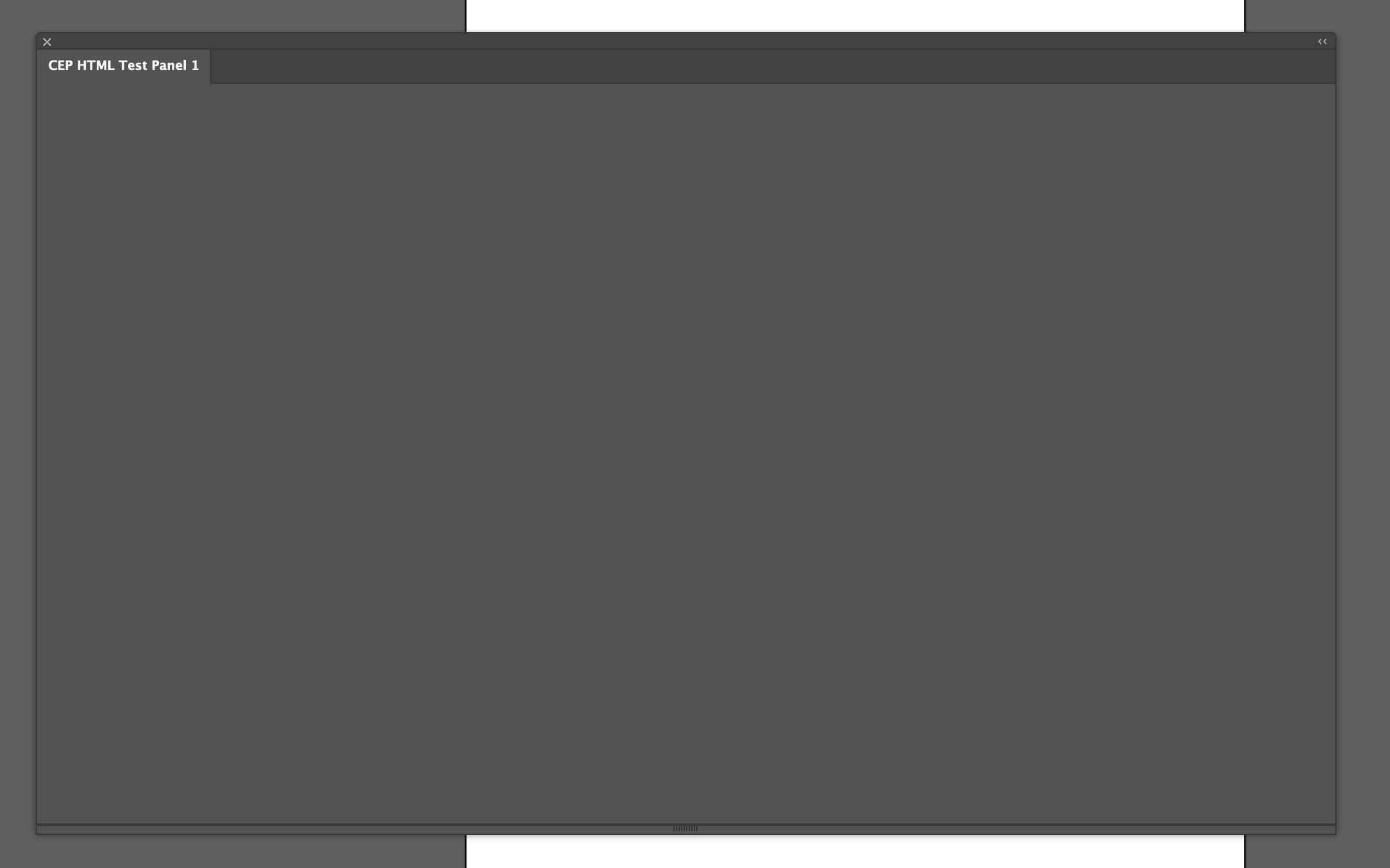
Every CEP panel I open is blank in Illustrator 29.5. They are fine if I open them in 29.4. It is behaving as if PlayerDebugMode is set to 0, but that's not the case. What's going on?

Correct answer Charu Rajput

@Adam2230367211bg - One more thing that you can try is to set the PlayerDebugMode to 1 for CSXS.12

defaults write com.adobe.CSXS.12 PlayerDebugMode 1


4 replies

Community Expert
May 2, 2025

Check the logs it might have some entries for what is causing the trouble. If you are using an unsigned extension and the same was loading on 29.4 then nothing more would be needed to laod it on 29.5. So the first step would be to check the logs. For the log location check the documentation linked below

CEP 10.0 HTML Extension Cookbook.md

-Manan

-Manan
Participant
May 2, 2025

Thanks Manan. Checking the logs made me notice that there were logs for CSXS.12 and that I had to use that verison instead of that one I have been using (CSXS.11).

Charu Rajput
Community Expert
Charu RajputCommunity ExpertCorrect answer
Community Expert
May 1, 2025

@Adam2230367211bg - One more thing that you can try is to set the PlayerDebugMode to 1 for CSXS.12

defaults write com.adobe.CSXS.12 PlayerDebugMode 1


Best regards
Participant
May 2, 2025

This was it, thanks!

Charu Rajput
Community Expert
Community Expert
May 1, 2025

@Adam2230367211bg - There may be some issues within the plugin, possibly related to file handling. I had encountered similar problems in version 29.5, which I was able to resolve on my end. Everything is now functioning correctly.

Best regards
Participant
May 1, 2025

I am using macOS Sequoia 15.4.1.