
Participant
January 4, 2022
Answered

Change color settings??

  • January 4, 2022
  • 2 replies
  • 544 views

Hi I got a question. I don't use Illustrator often but I need to animate a design out of illustrator for work. 

I hope my explanation makes sense. 


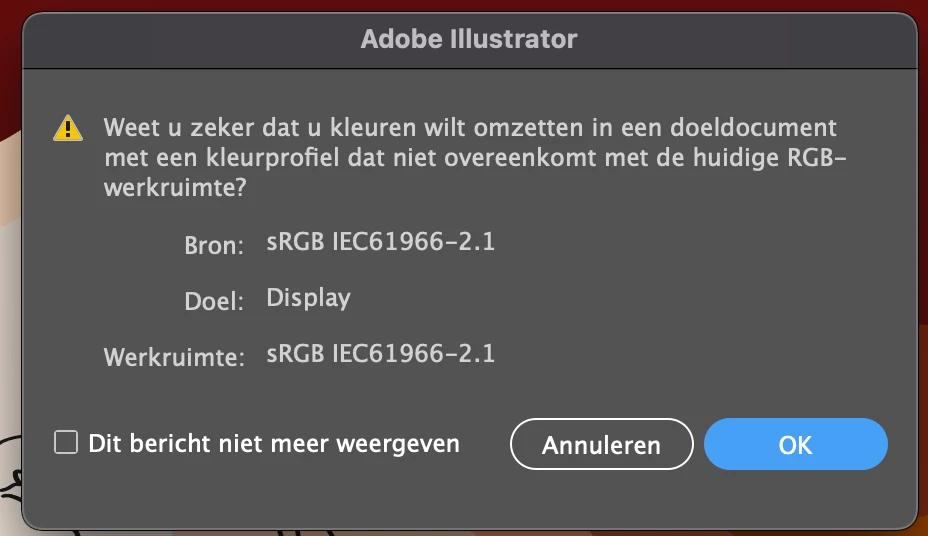
I made a new AI document and made multiple layers with the design, but the colors are not matching anymore. If I try to paste the original design into the new AI document I get to see this image. (translation: Are you sure u want to change the colors into a target document with a color profile that doesn't match the current RGB-workspace?) 


If I try to copy the color code it still doesn't work if I paste it onto the other objects. 


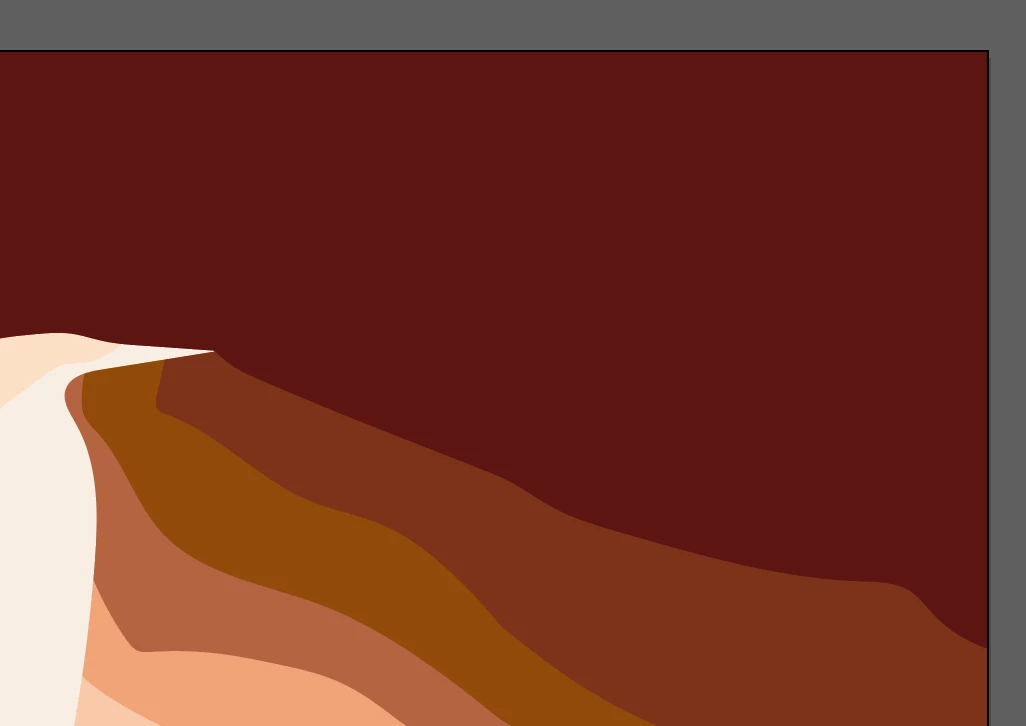
The colors I want: 


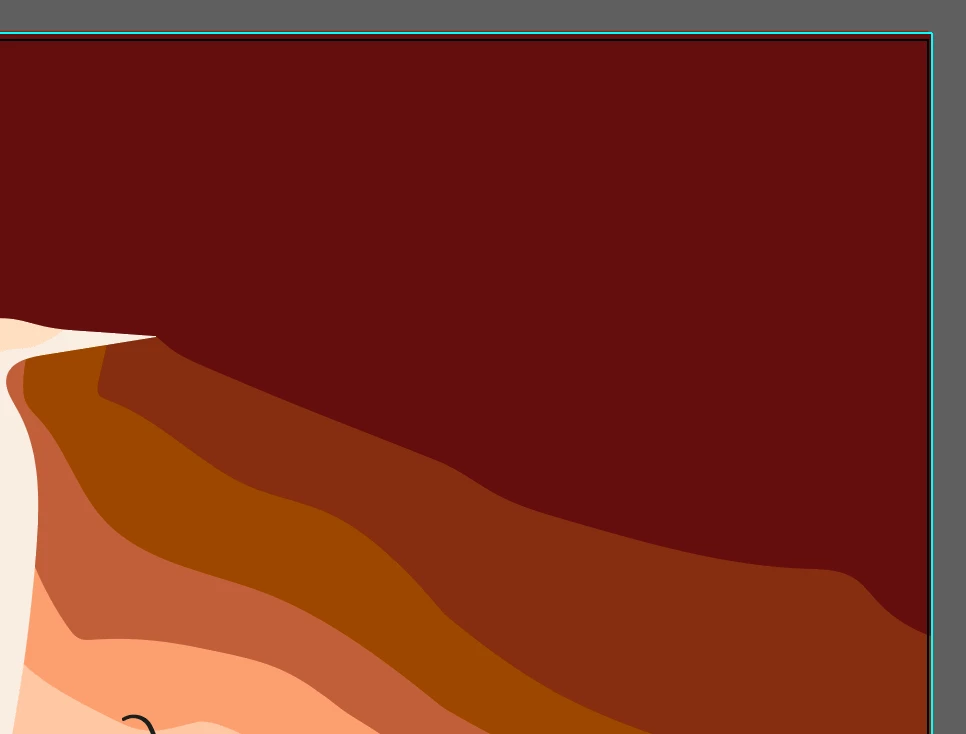
The colors I get: 
This topic has been closed for replies.
Correct answer Ton Frederiks

It looks like "Display" is your RGB color profile in your color settings. A monitor color profile is not a good working space.

Can you show your color settings?

sRGB is a beteer editing space, especially when the target is web. 

If you want your current document to be an sRGB document; Edit > Assign Profile > sRGB

2 replies

Ton Frederiks
Community Expert
Ton FrederiksCommunity ExpertCorrect answer
Community Expert
January 4, 2022

It looks like "Display" is your RGB color profile in your color settings. A monitor color profile is not a good working space.

Can you show your color settings?

sRGB is a beteer editing space, especially when the target is web. 

If you want your current document to be an sRGB document; Edit > Assign Profile > sRGB

Participant
January 4, 2022

Thanks a lot! I changed the color settings to sRGB and the colors changed immediately to how I want them.

Ton Frederiks
Community Expert
Community Expert
January 4, 2022

Good to hear that helped.

lambiloon
Community Expert
Community Expert
January 4, 2022

Hi not change the color profile then hope all will be ok...regards

Ali Sajjad / Graphic Design Trainer / Freelancer / Adobe Certified Professional